
Launching a white-label SaaS business is exciting because you are not simply selling software. You are building a branded service experience around a platform that can help businesses manage leads, conversations, appointments, marketing campaigns, and customer relationships from one place. But there is another part of the setup that deserves just as much attention as the software itself: payments.
If customers cannot move smoothly from choosing a plan to completing payment and receiving access, even a well-designed SaaS offer can create unnecessary friction. Stripe can provide the payment infrastructure, while GoHighLevel can connect payment activity with the broader customer journey.
The real advantage comes from connecting these systems thoughtfully. Payment should not exist as an isolated transaction. It can become a trigger for onboarding, account management, communication, follow-up, and retention.
For businesses building a White-Label SaaS around GoHighLevel, understanding how Stripe fits into the overall system is therefore important. A properly configured setup can reduce manual administration and create a more professional customer experience.
Why Stripe Matters for a GoHighLevel SaaS Business
Stripe is commonly used to process online payments and manage recurring billing. For a SaaS business, recurring payments matter because subscriptions can become the foundation of predictable revenue.
Instead of manually requesting payments every month, businesses can establish recurring billing arrangements. Customers can select a plan, provide their payment information, and continue being billed according to the subscription terms.
The important part is connecting the payment event with what happens inside GoHighLevel.
A successful payment could trigger onboarding communication. A failed payment could create an internal notification. A cancellation could move the customer into a retention workflow.
This is where GoHighLevel automation can become useful.
Start by Defining Your SaaS Offer
Before connecting Stripe, determine exactly what you are selling.
A SaaS business might have a single subscription plan, several monthly tiers, annual options, setup fees, add-ons, or different packages for different customer types.
These decisions should be made before building the payment structure.
For example, if you have three subscription levels, you need to understand what each plan includes and what should happen when someone moves between them.
The payment setup should reflect your commercial model rather than forcing your business to adapt to a confusing technical structure later.
Connect Your Stripe Account Carefully
The first technical step is connecting the appropriate Stripe account to your GoHighLevel environment.
The exact interface and available settings can change as platforms evolve, so it is important to follow the current GoHighLevel and Stripe setup instructions when connecting accounts.
Businesses should also verify that the Stripe account is configured correctly for the type of payments they plan to accept.
Before launching publicly, test the connection with a controlled transaction and verify that payment information, customer records, products, and relevant events are being handled as expected.
Create Your Products and Pricing Structure
Stripe needs to know what customers are purchasing.
For a SaaS business, this typically means creating the relevant products and pricing options before connecting them to your sales process.
Think beyond the price itself.
Consider billing frequency, introductory offers, setup charges, upgrades, downgrades, and cancellation policies.
Your pricing structure should be easy for customers to understand. If your website describes a plan one way while the checkout experience presents something different, confusion can quickly reduce trust.
This is where gohighlevel marketing and payment strategy need to work together.
Marketing attracts the customer, but the checkout experience confirms whether the offer feels credible.
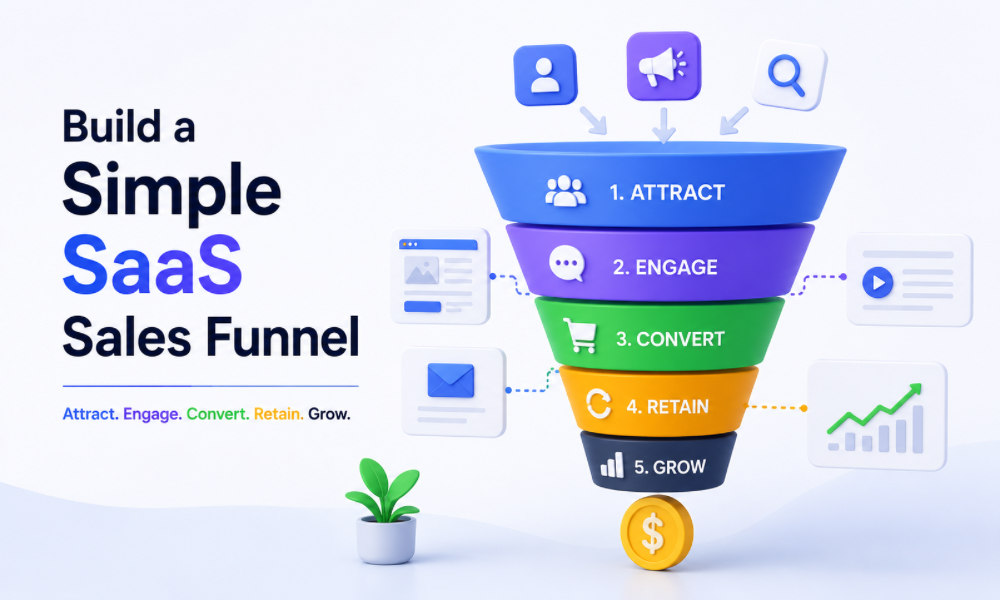
Build a Simple SaaS Sales Funnel
Once your products are established, the next step is creating the customer journey.
A typical SaaS funnel might include a landing page, offer or pricing page, checkout experience, confirmation page, and onboarding process.
Each stage should have a clear purpose.
The landing page explains the problem and solution. The pricing section helps prospects compare plans. The checkout page makes purchasing straightforward. The confirmation stage tells customers what happens next.
Avoid adding unnecessary steps between interest and payment.
The easier it is for a qualified prospect to understand the offer and complete the purchase, the less opportunity there is for them to abandon the process.
Connect the Payment With Customer Onboarding
Payment should be the beginning of the customer relationship, not the end of the funnel.
Once someone becomes a paying customer, they should know what to do next.
An automated workflow can send a welcome message, explain onboarding steps, provide access instructions, request required information, or direct the customer toward a setup appointment.
This is one of the most useful applications of go high level automation for SaaS businesses.
Instead of having someone manually send every new customer the same information, the system can begin the onboarding process immediately after the appropriate payment event.
Build a Welcome Experience That Feels Personal
Automation should not make new customers feel like they have purchased from a machine.
The first few messages after payment are important because they establish expectations.
A good welcome sequence can thank the customer, confirm their purchase, explain what happens next, and introduce the resources they need.
If your SaaS requires setup or configuration, explain the process clearly.
Customers should never have to wonder whether their payment went through or what they are supposed to do next.
Use Internal Notifications for New Customers
Customer-facing automation is only one part of the system.
Your internal team also needs to know when a new customer arrives.
A successful payment can trigger an internal notification containing relevant customer details. This allows the team to review the account and take any manual action that cannot or should not be automated.
An Automation Specialist can help determine which internal notifications are necessary and which can be eliminated to prevent staff from receiving unnecessary alerts.
Handle Failed Payments Automatically
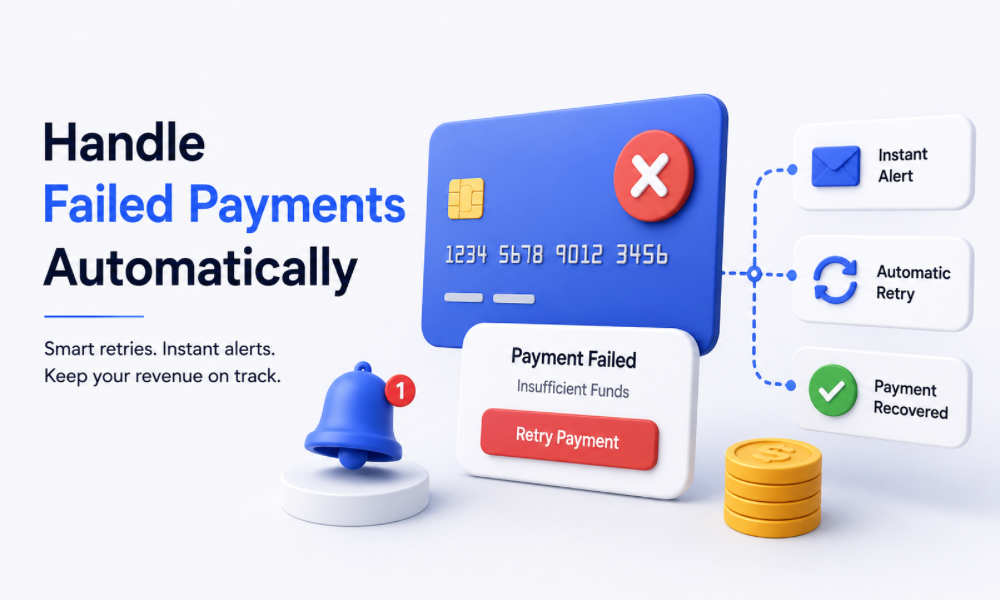
Subscription businesses need a strategy for failed payments.
A card can expire. A bank can decline a transaction. A customer may replace a payment method. Technical issues can also occasionally interfere with a transaction.
Without a process, a failed payment can quietly turn into lost recurring revenue.
Your payment system should identify failed transactions, and your customer communication process should respond appropriately.
The tone matters.
A payment failure message should inform the customer about the issue and provide a clear way to resolve it rather than making the customer feel as though they have intentionally failed to pay.
Build a Cancellation Workflow
Cancellations should also be treated as part of the customer journey.
When someone cancels a subscription, the system should record the change and trigger the appropriate internal and customer-facing processes.
The customer may need confirmation of cancellation, information about access, or clarification about their final billing period.
From the business side, cancellation data can also be useful for understanding churn.
A cancellation workflow can create opportunities to collect feedback without making the process unnecessarily difficult.
Think About Upgrades and Downgrades
SaaS customers may change plans as their needs evolve.
Your system should have a clear process for upgrades and downgrades.
A customer moving to a higher plan may need additional features or services activated. A customer moving to a lower plan may lose access to certain capabilities.
These changes should be reflected consistently across the billing and SaaS environment.
The more complex your pricing structure becomes, the more valuable professional configuration can become.
Keep Billing and CRM Information Consistent
One of the biggest risks in an integrated SaaS environment is inconsistent customer information.
A customer may update billing information in Stripe while their CRM record contains older information. A subscription could change while internal records remain unchanged.
Your setup should define which system is responsible for which information and how relevant changes are communicated between platforms.
This is especially important as your customer base grows.
What works manually for ten customers can become unmanageable with hundreds.
Use Tags and Fields to Organise Customers
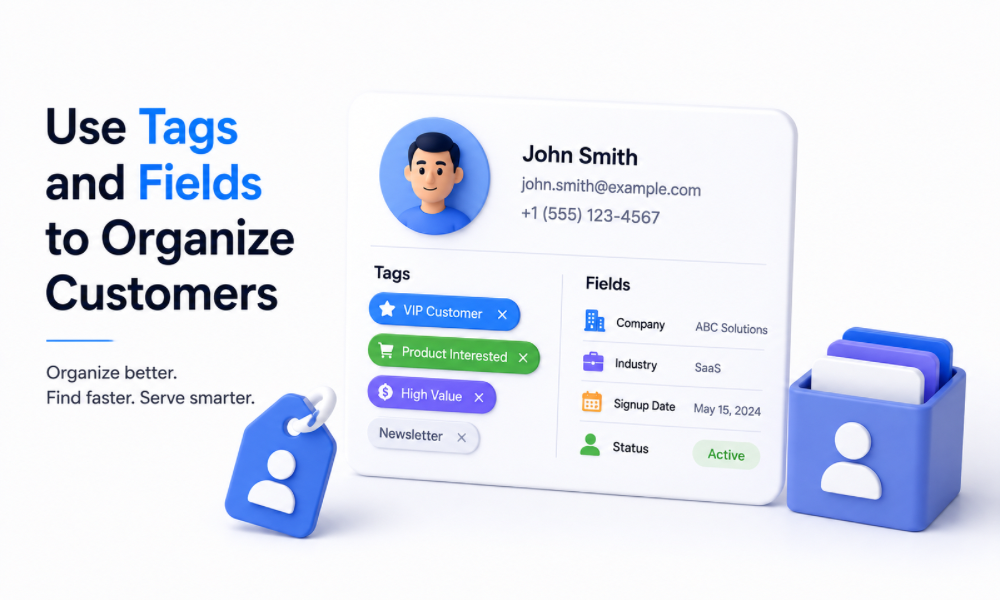
Customer records can be structured around useful attributes.
You may want to distinguish between active subscribers, trial users, cancelled customers, overdue accounts, premium-plan customers, or customers in onboarding.
Tags and custom fields can help organise these relationships.
However, avoid creating dozens of fields without a clear purpose.
Every field should support a real business process, reporting requirement, segmentation strategy, or automation.
Connect Payment Status With Marketing
Payment information can influence customer communication.
A paying customer should not receive marketing messages designed for prospects who have never purchased.
Similarly, someone who has cancelled should not continue receiving promotional messages intended for active subscribers.
This is where CRM segmentation becomes valuable.
With properly designed workflows, payment status can influence what communication customers receive.
Effective gohighlevel marketing therefore extends beyond lead acquisition. It can support customer retention and lifecycle communication as well.
Build a SaaS Onboarding Funnel
A strong SaaS onboarding process can have several stages.
First, confirm the purchase. Next, explain how to access the platform. Then guide the customer through setup and demonstrate how to get value from the system.
You can also create milestone-based communication.
For example, customers who have not completed setup can receive a reminder. Customers who complete setup can receive the next educational resource. Customers who appear highly engaged can be introduced to advanced features.
The goal is helping customers reach value quickly.
White-Label SaaS Requires Strong Branding Consistency
One of the main reasons businesses choose a White-Label SaaS model is to provide a branded customer experience.
That means branding should not stop at the website.
Payment pages, confirmation messages, onboarding communication, support information, and customer-facing notifications should feel consistent with the brand wherever possible.
Customers should understand who they are buying from and who is responsible for their service.
Consistency creates confidence.
Plan for Customer Support Before Launch
Payment-related questions are inevitable.
Customers may ask about billing dates, receipts, subscription changes, failed payments, refunds, or cancellations.
Create clear support procedures before launching your SaaS.
Your team should know how to identify a customer’s subscription status and determine what action is required.
Automation can handle straightforward communication, but customers should have an easy path to human assistance when their situation is more complicated.
Test the Entire Customer Journey
Never assume that a payment workflow works simply because the Stripe connection appears successful.
Test the complete journey.
Go through the funnel as a customer. Complete the checkout process. Confirm that the customer record is created correctly. Check whether the welcome communication is triggered. Verify internal notifications. Test different subscription scenarios and examine what happens when payment fails or a subscription is cancelled.
Testing should happen before customers encounter the system.
A go high level consultant can be valuable during this stage because an experienced reviewer may identify workflow conflicts or gaps that are easy to overlook when the system was built by the same person who designed the process.
Protect Customer Payment Information
Businesses should avoid treating payment data casually.
Stripe is designed to handle payment processing, but your broader system still needs careful access controls and appropriate data practices.
Do not store sensitive payment information in places where it does not belong. Limit access to customer information according to team responsibilities and review integrations carefully.
Security should be considered part of the customer experience.
People are trusting your business with financial information, and that trust should be treated seriously.
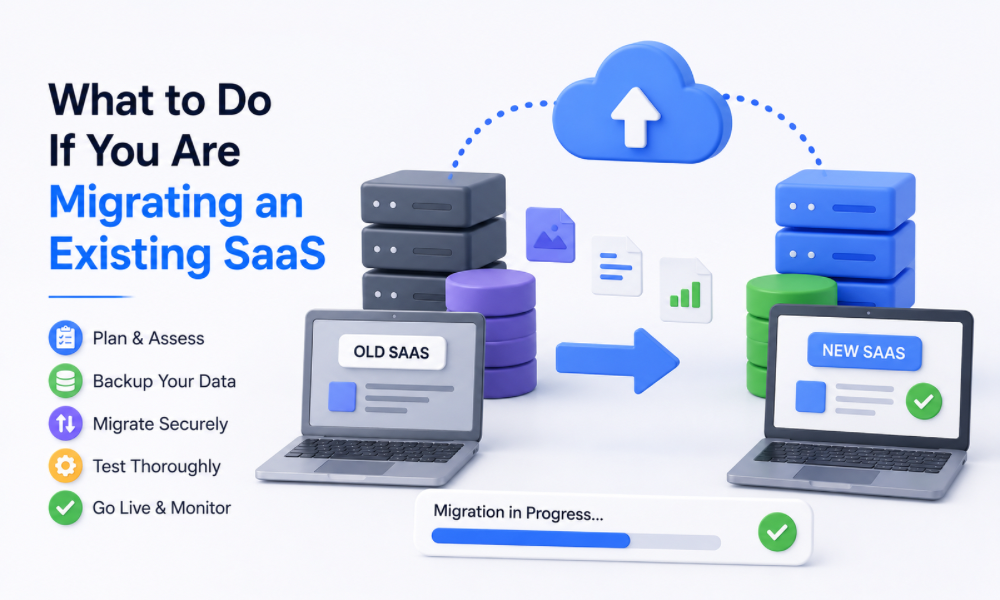
What to Do If You Are Migrating an Existing SaaS
If you already operate a SaaS business and are moving systems, payment configuration becomes more complicated.
A GHL Migration should account for more than contacts and pipelines. You also need to think about subscriptions, customer status, workflows, products, communication history, and the relationship between billing and CRM records.
Migration planning should happen before the switch.
Create a map of the existing customer journey and identify which processes need to be recreated, improved, or retired.
Do not assume that an existing workflow should simply be copied into the new environment.
Migration can be an opportunity to remove unnecessary complexity.
When to Bring in an Expert
Setting up a simple payment funnel may be manageable internally, but SaaS environments can quickly become complicated.
Multiple plans, recurring subscriptions, onboarding workflows, failed payment handling, customer segmentation, integrations, and migration requirements can create many points where mistakes become expensive.
An Automation Specialist can help design workflow logic, while a go high level consultant can review the overall customer journey.
Businesses that hire go high level consultant support can also benefit from having an experienced professional evaluate the structure before launch.
The goal is not to outsource every decision. It is to make sure the technical setup supports the business model.
Avoid Building Too Much Automation Too Early
More automation is not automatically better.
A new SaaS business may only need a few essential workflows at first: successful payment onboarding, appointment or setup reminders, failed-payment communication, cancellation handling, and basic customer segmentation.
As the business grows, additional automation can be introduced.
Starting with a clear foundation makes the system easier to understand and maintain.
Complexity should be earned by a real business need.
Setting up Stripe payments in GoHighLevel is not simply about connecting a payment processor and adding a checkout button. For a SaaS business, the payment event can become the starting point for an entire customer lifecycle.
A successful setup connects the offer, checkout, CRM, onboarding, communication, billing events, customer support, and retention process.
For businesses operating a White-Label SaaS, this integration can create a smoother branded experience while reducing repetitive administrative work. GoHighLevel automation can help trigger the right actions at the right time, while GoHighLevel marketing can keep prospect and customer communication properly separated.