
Switching CRM platforms is rarely as simple as exporting contacts from one system and importing them into another. A CRM usually contains years of customer information, sales processes, automation rules, forms, appointments, tags, campaigns, and internal habits that have become part of the way a business operates.
For companies moving from Keap to GoHighLevel, the migration can be an opportunity to create a cleaner and more flexible marketing and sales environment. But the transition needs careful planning. Moving data without understanding how the existing system works can result in missing information, broken workflows, duplicated contacts, or communication gaps.
The most successful migrations begin before anything is exported. Businesses first identify what they have, decide what they actually need, map the existing processes to the new environment, and then test everything before going live.
Professional gohighlevel crm services can help businesses approach the process as a structured transformation rather than a simple data transfer. Working with a certified gohighlevel ghl expert, gohighlevel automation expert, or experienced gohighlevel automation services provider can also reduce the risk of overlooking important processes during the transition.
Why Businesses Consider Moving From Keap
Keap has been used by many businesses to manage customer relationships, sales processes, marketing campaigns, and automation. Over time, however, a company’s requirements can change.
A business may want a more centralized environment for funnels, communication, appointments, workflows, and client management. Agencies may also want a platform that can support multiple client environments and more extensive automation.
For these businesses, GoHighLevel can represent a different approach to managing marketing and customer operations.
The decision should not be based simply on which platform has more features. The more important question is whether the new system fits the company’s current processes and plans.
Migration Should Begin With an Audit
Before moving anything, create a complete inventory of the existing Keap environment.
Review contacts, custom fields, tags, pipelines, forms, campaigns, email sequences, appointments, landing pages, integrations, products, invoices, and other important components.
This audit provides a clear picture of what actually exists.
Many organizations discover during migration that their CRM contains old tags, inactive campaigns, duplicate fields, outdated contacts, and workflows that have not been used for years.
There is little value in moving unnecessary complexity into a new platform.
A migration is an opportunity to clean the system before rebuilding it.
Separate Essential Data From Outdated Information
Not every piece of historical CRM data needs to be recreated exactly as it appeared in Keap.
Some information may be essential for ongoing customer relationships. Other data may only be useful for historical reference.
For example, active customer records, important communication information, sales history, and relevant segmentation data may need to be prioritized.
Old campaigns that are no longer used may not need to be rebuilt.
This distinction can make the migration significantly easier.
Instead of asking, “How do we move everything?” ask, “What information does the business actually need in GoHighLevel?”
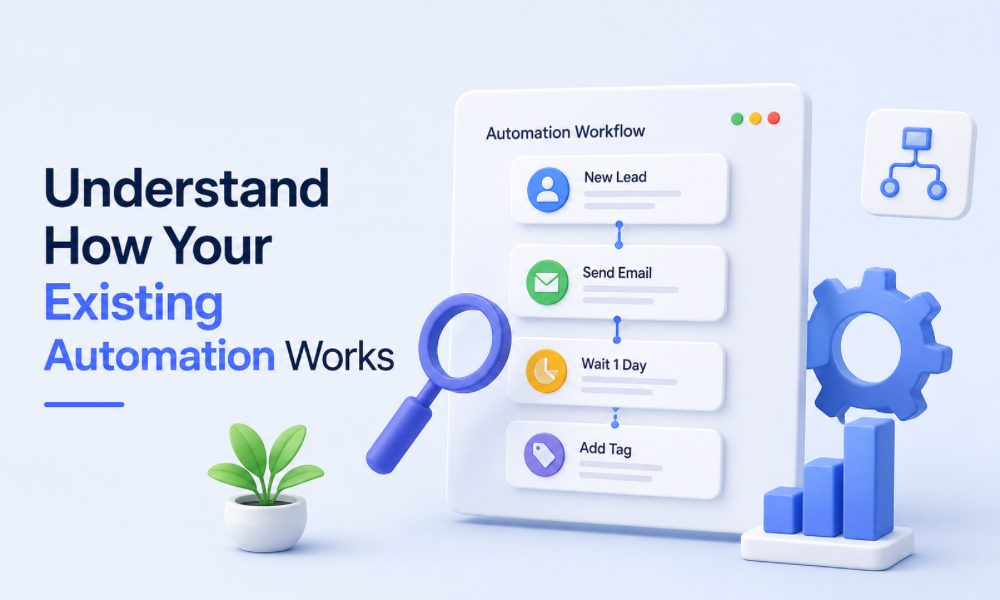
Understand How Your Existing Automation Works
Automation is often one of the most complicated parts of a CRM migration.
A business may have workflows that send emails, update records, assign tasks, move opportunities, apply tags, create appointments, or notify employees.
These processes should be documented before the old system is changed.
Create a simple map of what triggers each automation and what happens afterward.
For example, a new lead might submit a form, receive an email, be tagged according to their interest, enter a nurture campaign, and create an internal sales task.
That entire journey needs to be understood before it can be rebuilt.
This is where a gohighlevel automation expert can provide significant value.
Do Not Assume Automation Can Be Copied One-to-One
One of the biggest mistakes businesses make during CRM migrations is attempting to reproduce the old platform exactly.
Different platforms organize data, workflows, triggers, actions, and communication differently.
Instead of copying every process, identify the business objective behind each automation.
If an old campaign exists to follow up with new leads, the question is not how to duplicate every step. The question is how to create the most effective lead follow-up process in the new environment.
This can result in a simpler and more effective workflow.
Map Keap Data to GoHighLevel Fields
Data mapping is an important technical step.
Contacts may have information stored under custom fields, tags, notes, or other structures in the existing CRM.
GoHighLevel may organize similar information differently.
Before importing records, create a field-mapping document showing where each important piece of information should go.
This helps prevent situations where valuable customer information ends up in the wrong place or becomes difficult to use in future automation.
A professional certified gohighlevel ghl expert can help review the mapping structure before the data is imported.
Clean Your Contact Database Before Importing
A migration is a good opportunity to improve database quality.
Look for duplicate contacts, outdated email addresses, incomplete records, irrelevant tags, and contacts that should no longer be included in active marketing campaigns.
Cleaning the database before migration can reduce confusion later.
It can also make segmentation and automation more reliable.
A clean CRM is easier to manage than a direct copy of years of accumulated data.
Review Your Tags and Segmentation
Tags can become messy over time.
A business may have tags for old campaigns, former employees, outdated offers, previous customer categories, and temporary marketing experiments.
Moving all of them into a new CRM can recreate the same problem.
Instead, establish a clear naming and segmentation strategy.
Decide which tags are still useful and whether some can be replaced with custom fields or pipeline stages.
The goal is to make the new system easier to understand.
Rebuild Your Sales Pipeline
Your sales pipeline should represent how your business actually sells.
Do not automatically recreate every stage from Keap.
Ask what each stage means and what action should occur there.
A well-designed pipeline should help salespeople immediately understand where an opportunity stands and what needs to happen next.
This is particularly important if the company has changed its sales process since the original Keap setup was created.
The migration provides an opportunity to improve the pipeline instead of simply reproducing outdated processes.
Recreate Forms and Lead Capture
Website forms are often connected to CRM automation.
When someone submits a form, the system may create a contact, apply segmentation, send a confirmation, notify a salesperson, and start a nurture workflow.
During migration, every form should be identified and mapped to its new destination.
Do not wait until the new CRM is live to discover that an important lead-generation form still points to the old system.
Test each form before launch.
Review Appointment Processes
If Keap is currently managing appointments, determine how those appointments will be handled after migration.
Review calendars, booking pages, reminders, confirmations, staff availability, and appointment-related workflows.
Existing appointments may require special attention because they involve customers who have already committed to a specific time.
The migration plan should distinguish between historical appointment data and future scheduling requirements.
Consider Email and Communication History
Historical communication can be valuable for customer relationships.
However, not every email or campaign needs to be recreated as an active workflow.
Separate historical records from ongoing communication systems.
Active nurture campaigns should be rebuilt based on their current purpose. Old campaigns can potentially remain archived for reference rather than becoming part of the new automation environment.
This helps prevent a new CRM from becoming cluttered immediately after launch.
Review Integrations Before the Switch
Many businesses depend on integrations that are easy to forget.
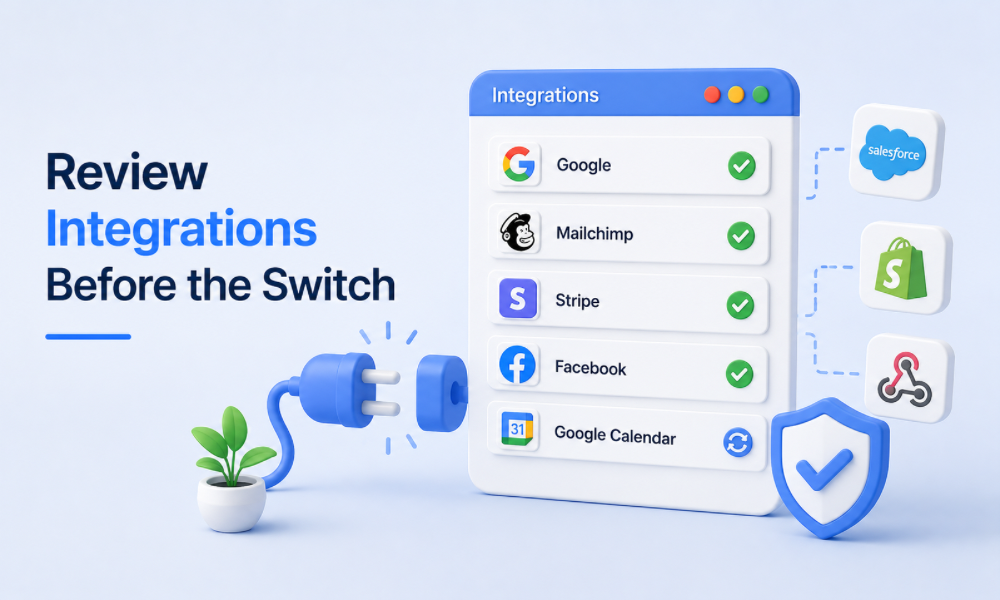
Your CRM might connect with a website, payment platform, calendar, advertising system, form builder, analytics tool, or another business application.
Every integration should be documented.
For each one, determine whether it needs to be recreated, replaced, updated, or retired.
A migration is not complete if the CRM works, but important external processes no longer communicate with it.
Plan the Migration in Phases
A large migration is easier to control when broken into stages.
The first stage can involve auditing and cleaning the existing system.
The second can focus on GoHighLevel configuration and data mapping.
The third can involve importing a small test group.
The fourth can focus on workflow testing.
The final stage can involve the full migration and launch.
This phased approach provides opportunities to identify problems before they affect the entire database.
Perform a Test Import First
Never make the first import the full customer database.
Use a smaller sample of records to test the process.
Check contact information, custom fields, tags, pipeline assignments, and other important data.
Then test the workflows connected to those records.
If something goes wrong, it is much easier to correct a small test migration than a full database.
Test Automation With Realistic Scenarios
Automation should be tested from the customer’s perspective.
Create test scenarios for different types of contacts.
Test a new lead. Test an existing customer. Test someone who books an appointment. Test someone who does not respond. Test a contact who cancels. Test a customer who should receive a different communication sequence.
Look for duplicate messages, incorrect triggers, missing notifications, and workflow conflicts.
Professional gohighlevel automation services can be particularly helpful during this stage because automation problems are not always obvious from the workflow builder alone.
Keep the Old System Available During Transition
Avoid shutting down Keap immediately after importing data.
Keep the existing environment available during a controlled transition period, subject to your subscription and operational requirements.
This allows the team to verify that important historical information is available and that the new system is functioning correctly.
It also provides a reference point if questions arise during the transition.
Train the Team Before Going Live
A technically successful migration can still fail if employees do not know how to use the new CRM.
Salespeople should understand the new pipeline. Marketing staff should understand workflows and segmentation. Administrators should know how to manage records and troubleshoot common issues.
Training should focus on the processes employees actually perform every day.
A short, practical training session is often more useful than an extensive feature demonstration.
Prepare Customers for Any Visible Changes
Not every migration requires customer communication.
If customers will notice changes to booking pages, email addresses, portals, or other parts of the experience, however, they should be informed appropriately.
The objective is to prevent confusion.
If the customer experience remains unchanged, the migration can often happen behind the scenes.
Watch for Duplicate Contacts
Duplicate records are a common migration problem.
A contact may already exist in GoHighLevel and then be imported again from Keap.
Before importing, establish how duplicates will be identified and handled.
This is especially important when several systems have been collecting leads independently.
Duplicate records can interfere with segmentation, reporting, and automation.
Pay Attention to Compliance and Permissions
CRM migrations involve customer information, so businesses should review relevant privacy, communication, access, and data-handling requirements.
Not every employee needs access to every piece of customer information.
Establish appropriate permissions and review which contacts are eligible for ongoing marketing communication.
A migration is a good opportunity to improve data governance rather than simply transferring existing practices.
Measure the New System After Launch
The migration is not finished when the data appears in GoHighLevel.
Monitor the new environment after launch.
Look at lead response times, workflow performance, appointment bookings, conversion rates, email activity, pipeline movement, and customer feedback.
The first few weeks can reveal issues that were not visible during testing.
Treat the launch as the beginning of optimization.
Use the Migration to Simplify Your Marketing
A CRM migration should ideally make the business easier to operate.
If the new system contains hundreds of unnecessary tags, complicated workflows, duplicate fields, and confusing pipelines, the migration has missed an important opportunity.
Simplification should be one of the goals.
Remove processes that no longer serve the business. Combine overlapping workflows. Standardize naming. Create clear documentation.
The result should be a system that employees can understand without needing a manual for every action.
When to Hire a GoHighLevel Expert
Not every Keap migration requires outside assistance.
A small business with a simple database and limited automation may be able to manage the transition internally.
However, complex CRM environments can quickly become difficult to migrate safely.
If you have extensive automation, multiple pipelines, numerous integrations, complicated segmentation, or a large customer database, professional support may be worthwhile.
When businesses hire gohighlevel expert support, they can bring in someone who understands both the technical setup and the customer journey that the CRM is supposed to support.

What Professional Migration Support Can Add
Professional gohighlevel crm services can cover areas such as CRM architecture, data mapping, workflow planning, pipeline configuration, testing, and post-launch optimization.
A certified gohighlevel ghl expert can help translate existing processes into a GoHighLevel structure without simply copying unnecessary complexity.
A gohighlevel automation expert can focus on triggers, conditions, follow-ups, notifications, and customer journeys.
And professional gohighlevel automation services can provide ongoing improvements after the initial migration is complete.
The value is not simply having someone move data. It is having someone help build a system that works better after the move.
Start by auditing the existing CRM. Clean unnecessary data. Document automation. Map important fields. Review integrations. Rebuild workflows around business goals rather than copying them blindly. Test with a small group before performing the full migration, and make sure employees understand how the new environment works.
Most importantly, treat the migration as a chance to improve the underlying system.
With the right preparation, gohighlevel crm services can help create a cleaner foundation for future growth. A certified gohighlevel GHL expert can support the technical transition, while a gohighlevel automation expert can ensure that important customer journeys continue working effectively.