
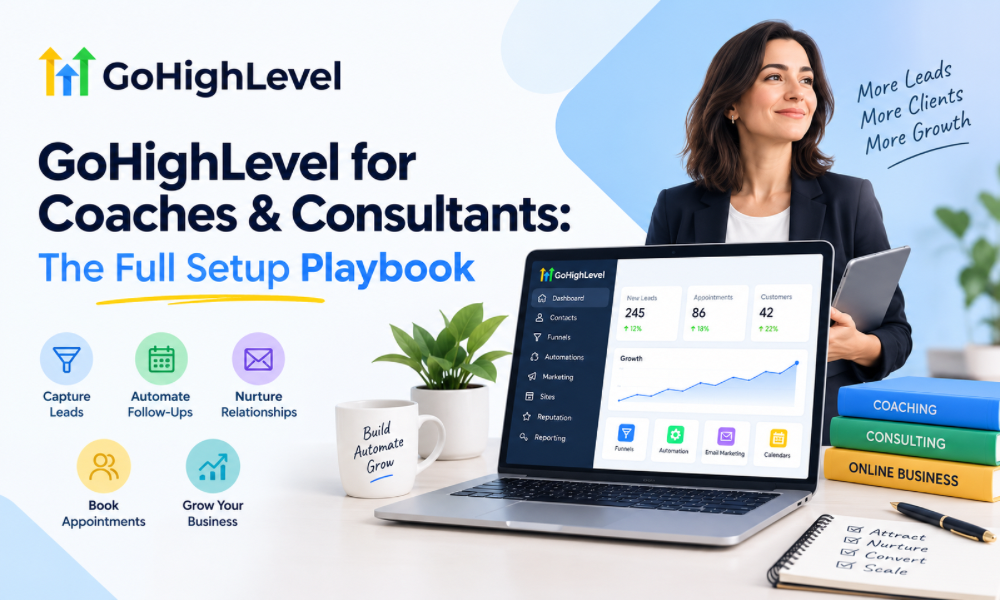
Coaches and consultants rarely struggle because they lack expertise. The bigger challenge is turning that expertise into a consistent client-acquisition and delivery system. Leads may arrive through different channels, discovery calls may be managed manually, follow-ups can get forgotten, and onboarding often depends on sending the same messages repeatedly.
GoHighLevel can bring many of these activities into one connected environment. Instead of treating lead capture, communication, appointments, sales follow-up, and client onboarding as separate tasks, coaches and consultants can build a structured journey from the first interaction through long-term client engagement. The key, however, is setting up the platform around the actual business process rather than simply switching on features.
Start With the Client Journey, Not the Software
The first step in a GoHighLevel setup should not be creating workflows or designing pages. It should be mapping what happens when someone discovers the coaching or consulting business. A typical journey might begin with content or an advertisement, move to a landing page, continue through a consultation request, and eventually lead to a paid program or consulting engagement.
Mapping this journey first makes it easier to identify where the platform should take over repetitive work. It also prevents businesses from creating complicated automations that don’t match real customer behavior. Every pipeline stage, form, workflow, and message should have a clear purpose within the broader client journey.
Build the CRM Around Your Offers
A coach may sell one-on-one coaching, group programs, workshops, and premium packages. A consultant might offer strategy sessions, retainers, audits, or implementation services. These offers often have different sales cycles, which means putting every prospect into one generic process can create confusion.
The CRM should reflect how prospects actually move toward a purchase. A simple structure might distinguish between new inquiries, qualified prospects, scheduled consultations, proposals, active clients, and completed engagements. The exact stages should depend on the business, but the principle remains the same: the pipeline should make every opportunity’s status immediately clear.
Create a Lead Capture Experience That Feels Intentional
A form is more than a way to collect someone’s name and email address. For coaches and consultants, it can be the beginning of qualification. Asking a few relevant questions can help determine what the prospect needs, what outcome they want, and whether the service is appropriate for them.
The information collected should be useful to the sales process. There is little value in creating a long form that discourages submissions while collecting information nobody uses. A better setup keeps the initial experience focused and gathers additional information later when it becomes relevant.
Connect Booking With the Sales Process
Appointment booking is often one of the most important parts of a coaching or consulting funnel. When someone schedules a call, the booking should not exist as an isolated calendar event. It should trigger the next stage of the customer journey.
The contact can be moved into an appropriate pipeline stage, receive confirmation information, and enter a communication sequence designed to prepare them for the conversation. After the appointment, the next action can depend on the outcome of the call. This creates a more organized process without requiring the coach or consultant to manually update every record.
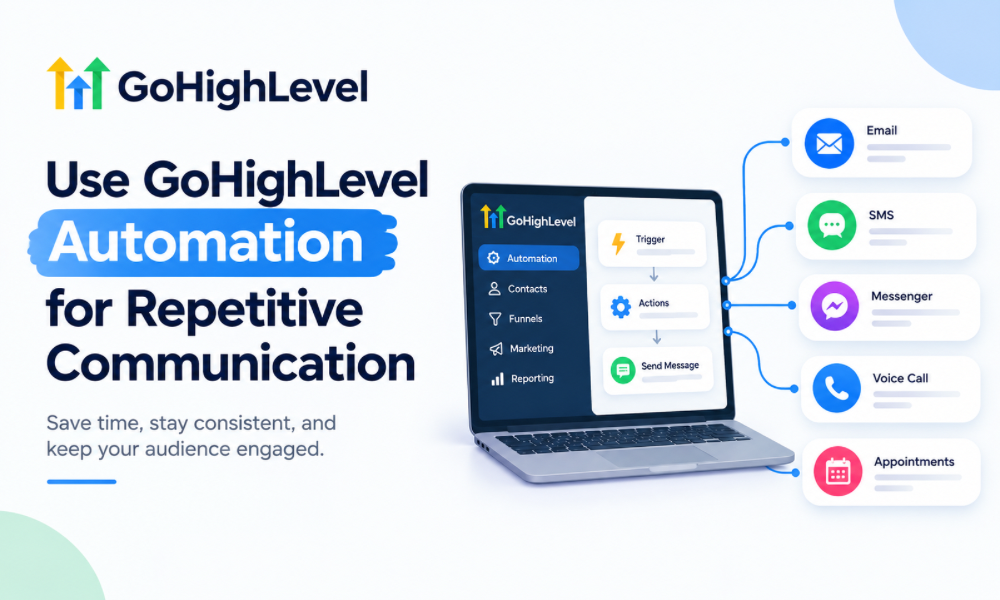
Use Go High Level Automation for Repetitive Communication
The strongest use of Go High Level automation is not sending more messages. It is making sure the right communication happens at the right point in the journey.
For example, a prospect who requests information may need an immediate acknowledgment followed by educational communication. Someone who books a consultation may need reminders and preparation instructions. A prospect who does not show up may need a different follow-up sequence from someone who attended but did not purchase.
These distinctions make automation more useful. Instead of creating one large workflow that sends the same messages to everyone, businesses can create smaller processes based on specific actions and stages.
Design Follow-Up Around Real Buying Decisions
Coaching and consulting purchases can involve considerable consideration. A prospect may understand the value of a service but still need time to compare options, discuss the decision internally, or become comfortable with the investment.
Follow-up should therefore provide useful reasons to continue the conversation rather than simply repeating a sales pitch. Educational material, answers to common concerns, explanations of the process, and relevant client outcomes can help prospects make a more informed decision.
A well-designed follow-up system also knows when to stop. If someone books a call, the system should not continue treating them like an unqualified lead. If they become a client, sales-oriented messaging should generally give way to onboarding and service-related communication.
Build a Separate Client Onboarding Experience
The sale is not the end of the customer journey. For coaches and consultants, the period immediately after payment can have a major effect on the client’s perception of professionalism.
An onboarding process can introduce the next steps, provide relevant instructions, collect required information, and establish expectations before the first session or project begins. Automating administrative communication gives the professional more time to focus on the actual client relationship.
The experience should still feel personal. Automation should handle logistics while the coach or consultant provides the human interaction that clients are actually paying for.
Organize Contacts With Useful Segmentation
Not every contact in the CRM should receive the same communication. A leadership coach may work with executives, business owners, and new managers. A marketing consultant may serve startups, established companies, and agencies.
Segmentation allows communication to become more relevant without requiring completely separate systems for every audience. Contacts can be organized according to offer, lead source, client status, service interest, or other information that genuinely affects the next step.
The important point is to create segmentation around decisions the business actually makes. Collecting dozens of fields without using them only makes the CRM harder to maintain.
Make the Pipeline a Daily Management Tool
A pipeline should help the business owner understand what requires attention today. If opportunities are sitting in vague stages with no next action, the CRM becomes little more than a database.
Each stage should represent a meaningful point in the sales process. When possible, opportunities should also have clear ownership and follow-up expectations. This makes it easier to identify stalled prospects, upcoming conversations, and opportunities that need personal attention.
For a solo consultant, this can provide structure without creating unnecessary administration. For a growing coaching business, it can also make sales activity easier to delegate.
Connect Marketing With the CRM
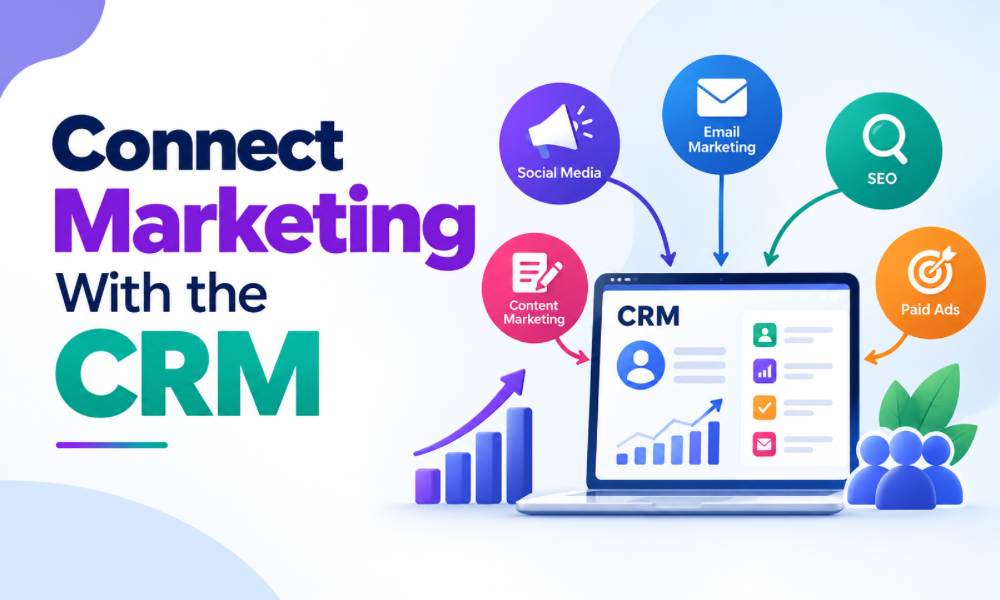
GoHighLevel marketing becomes more effective when campaigns are connected to what happens after a person responds. A landing page or campaign should not simply generate leads and leave the business to figure out what happens next.
When marketing activity feeds directly into the CRM, the business can better understand where contacts originated, what action they took, and how they progressed. This creates a more connected view of acquisition instead of treating marketing and sales as separate activities.
It also helps identify campaigns that generate attention but fail to produce meaningful opportunities.
Build a Simple Funnel Before Building a Complex One
Coaches and consultants can be tempted to create elaborate funnels because the platform offers many capabilities. But complexity is not automatically an advantage.
A straightforward funnel with a strong message, relevant offer, clear call to action, effective booking experience, and appropriate follow-up can outperform a complicated system that visitors find difficult to navigate. Start with the shortest journey that can successfully move the right prospect toward the desired action.
Once that process works consistently, additional automation and segmentation can be introduced where they solve a genuine problem.
Personalize the Experience Without Creating More Manual Work
Automation and personalization do not have to conflict. A well-built system can use information already provided by the prospect to make communication more relevant.
Someone interested in executive coaching may receive different educational material from someone exploring business consulting. A prospect who attended a consultation can receive different follow-up from someone who never scheduled one.
The objective is not to make every message look individually written. It is to make the journey feel appropriate to the person’s situation while allowing the underlying system to handle repetitive execution.
Create Reactivation Workflows Carefully
Older leads are another opportunity for coaches and consultants. A person who did not purchase six months ago may have different circumstances today. However, simply sending repeated promotional messages to an old database can damage the relationship.
A thoughtful reactivation process can provide a reason to reconnect, such as a new program, updated service, relevant resource, or change in availability. Contacts who engage can move back into an active sales process, while those who remain unresponsive should not be endlessly contacted.
This makes the CRM useful beyond the initial lead-generation cycle.
Where an Automation Specialist Adds Value
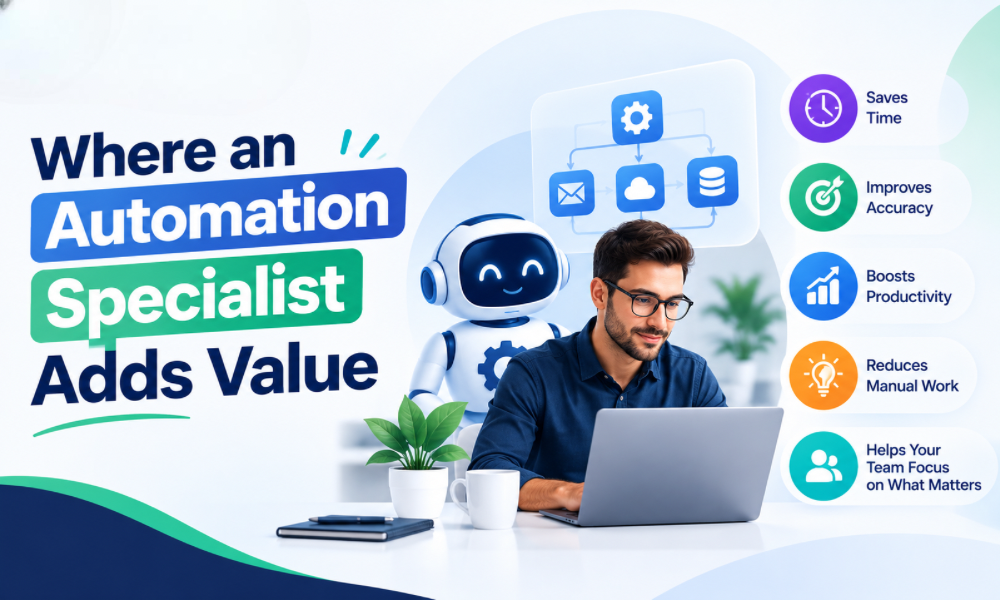
As the system becomes more sophisticated, technical decisions can become difficult for a business owner who primarily wants to coach or consult. An Automation Specialist can help translate the business process into workflows, triggers, pipeline movements, communication sequences, and integrations.
The value is not simply knowing where settings are located. The important part is understanding why a workflow should exist, what should trigger it, what should happen next, and what should prevent it from running incorrectly.
This can be particularly valuable when several funnels, offers, calendars, and client journeys need to work together.
Plan GHL Migration Before Moving Existing Data
Businesses switching platforms should treat GHL Migration as a process rather than a simple data transfer. Existing contacts, tags, pipelines, appointments, forms, campaigns, and historical information may have different structures in the old system.
Before moving anything, it is worth determining what information is genuinely needed, how existing fields should map into the new CRM, and which old automations should be rebuilt rather than copied. Cleaning the database before migration can also prevent outdated or duplicate information from becoming part of the new system.
A carefully planned migration reduces the risk of disrupting active sales conversations and client communication.
Consider White-Label SaaS for Scalable Consulting Models
Consultants and agencies that want to build recurring technology-based offerings can explore the White-Label SaaS model. Instead of using the platform solely as an internal CRM, the business can structure a branded software experience around its own service offering.
This can create another layer of value for clients when the software is positioned as part of a broader solution rather than simply as a technology product. The business still needs to define support, onboarding, pricing, account management, and the specific outcomes the software is intended to help clients achieve.
The strongest model is usually one where software supports the consulting methodology instead of replacing it.
Know When to Bring in a Go High Level Consultant
A Go High Level Consultant can be useful when the business has reached the point where platform decisions affect revenue, operations, or client experience. This might include building a new system, restructuring an existing account, connecting multiple workflows, or designing a more scalable client acquisition process.
The right consultant should begin by understanding the business model and customer journey. Platform knowledge matters, but it should support the strategy rather than dictate it. A technically impressive setup is not valuable if it creates unnecessary steps for the team or customers.

Test Every Workflow Before Going Live
Automation can create problems just as quickly as it can solve them if workflows are not tested properly. Before launching a system, businesses should test different scenarios, including new leads, booked appointments, cancellations, missed calls, purchases, refunds, and contacts who move between stages.
Testing should also verify that one action does not accidentally trigger multiple unrelated workflows. Messages should arrive when expected, pipeline stages should update correctly, and contacts should exit sequences when their situation changes.
A few hours of testing can prevent significant confusion after launch.
Measure Business Outcomes Instead of Activity
A GoHighLevel setup should ultimately be judged by what it does for the business. Open rates, clicks, workflow executions, and form submissions can provide useful operational information, but they are not the final objective.
Coaches and consultants should pay attention to metrics such as qualified inquiries, booked consultations, attendance rates, conversion from consultation to client, client retention, and revenue generated by different offers. These numbers provide a much clearer picture of whether the system is supporting growth.
If a workflow produces impressive engagement but no meaningful business result, it may need to be redesigned.
Keep the System Easy to Manage
A sophisticated CRM can become a liability when nobody understands how it works. Workflows should have clear purposes, naming conventions should remain consistent, and unnecessary automations should be removed rather than allowed to accumulate.
Documentation is also useful when a business has assistants, sales staff, or external specialists working inside the account. The easier the system is to understand, the easier it becomes to maintain as the business changes.
The goal is not to build the most complicated account possible. It is to build a system that reliably supports the way the business operates.
The Full Setup Should Grow With the Business
The ideal GoHighLevel setup for a coach or consultant is not necessarily the same six months later. New offers may be introduced, new audiences may become important, sales processes may change, and client onboarding may evolve.
That is why the initial setup should establish a flexible foundation rather than attempt to predict every future requirement. Start with the core customer journey, automate the repetitive parts, measure the results, and improve the system as real business data becomes available.
GoHighLevel can become much more than a collection of funnels and workflows for coaches and consultants. When the CRM, booking process, follow-up, marketing, onboarding, and reporting are designed as one connected system, the platform can reduce operational friction while giving the business a clearer path from lead to long-term client. The technology works best when it follows the business strategy—not the other way around.