
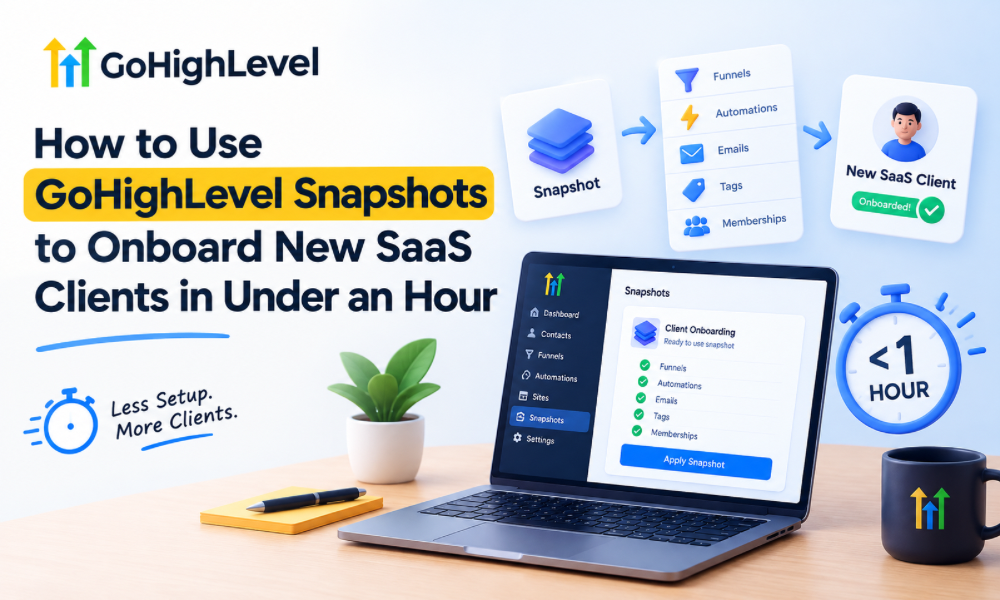
Onboarding a new SaaS client can become one of the most time-consuming parts of running an agency. Every new account may require similar funnels, workflows, forms, calendars, pipelines, email templates, campaigns, and settings. Building these elements manually for every client creates unnecessary work and increases the possibility of inconsistent setups.
GoHighLevel snapshots offer a practical way to standardize this process. Instead of rebuilding the same foundation repeatedly, agencies can prepare a reusable configuration and deploy it into a new sub-account. With the right preparation, agencies can complete much of the technical setup quickly, freeing them to spend more time customizing the account around the client’s actual business.
What a GoHighLevel Snapshot Actually Does
Think of a snapshot as a reusable template for a GoHighLevel account. It can contain many of the assets and configurations an agency repeatedly uses when setting up clients.
The main advantage is consistency. Rather than relying on memory to recreate a workflow or manually checking whether every required component has been added, an agency can establish a proven foundation and use it as the starting point for future accounts.
The snapshot should not be viewed as the complete client account. It is better understood as a standardized starting environment that still requires client-specific configuration.
Why Snapshots Matter for SaaS Onboarding
SaaS onboarding becomes much easier when repetitive implementation work is separated from customization. If every client starts with a completely blank account, the team spends valuable time recreating infrastructure that has already been designed and tested.
A reusable snapshot changes that process. The basic architecture can be deployed first, while details such as branding, business information, calendars, domains, integrations, and offer-specific messaging can be handled afterward.
This approach can significantly reduce repetitive setup without making every client experience identical.
Build the Snapshot Before You Need It
The fastest onboarding process begins long before the next client signs up. Agencies should create and test their snapshot using a realistic account structure rather than attempting to build one during a live onboarding.
Start by identifying the assets that appear repeatedly across clients. These might include a standard pipeline, lead capture forms, appointment workflows, follow-up sequences, basic funnel structures, and commonly used communication templates.
The objective is to create a reliable foundation that can be deployed without requiring extensive rebuilding.
Separate Reusable Assets From Client-Specific Details
Not everything belongs inside a reusable snapshot. Some information is unique to each business and should be added during onboarding.
Client-specific details might include business name, logo, contact information, domain configuration, calendar availability, team members, service descriptions, pricing, and integrations. Keeping these elements separate makes the template cleaner and reduces the amount of editing required after deployment.
A useful rule is simple: if an asset is used by most clients, consider making it part of the standard setup. If it only applies to one client, configure it separately.
Design Your Snapshot Around a Standard Client Journey
A snapshot becomes more valuable when it reflects an actual customer journey rather than simply containing a large collection of unrelated assets.
For example, an agency serving service businesses might build a basic journey that moves a new lead from initial inquiry to qualification, appointment booking, follow-up, and conversion. The workflows and pipeline stages should support that process.
Once the journey is clearly defined, reusable components become easier to identify. Every asset in the snapshot should have a reason for existing.
Use GoHighLevel SaaS Automation to Reduce Repetitive Work
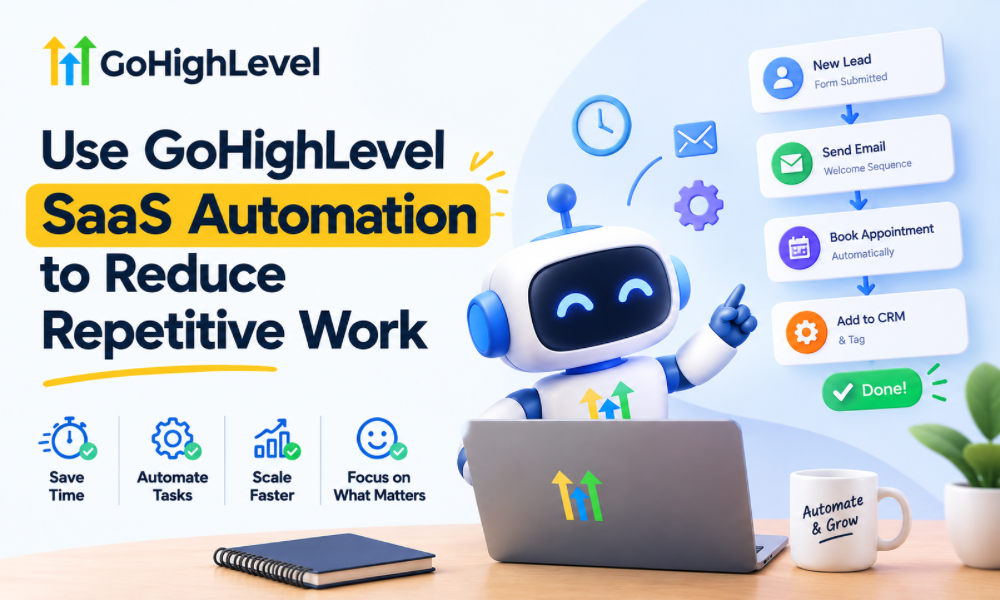
gohighlevel saas automation can help agencies create a more repeatable onboarding model. Instead of treating every new client as an individual technical project, the agency can establish a standardized sequence for provisioning and configuring accounts.
Automation can assist with repetitive actions while snapshots provide the underlying structure. Together, they can create a more scalable operational model.
The important distinction is that automation should handle predictable processes, while human input should remain focused on decisions that require business context.
Create a Clear Onboarding Checklist
Even with a snapshot, onboarding should follow a consistent process. A checklist helps ensure that important client-specific details are not overlooked after the snapshot has been deployed.
The process might begin with account provisioning and snapshot deployment before moving into branding, business details, domains, calendars, integrations, testing, and final review.
The purpose of the checklist is not to add bureaucracy. It is to prevent small configuration gaps from becoming problems after the client starts using the system.
Customize Branding After Deployment
A snapshot can provide the functional foundation, but the new account should still feel like it belongs to the client.
Brand colors, logos, business names, sender information, page content, and other visible elements should be reviewed and customized after deployment. This helps avoid the common problem of accidentally leaving template branding inside a live client account.
Separating functional setup from visual customization also makes the onboarding process easier to organize.
Configure the CRM Around the Client’s Sales Process
A reusable pipeline is useful, but it should not force every business into the same sales model. A consulting company, home-services provider, and real estate organization may all have very different customer journeys.
For example, GHL for real estate may require stages that reflect property inquiries, appointments, negotiations, and transactions. A different industry could require an entirely different sequence.
The snapshot should therefore provide a flexible starting point rather than an inflexible process.
Make Forms and Funnels Ready for Adaptation
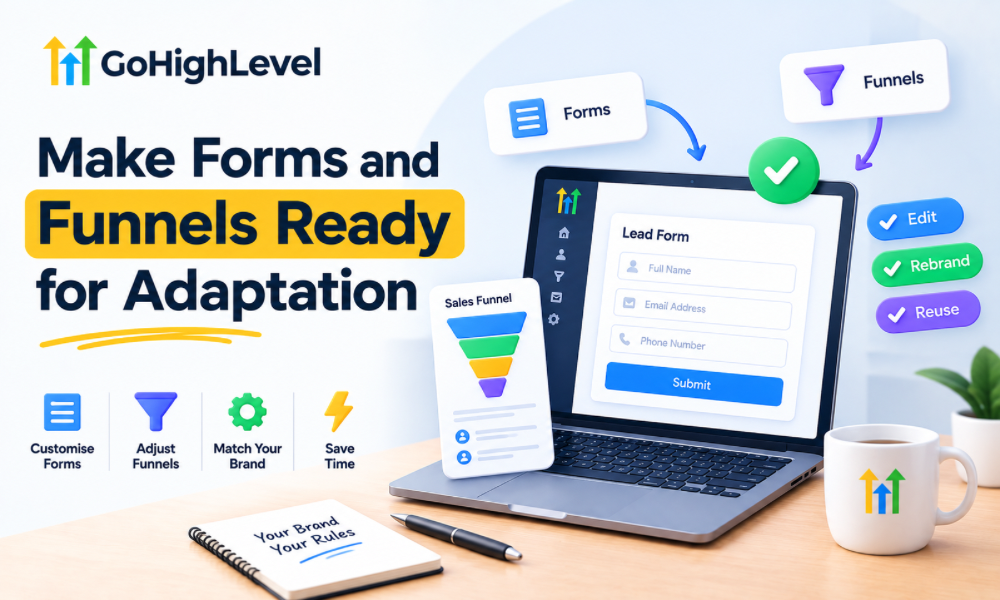
Reusable forms and funnels can save considerable time during onboarding, particularly when an agency repeatedly works with similar businesses.
However, templates should contain flexible copy and fields that can be adjusted according to the client’s offer. A funnel that was originally designed for one service should not simply be published unchanged for another business.
The best template reduces technical work while still leaving room for relevant messaging.
Prepare Workflow Logic Before Deployment
Workflows are among the most valuable elements to standardize because they can take significant time to recreate manually. Agencies should test their triggers, conditions, actions, delays, and exit logic before including them in a production-ready snapshot.
A workflow that looks correct but has not been tested can create serious problems once deployed across multiple client accounts. Testing the reusable foundation once can prevent the same mistake from being repeated across dozens of accounts.
Avoid Creating a Snapshot That Is Too Large
More assets do not necessarily make a snapshot better. An enormous template containing every workflow an agency has ever built can make new accounts difficult to understand and maintain.
Clients may end up with unnecessary funnels, campaigns, and workflows that are irrelevant to their business. A cleaner snapshot with clearly defined core functionality is usually easier to deploy and customize.
Agencies can create different snapshot variations when they serve substantially different client types.
Build Industry-Specific Versions When Necessary
A single generic snapshot can work well for a broad service model, but specialized industries may benefit from their own templates.
For instance, an agency working heavily with real estate clients may create a version designed around the typical lead and appointment journey used by that industry. Another snapshot could be designed for coaches, consultants, or local service businesses.
This approach maintains standardization while avoiding the limitations of a one-size-fits-all setup.
Test the New Account Before Calling It Complete
Fast onboarding should not mean skipping quality control. Once the snapshot has been deployed and client-specific information has been configured, the account should be tested from the perspective of an actual lead.
Submit a form, trigger the relevant workflow, schedule an appointment, verify notifications, check pipeline movement, and confirm that communications contain the correct business information.
A short testing phase can identify issues that are easy to miss when reviewing settings individually.
Use a Go High Level Freelancer for Flexible Implementation
Smaller agencies or businesses may choose to work with a Go High Level freelancer when they need help with snapshot deployment, customization, workflow adjustments, or account configuration.
A freelancer can be useful for projects that do not require a large implementation team. The important consideration is whether the person understands the business process rather than simply knowing where to find individual platform features.
Technical execution should always support the client’s customer journey.
When to Consider GoHighLevel CRM Services
Businesses that need more extensive implementation may benefit from professional gohighlevel crm services. This can be useful when the account involves multiple pipelines, complex workflows, integrations, sales processes, or several team members.
External expertise can also help an agency establish its own standardized onboarding framework. Instead of solving each implementation individually, the team can develop repeatable processes that make future deployments faster.
A Certified Expert Can Improve the Setup Process
For more complex implementations, working with a certified GoHighLevel expert can provide additional confidence during system design and deployment.
The value should come from more than platform familiarity. A strong implementation partner should understand automation logic, CRM organization, funnel structure, testing, and the operational requirements of the business using the system.
This becomes especially important when the account is part of a larger SaaS offering where mistakes can affect multiple clients.

Create a Client Information Intake Process
The snapshot can only automate what is already known. If the agency has to repeatedly chase clients for logos, business descriptions, contact details, calendar information, offers, and integration credentials, onboarding can still take longer than expected.
A structured intake process solves part of this problem. Before deployment, collect the information required for customization so that the implementation team has what it needs from the beginning.
This turns onboarding into a preparation-and-configuration process rather than a long series of back-and-forth requests.
Keep Templates Version Controlled
A snapshot should evolve as the agency learns from real implementations. When a workflow is improved, or a new reusable component is introduced, the underlying template may need to be updated.
Agencies should establish a process for maintaining their master snapshot rather than making random changes across individual client accounts and forgetting to update the original template.
This keeps future accounts aligned with the latest tested version.
Track What Still Requires Human Work
One of the best ways to reduce onboarding time is to identify the steps that remain manual after snapshot deployment.
If a team repeatedly spends ten minutes configuring the same type of setting, that process may be a candidate for standardization. If another task requires genuine client-specific judgment, it may need to remain manual.
Over time, this analysis helps agencies continuously improve their onboarding workflow rather than assuming the first snapshot is perfect.
Do Not Sacrifice Customization for Speed
The goal of completing onboarding quickly is not to make every client account identical. A snapshot should remove repetitive technical work so the team can spend more time on meaningful customization.
Clients should still receive workflows, messaging, funnels, and CRM structures that reflect their actual business. Speed is valuable only when the resulting system works properly for the customer.
A One-Hour Onboarding Model
A well-prepared agency can structure the process into distinct phases. The first phase focuses on deploying the standardized foundation. The next phase handles client-specific configuration, followed by testing and final adjustments.
The exact time will vary depending on the complexity of the account, the quality of the snapshot, the client’s readiness, and the integrations involved. A simple account may move quickly, while a more complex implementation will naturally require additional work.
The important achievement is not promising that every account will always be completed in exactly one hour. It is building a system capable of dramatically reducing repetitive setup time.
Turn Onboarding Into a Repeatable System
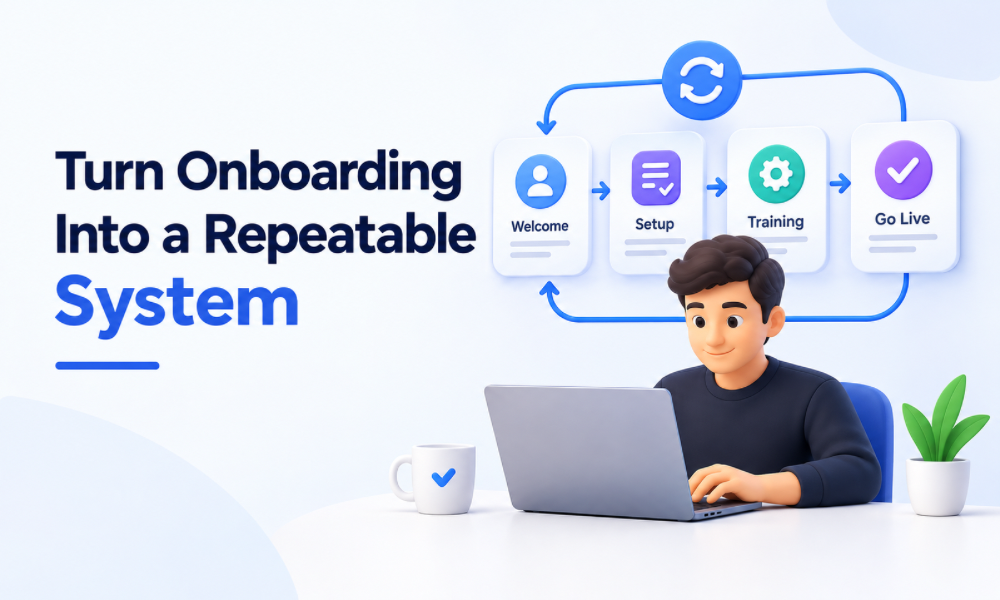
Snapshots are most powerful when they become part of a broader operational process. The agency can combine standardized templates, client intake, deployment procedures, customization steps, testing, and documentation into one repeatable framework.
This makes onboarding less dependent on individual team members remembering every step. It also makes it easier to train new staff and maintain consistent quality as the client base grows.
Scale Without Rebuilding the Same System
For agencies offering SaaS solutions, scalability depends heavily on reducing the amount of manual work required for every new account. Snapshots provide the reusable foundation, while automation and standardized processes help turn that foundation into a repeatable operation.
The result is not simply faster account creation. It can create a more predictable client experience, reduce implementation errors, and give the agency more capacity to focus on strategy and growth.
Make Workflows React to Client Actions
The best onboarding systems are not simply collections of scheduled messages. They respond to what the contact actually does.
If a prospect books an appointment, the system should recognize that action and adjust the next communication accordingly. If someone becomes a customer, sales-oriented follow-up should stop, and the onboarding experience should begin. If an appointment is cancelled, the appropriate recovery process can take over.
This type of conditional logic makes the account feel more intelligent while reducing unnecessary manual intervention.
Build an Internal Snapshot Documentation Process
As an agency grows, multiple people may be responsible for onboarding accounts. Documentation ensures that everyone understands what the snapshot contains and which parts need to be customized.
The documentation can explain the purpose of major workflows, the expected pipeline stages, required client information, important configuration steps, and the testing process. This reduces dependency on one experienced team member who happens to know how the original system was built.
A documented process also makes it easier to identify which components should be improved when onboarding takes longer than expected.
Prepare Different Templates for Different Business Models
An agency serving several industries may find that maintaining multiple focused snapshots is more effective than forcing every client into one universal template.
A real estate implementation may need a different pipeline and follow-up journey from a coaching business, while a local service company may require a completely different appointment process. This is where specialized templates can provide both speed and relevance.
For agencies working extensively with GHL for real estate, for example, a dedicated snapshot can contain the foundational structure required for that particular sales environment without adding unrelated components from other industries.