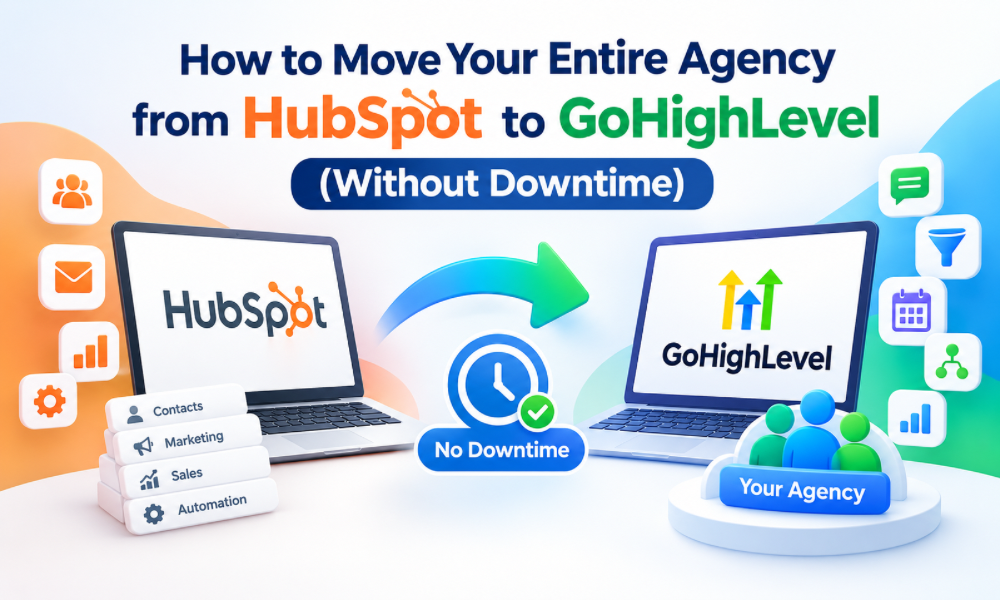
Moving an entire agency from one CRM to another is much more complicated than exporting contacts and importing them into a new platform. An agency’s CRM usually contains years of customer information, sales pipelines, workflows, forms, communication records, appointments, automations, and reporting structures. If the migration is handled carelessly, even a short interruption can affect lead response times, sales opportunities, client communication, and internal operations.
Moving from HubSpot to GoHighLevel can be a strategic decision for agencies that want to consolidate marketing, CRM, sales, communication, and automation processes. However, agencies should approach the migration as a controlled transition rather than a simple platform switch.
The goal is to have GoHighLevel ready before the agency stops relying on HubSpot. This creates an overlap period in which both systems can be checked while the new environment is prepared. With proper planning, testing, and staged implementation, an agency can transition with minimal disruption.
Why Agencies Consider Moving From HubSpot to GoHighLevel
HubSpot is a powerful platform, but agencies may eventually find that their technology stack has become more expensive or complex than necessary. Different teams may use different features, and multiple tools may be connected to support lead generation, communication, appointments, automation, and client management. GoHighLevel can provide an alternative environment where agencies can centralize many of these activities. Agencies that hire gohighlevel expert professionals can also get support with evaluating their existing setup, planning the transition, and configuring GoHighLevel around their operational requirements. The decision should not be based simply on which platform has more features. Agencies should examine how their current systems are being used and which processes actually contribute to revenue.
Start With a Complete CRM Audit
Before moving anything, document the current HubSpot environment.
Do not begin the migration by immediately exporting contacts.
First identify the assets that need to be preserved, replaced, redesigned, or removed.
Review contacts, companies, deals, pipelines, lifecycle stages, custom properties, forms, landing pages, email campaigns, workflows, lists, appointments, integrations, reports, user permissions, and communication processes.
The audit should also identify which assets are actively used and which have become outdated.
This distinction is important because migrating everything exactly as it exists can transfer unnecessary complexity into the new platform.
Separate Data From Processes
One of the biggest migration mistakes is treating data and processes as the same thing.
Contacts and deal records are data.
Lead routing, follow-up sequences, appointment reminders, pipeline movement, and internal notifications are processes.
Data can often be exported and imported.
Processes usually need to be recreated or redesigned.
For example, an existing HubSpot workflow may contain several conditions and actions that do not translate directly into the new environment. Instead of attempting to duplicate every technical step, determine what business outcome the workflow was designed to achieve.
Then rebuild that outcome using the appropriate GoHighLevel logic.
Create a Migration Inventory
Build a detailed migration inventory before development begins.
For each HubSpot asset, record its current purpose, owner, dependencies, destination, and migration status.
This provides a central reference for the project team.
An inventory might include contact databases, pipeline stages, forms, lead sources, automation sequences, appointment processes, integrations, reporting requirements, and communication templates.
The inventory should also identify assets that will not be migrated.
This prevents unnecessary work and gives the team a clear definition of project scope.
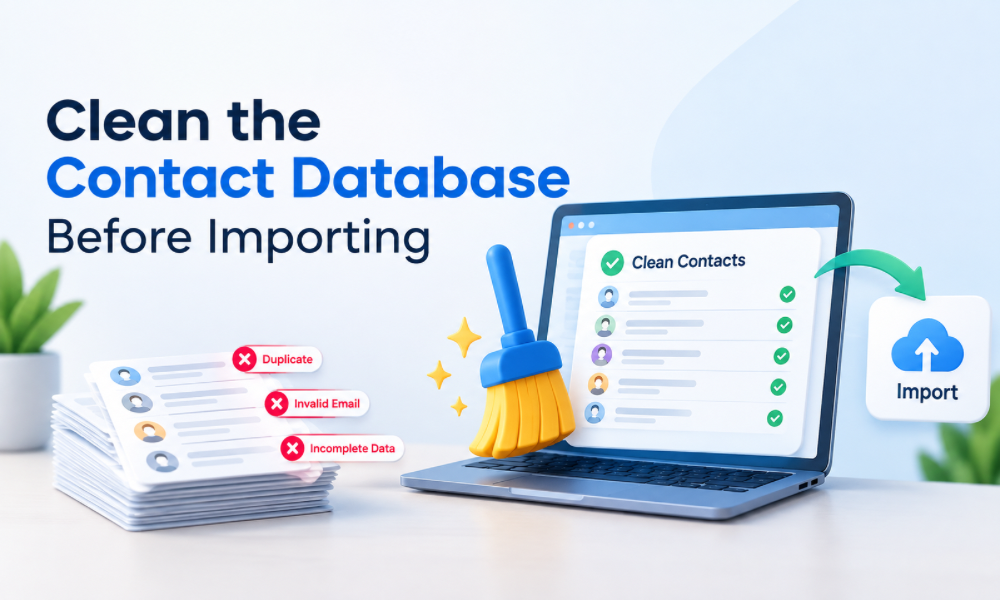
Clean the Contact Database Before Importing
Migration is an excellent opportunity to improve data quality.
Large CRM databases often contain duplicate contacts, outdated information, incomplete records, inactive leads, and inconsistent formatting.
Importing all of this information without cleaning it can create problems in GoHighLevel.
Review duplicate records and determine which information should be retained.
Standardize fields such as phone numbers, company names, lead sources, contact statuses, and other important attributes.
If certain records are no longer useful, consider whether they actually need to be transferred.
A smaller, cleaner database is often more valuable than a larger database filled with unreliable information.
Map HubSpot Properties to GoHighLevel Fields
Different CRM platforms organize information differently.
A HubSpot contact property may not have an exact one-to-one equivalent in GoHighLevel.
Before importing records, create a field-mapping document.
For every important HubSpot property, identify the corresponding GoHighLevel field or determine whether a new custom field needs to be created.
This is especially important for information used by automations.
If a workflow depends on a particular customer status or lead category, that information must be available in the new system in a format that workflows can recognize.
Rebuild the Sales Pipeline Carefully
Pipeline migration requires more attention than simply copying deal names.
Review the existing sales process and determine what each pipeline stage actually means.
For example, stages may represent new opportunities, qualified prospects, proposals, negotiations, closed deals, or other agency-specific milestones.
GoHighLevel should reflect the actual sales process rather than simply reproducing outdated stages.
If the agency has multiple sales pipelines, document the purpose of each one.
Also review stage-specific tasks, notifications, automations, and reporting requirements.
Protect Active Opportunities
Active deals require special attention during migration.
A prospect who is currently negotiating a contract should not suddenly disappear from the sales team’s view because of a CRM transition.
Before switching systems, identify active opportunities and verify that important information has been transferred.
Sales representatives should know exactly where active deals will be managed after the migration.
It can also be useful to establish a temporary migration status so the team knows which opportunities have been reviewed and confirmed.
Recreate Automation With Business Logic in Mind
Automation is often the most complicated part of CRM migration.
HubSpot workflows may contain triggers, conditions, delays, branches, emails, internal notifications, task assignments, and data updates.
Rather than recreating these workflows line by line, document the intended business logic.
Ask what triggers the workflow, what should happen next, which conditions change the journey, and what outcome should occur.
Then rebuild the process in GoHighLevel.
This approach produces cleaner automation and avoids transferring unnecessary complexity.
GoHighLevel Automation Services for the Migration
Agencies with extensive automation requirements may benefit from professional GoHighLevel automation services during the transition.
Experienced specialists can review existing workflows, identify dependencies, rebuild sequences, and test automation behavior before launch.
This can be particularly valuable when an agency has dozens or hundreds of interconnected workflows.
The objective should be reliable automation rather than simply achieving a one-to-one technical copy of the old CRM.
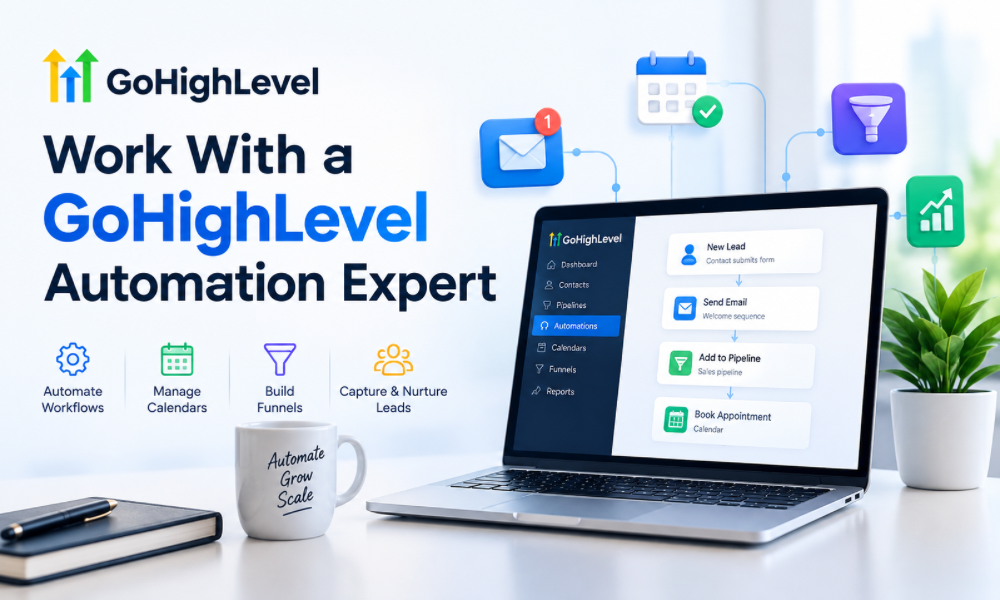
Work With a GoHighLevel Automation Expert
Complex migrations often require someone who understands both CRM architecture and automation logic.
A GoHighLevel automation expert can help determine how existing processes should be translated into the new environment.
They can also identify opportunities to simplify workflows.
For example, an agency might discover that five old workflows can be replaced with two more efficient workflows in GoHighLevel.
This is one of the advantages of treating migration as a process-improvement project rather than a data-transfer exercise.
Review Forms and Lead Capture Sources
Forms are another area that can easily be overlooked.
Identify every form currently connected to HubSpot.
This may include website contact forms, lead-generation forms, consultation requests, campaign forms, client onboarding forms, and other submission points.
Each form should be mapped to the appropriate GoHighLevel process.
Test every form before launch.
A form that visually works but fails to create the correct contact, trigger the correct workflow, or assign the right pipeline stage can silently cause lead loss.
Protect Your Lead Generation During Migration
The agency should never take its existing lead-generation infrastructure offline simply because the CRM is being migrated.
Whenever possible, build and test the GoHighLevel version while the current HubSpot system continues operating.
This creates an overlap period.
During that period, new submissions can be monitored carefully.
The objective is to verify that leads are entering the new environment correctly before the old system is retired.
Plan the DNS and Domain Changes Carefully
If email sending domains, tracking domains, landing pages, or other domain-dependent services are being moved, domain changes require additional planning.
Do not make DNS changes without understanding their potential impact.
Email authentication records and domain configurations should be checked before switching communication infrastructure.
The agency should also verify that important client-facing pages remain accessible throughout the transition.
A technical migration should never accidentally create a marketing outage.
Preserve Email Deliverability
Email migration requires particular caution.
Moving email campaigns from one platform to another does not automatically guarantee the same deliverability performance.
Review sending domains, authentication, lists, engagement history, and campaign practices.
Avoid immediately sending a huge volume of messages from a newly configured environment.
The transition should be controlled.
Test emails should be sent to internal accounts first, followed by limited real-world campaigns where appropriate.
The agency should also ensure that unsubscribe and suppression requirements continue to function correctly.
Recreate Appointment Workflows
If the agency uses HubSpot for consultations or sales appointments, appointment workflows should be included in the migration plan.
Review calendars, availability, booking forms, reminders, confirmation messages, rescheduling processes, and internal notifications.
Test the complete journey.
A successful test should cover the customer’s experience from booking through confirmation and reminders.
Also verify what happens when an appointment is cancelled or rescheduled.
These details are easy to overlook but can directly affect the customer experience.
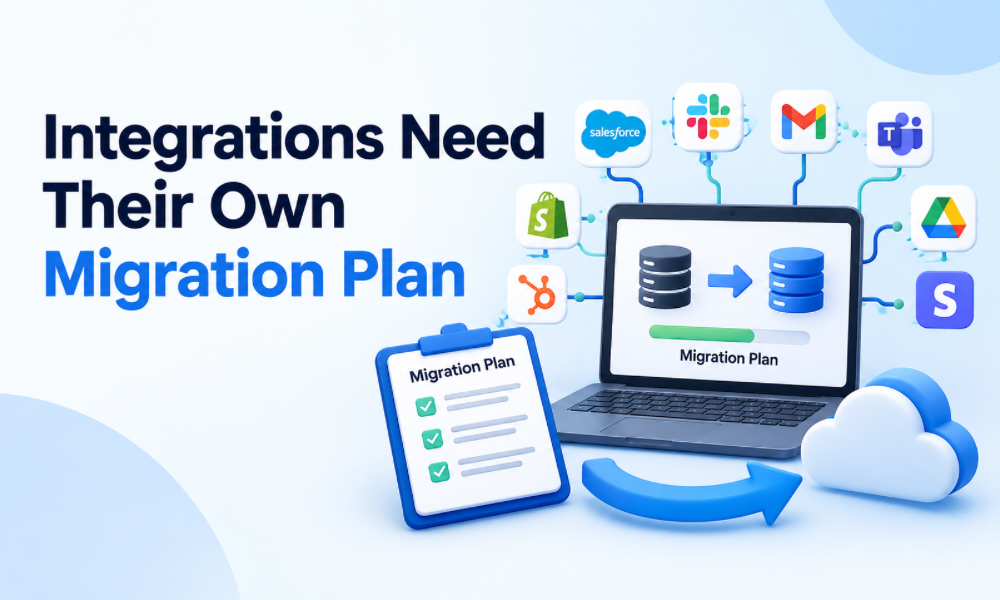
Integrations Need Their Own Migration Plan
CRM systems rarely operate alone.
An agency may connect its CRM with payment platforms, email tools, calendars, websites, advertising systems, analytics platforms, forms, customer-support applications, and other software.
Every integration should be documented.
Determine whether the integration can be connected directly to GoHighLevel, whether a connector is required, or whether a custom solution is necessary.
Do not assume that an integration will behave exactly as it did in HubSpot.
Each connection should be tested independently.
Using GoHighLevel CRM Services During Migration
Professional gohighlevel crm services can help agencies structure the new environment around their actual operational requirements.
This can include CRM configuration, pipeline design, custom fields, workflow development, data organization, forms, calendars, and other implementation tasks.
The value comes from creating a coherent system.
A CRM with every possible feature enabled can still be difficult to use if its architecture does not match the agency’s workflow.
Build a Staging Environment
Before switching the entire agency, create a controlled test environment where possible.
Use sample contacts, test pipelines, test forms, and test workflows.
Run different scenarios.
Create a new lead.
Move a deal through the pipeline.
Submit a form.
Book an appointment.
Trigger a follow-up.
Change a contact’s status.
Cancel an appointment.
The more realistic the testing scenarios, the easier it becomes to identify problems before launch.
Conduct User Acceptance Testing
Technical testing is not enough.
Actual team members should test the new CRM.
Salespeople should test pipelines.
Marketing employees should test campaigns and workflows.
Account managers should verify client records.
Operations staff should review internal processes.
Each team should confirm that the new environment allows them to perform their daily responsibilities.
This process can reveal practical issues that developers may not notice.
Train the Agency Before the Switch
Do not wait until launch day to train employees.
Give users time to become familiar with the new system while HubSpot remains available.
Training should cover the workflows employees actually use.
Sales representatives need to know where to find leads and opportunities.
Marketing teams need to understand campaigns and automation.
Managers need to understand reporting.
Administrators need to understand permissions and system maintenance.
Training reduces resistance and helps prevent avoidable mistakes after launch.
Hire GoHighLevel Expert Support When Necessary
A complex migration may require specialized expertise.
If the agency does not have internal GoHighLevel experience, it may make sense to hire GoHighLevel expert support.
An experienced specialist can help with architecture, migration planning, automation, testing, troubleshooting, and staff training.
This can reduce the risk associated with attempting a large CRM migration without sufficient platform knowledge.
A specialist can also provide an outside perspective on processes that the internal team may have accepted simply because they have always been done that way.
Work With a Certified GoHighLevel GHL Expert
For larger migrations, a certified GoHighLevel GHL expert can help provide structured implementation support.
The important consideration is not simply certification.
The expert should also demonstrate practical experience with CRM migrations, automation, integrations, data handling, and troubleshooting.
Ask for a clear migration plan before work begins.
The agency should understand what will happen before, during, and after the cutover.
Monitor the First Days After Migration
The migration is not finished when the new CRM goes live.
The first several days should be closely monitored.
Watch for new leads.
Check workflow activity.
Review appointment bookings.
Verify email delivery.
Monitor pipeline movement.
Ask employees to report problems quickly.
Small issues are easier to correct when identified early.
Review Automation After Launch
Some workflows may behave differently once real customers enter the system.
Continue reviewing automation activity after launch.
Look for unexpected triggers, duplicate messages, incorrect field updates, and leads entering the wrong pipeline.
A GoHighLevel automation expert can help review these issues and adjust workflow logic.
This post-launch period is important because test data cannot always reproduce every real-world scenario.
Create Documentation for the New System
The agency should finish the migration with clear documentation.
Document pipelines, fields, workflows, integrations, user permissions, forms, calendars, and important operational procedures.
This makes the system easier to maintain.
It also means new employees can be trained without relying entirely on the person who originally built the CRM.
Documentation is especially important for agencies because client accounts and internal processes may change frequently.