
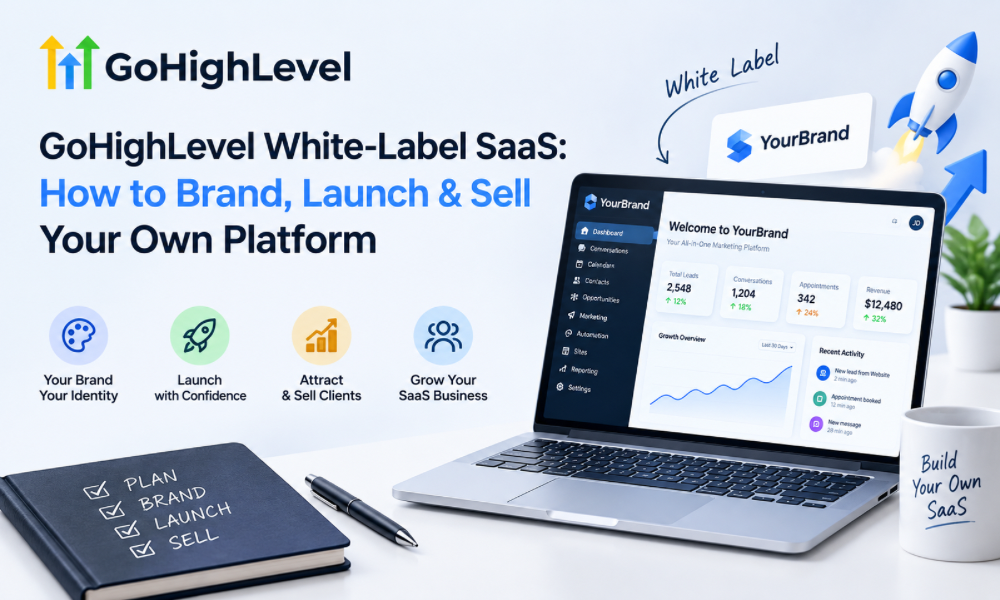
White-label SaaS is creating new opportunities for marketing agencies, consultants, and entrepreneurs who want to build recurring revenue without developing software from scratch. Instead of selling only marketing services, businesses can offer clients a branded platform that combines CRM, sales funnels, appointment booking, and marketing automation.
GoHighLevel makes this model attractive by bringing multiple business tools into one ecosystem. Agencies can use its available white-label features to build a platform under their own brand, package useful workflows, and sell subscriptions to a specific audience.
However, launching a profitable platform requires more than adding a logo and setting a monthly price. You need to identify a profitable niche, configure the right features, create an effective onboarding process, and develop a sales strategy that communicates real business value.
This guide explains how to build, launch, and grow a GoHighLevel white-label business while avoiding common mistakes that can affect profitability and customer retention.
Understanding GoHighLevel White-Label SaaS
A White-Label SaaS business allows you to offer software under your own brand while relying on an existing technology provider for the underlying platform.
With GoHighLevel, eligible agency plans and features can help businesses create a branded software experience for their customers. Instead of directing clients to multiple third-party tools, you can offer a centralized platform to manage leads, organize customer information, build funnels, and automate follow-ups.
For example, a digital marketing agency could launch a branded CRM platform for local businesses. Customers could use the system to capture inquiries, manage sales opportunities, book appointments, and follow up with potential buyers.
The agency earns recurring revenue through subscriptions and can potentially generate additional income from onboarding, customization, and managed services.
The key is to sell a solution rather than simply resell software access. Customers should understand how the platform fits into their daily operations and why it is worth paying for consistently.
Why Choose GoHighLevel for a White-Label Business?
GoHighLevel offers several capabilities that make it useful for agencies looking to develop a branded software product.
Its available tools can support customer relationship management, sales pipelines, landing pages, websites, appointment scheduling, email and SMS communication, and workflow automation.
These capabilities allow agencies to build connected customer journeys without assembling every component from separate platforms.
For instance, when a prospect submits a form, the system can create a contact record, move the opportunity into a pipeline, trigger an appropriate follow-up, and notify the relevant team member.
This combination is especially useful for businesses that depend on consistent lead management and customer communication.
Before launching, review your current GoHighLevel plan to confirm which white-label features, account options, usage limits, and integrations are available. Your product offering should reflect the capabilities you can actually provide.
Choose a Specific Niche for Your Platform
One of the biggest mistakes new SaaS businesses make is trying to serve everyone.
A general platform for all businesses may sound appealing, but it can be difficult to differentiate from established competitors. A niche-focused solution gives potential customers a clearer reason to choose your product.
Consider the problems faced by your intended audience.
A platform for real estate agents might focus on lead nurturing, property inquiry management, and appointment scheduling. A solution for home-service companies might prioritize quote follow-ups, booking reminders, and customer review requests.
Marketing agencies, meanwhile, may need reusable workflows, client account management, and centralized campaign processes.
Start by identifying a group of customers whose problems you understand well. Interview potential buyers, examine competing solutions, and determine which tasks consume the most time or create the greatest operational difficulties.
Your niche should have a meaningful problem, a reachable audience, and customers willing to pay for a solution.
Create a Distinct Brand Identity
Your brand is one of the main differences between your business and the underlying software provider.
Start with a name, visual identity, and positioning statement that reflect the audience you serve. Your website should explain what the platform does, who it helps, and what customers can expect after subscribing.
Avoid describing your product as merely an all-in-one CRM. That phrase does not explain why someone should choose your platform over alternatives.
Instead, communicate a specific benefit, such as helping service businesses organize incoming leads or enabling agencies to standardize client follow-up.
Your branding should remain consistent across the website, login experience, onboarding materials, email communication, and customer support.
Be transparent about subscription terms, additional usage charges, integrations, and support responsibilities. A professional brand builds trust by setting realistic expectations rather than making exaggerated promises.
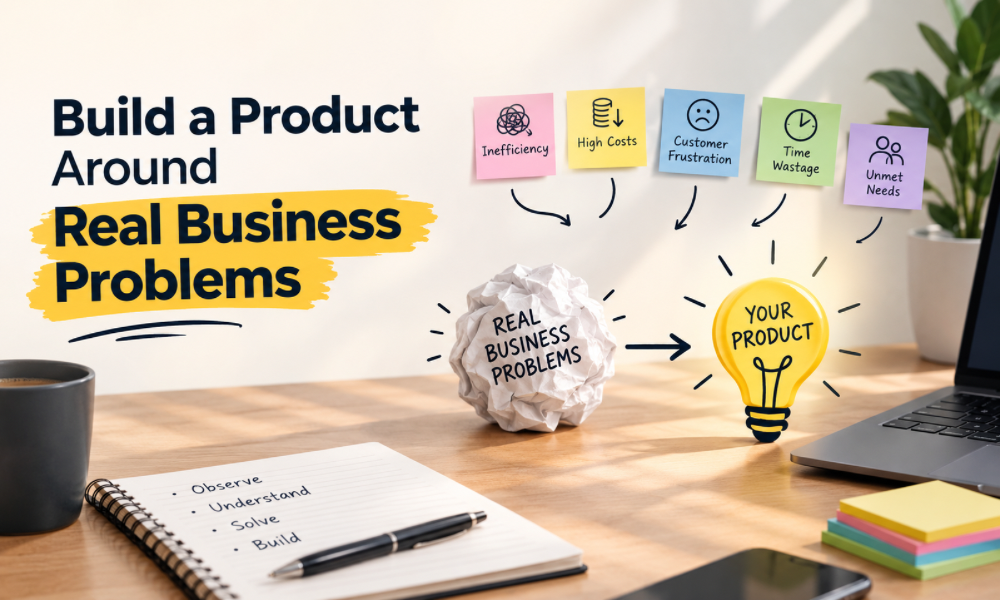
Build a Product Around Real Business Problems
A successful platform does not need every feature available in GoHighLevel. It needs the right features for its intended customers.
Begin with a core use case and build the essential workflow around it.
For example, a lead management package for local businesses could include a landing page, an inquiry form, a sales pipeline, automated follow-up messages, and appointment reminders.
These components work together to solve a recognizable problem: managing inquiries consistently and reducing the chances of losing potential customers.
GoHighLevel automation becomes particularly valuable when it connects separate actions into one reliable process.
However, automation should be designed carefully. Every workflow needs a clear trigger, appropriate conditions, and stopping rules to prevent duplicate messages or irrelevant follow-ups.
Start with a simple product that delivers practical value. Expand the feature set when customer feedback demonstrates a genuine need.
Configure Your White-Label Platform
Once your product structure is defined, configure the available white-label features and customer-facing settings.
Depending on your plan, this may include supported branding options, a custom domain, a branded login experience, and other account-level settings.
Next, organize the reusable assets that will support your product. These may include pipelines, forms, funnels, calendars, workflow templates, and standard account configurations.
Use clear naming conventions and document how each component works. This makes the platform easier to maintain as more customers join.
Before launch, test the entire customer journey.
Confirm that forms capture the correct information, appointments are booked correctly, notifications reach the right people, and workflows trigger only under the intended conditions.
A branded interface is only one part of the customer experience. The underlying system must also work reliably.
Use Snapshots to Simplify Customer Onboarding
Snapshots and reusable configurations can reduce the time required to set up new customer accounts.
Instead of rebuilding the same assets repeatedly, you can prepare a standardized starting point for a particular industry or service.
For example, a snapshot for a cleaning business could include a lead pipeline, inquiry form, quote follow-up workflow, and appointment reminders.
When a new customer joins, these assets provide a foundation that can be customized to match the business’s services, operating hours, and communication preferences.
However, snapshots should not be deployed without testing. Incorrect links, unsuitable messages, and mismatched settings can create problems after launch.
Create an onboarding checklist that covers account configuration, integrations, customization, workflow testing, and staff training.
A repeatable onboarding process helps maintain quality while reducing the amount of manual work required for every new subscription.
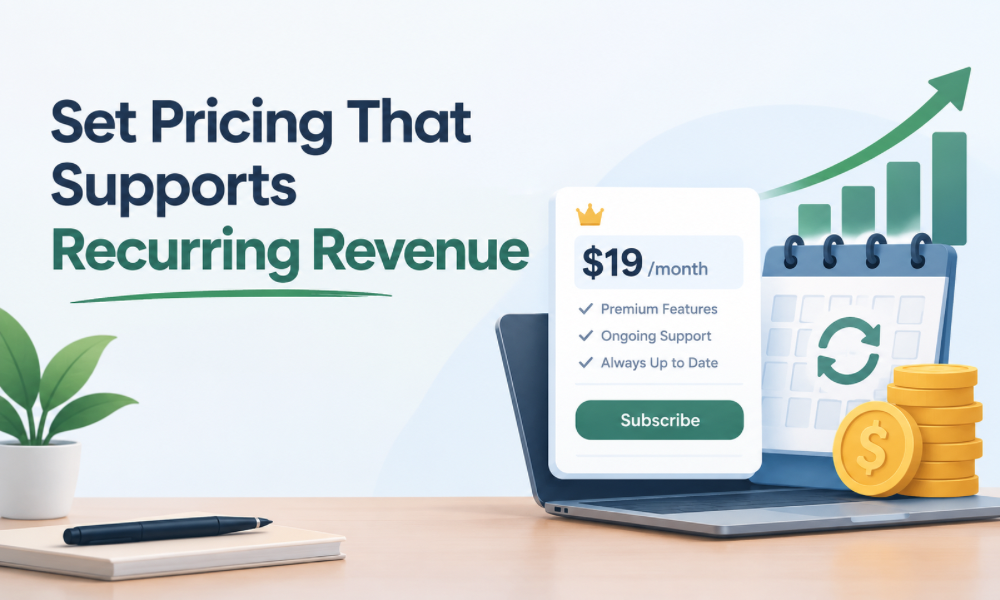
Set Pricing That Supports Recurring Revenue
Your pricing model should cover software costs, customer support, onboarding, and ongoing maintenance while leaving room for profit.
Start by calculating the costs associated with serving each customer. Consider your platform subscription, communication usage, third-party integrations, payment processing, and the time required to resolve customer issues.
Then create pricing tiers that reflect different customer needs.
A basic plan might provide access to essential CRM and lead management features. A higher tier could include additional workflows, expanded capabilities, or more comprehensive support, depending on your offering.
You can also charge separately for onboarding, custom workflow development, or managed marketing services.
Avoid competing exclusively on price. A cheaper subscription is not necessarily more attractive if customers struggle to configure it or cannot get help when they need it.
Instead, position your product around its practical value, ease of use, and support experience.
Build a High-Converting Sales Page
Your website should help visitors understand the product without requiring them to explore every feature.
Start with a clear headline that identifies the audience and the problem your platform solves.
Explain the main benefits, show relevant screenshots, and demonstrate how the product works through a realistic example.
Your sales page should also address common questions about pricing, onboarding, support, integrations, and subscription terms.
Use customer testimonials and case studies when you have genuine results and permission to share them. Avoid unsupported claims about guaranteed revenue growth or specific conversion improvements.
Choose one primary call to action, such as booking a demonstration or requesting a consultation.
A focused sales page makes it easier for prospects to understand the offer and take the next step.
Use Automation to Improve Your Sales Process
Your own sales process can benefit from the same capabilities you provide to customers.
When someone submits an inquiry form, you can create a CRM contact, assign the lead to a pipeline stage, send a confirmation, and notify the relevant salesperson.
If the prospect books a demonstration, the system can send reminders and organize the information needed for the meeting.
This is where GoHighLevel automation can reduce repetitive administrative work and help your sales team respond consistently.
However, automation should reflect customer behavior. Prospects who have already booked a meeting should not continue receiving messages asking them to schedule one.
Create appropriate conditions, exclusions, and workflow stopping rules.
Review the sales pipeline regularly to understand where prospects lose interest. Improving the process is more valuable than simply increasing the number of automated messages.
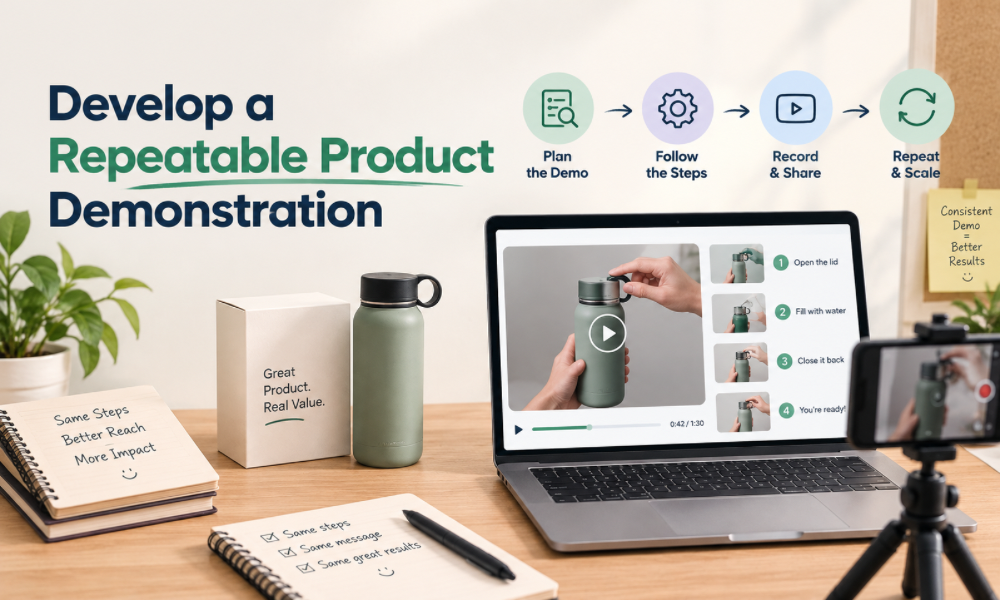
Develop a Repeatable Product Demonstration
A product demonstration should focus on the problems your prospective customer wants to solve.
Instead of showing every menu and feature, walk through a relevant business scenario.
For a home-service company, demonstrate how an inquiry enters the CRM, how a follow-up is triggered, and how the opportunity progresses through the sales pipeline.
For a marketing agency, show how reusable workflows can support client onboarding and lead management.
Ask questions before the demonstration so you can tailor the presentation to the prospect’s needs.
Explain any setup requirements and clarify which activities still require customer involvement.
After the meeting, send a concise summary of the proposed solution, pricing, implementation requirements, and next steps. A structured follow-up process helps prospects evaluate the offer without feeling pressured.
Create an Effective Customer Onboarding Experience
Getting a customer to subscribe is only the beginning. They also need to understand how to use the platform and experience its value.
Start onboarding by identifying the customer’s main objectives, existing tools, required integrations, and operational requirements.
Then guide the customer through account setup, pipeline configuration, workflow testing, and team training.
Avoid overwhelming new users with every feature at once. Focus on the most important workflow first, then introduce additional capabilities as they become relevant.
Documentation, training videos, and practical demonstrations can reduce confusion.
You can also use automated reminders to help customers complete outstanding setup tasks. These messages should respond to actual progress rather than repeatedly asking users to complete steps they have already finished.
A smooth onboarding experience helps customers reach their first meaningful outcome and creates a stronger foundation for retention.
Improve Customer Retention With Ongoing Value
Recurring revenue depends on customers continuing to find the platform useful.
Monitor customer feedback, onboarding completion, product adoption, and support requests to identify potential problems early.
If a customer is struggling to use the system, the solution might involve additional training, workflow adjustments, or clearer documentation.
Regularly explain relevant features and share practical ways customers can improve their processes. Avoid sending product announcements that have little connection to their needs.
Your GoHighLevel marketing strategy should therefore extend beyond attracting new customers. It should also support onboarding, education, product adoption, and renewal.
When customers understand how the platform supports their business, they have a stronger reason to continue using it.
Manage Customer Support as You Scale
As your customer base grows, answering every question personally becomes difficult.
Create a support process that explains how customers can request assistance, which issues receive priority, and how technical problems are escalated.
Prepare documentation for common questions and record solutions to recurring problems.
It is also important to distinguish between platform limitations, integration failures, and incorrect account configurations. Identifying the actual cause helps you provide accurate guidance.
An Automation Specialist can help troubleshoot complex workflows, review triggers and conditions, and improve the reliability of connected processes.
Document workflow changes and test them before deployment, particularly when they affect several customer accounts.
Reliable support is part of the product itself. It can influence customer satisfaction, retention, and the reputation of your brand.
Build a Marketing Strategy That Attracts Qualified Customers
Your marketing should focus on the problems your platform solves rather than relying exclusively on feature-based advertising.
Educational blog posts, demonstration videos, email campaigns, webinars, and case studies can help prospective customers understand the value of your solution.
For example, a platform targeting local businesses could publish content about missed leads, slow follow-ups, appointment management, and fragmented customer records.
Each resource should guide the audience toward a relevant next step, such as watching a demonstration or booking a consultation.
Paid advertising can complement organic marketing, but track the quality of the leads it generates. A campaign that attracts inexpensive inquiries may still perform poorly if those prospects rarely become paying customers.
A focused GoHighLevel marketing plan should connect audience research, content, lead capture, sales follow-up, and conversion measurement.
Plan GHL Migration Projects Carefully
Customers moving from another CRM may need help transferring their data and rebuilding existing processes.
A structured GHL Migration plan should begin with an audit of the current system.
Identify the contact records, custom fields, pipeline stages, integrations, and active workflows that need to be transferred or recreated.
Clean duplicate and outdated records before importing data. Map fields carefully so that important information appears in the correct locations.
Not every automation or integration will transfer directly. Some workflows may need to be rebuilt and tested individually.
Before completing the transition, verify that forms, notifications, calendars, and pipeline processes work as intended.