
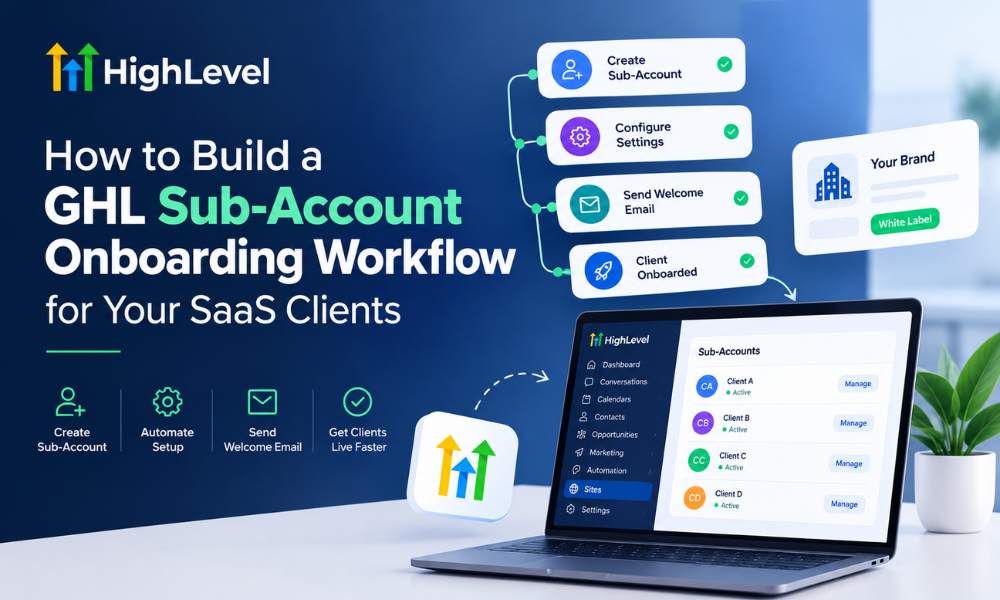
For agencies offering software-as-a-service solutions through GoHighLevel, onboarding is more than creating a sub-account and sending login credentials. Every new client needs a properly configured environment, connected communication channels, relevant business information, working automations, and enough guidance to use the platform confidently. When these steps rely on manual work, onboarding slows down, errors become more common, and agency teams struggle to scale.
A structured onboarding workflow helps turn this process into a repeatable system. Instead of rebuilding the same setup for every customer, agencies can standardize account creation, configuration, testing, training, and follow-up while allowing room for client-specific requirements.
This is especially important for businesses operating a White-Label SaaS model. Clients expect a professional experience that reflects the agency’s branding, delivers the promised functionality, and helps them start using the platform without unnecessary confusion. A well-planned workflow supports these expectations while reducing repetitive administrative work.
Implementing GoHighLevel automation can help coordinate onboarding tasks, send timely notifications, and track progress across multiple clients. However, effective automation depends on a clearly defined process. Agencies should decide which steps can run automatically, which require human approval, and how they’ll verify completion before considering a client fully onboarded.
Understanding the GHL Sub-Account Onboarding Process
A GoHighLevel sub-account provides a separate environment for an individual business or client. Depending on the agency’s plan, permissions, and configuration, the account may contain contact records, pipelines, calendars, forms, websites, workflows, and other tools required for daily operations.
The onboarding journey usually starts when a client purchases a service or subscribes to a SaaS offer. The agency then collects business information, creates or configures the sub-account, applies the appropriate settings, imports approved assets, connects integrations, and tests essential functionality.
The process should finish with a handover that helps the client understand how to access the platform, manage incoming leads, use the relevant features, and request support.
For agencies managing many customers, a dedicated onboarding pipeline provides a shared view of progress. Each client can move through defined stages such as payment confirmed, information pending, account setup, configuration, quality assurance, training, and onboarding complete.
A repeatable process also makes it easier to identify delays. If several clients remain stuck at the information collection stage, the agency can improve its intake process rather than repeatedly chasing missing details manually.
Step 1: Define Your Onboarding Stages Before Automating
Before building workflows, document the entire customer journey from purchase to successful activation. This prevents the agency from automating disconnected tasks without understanding how they fit together.
Start by identifying the events that initiate onboarding. These might include a completed checkout, a signed agreement, confirmation of payment, or an approved subscription. The trigger should be specific enough to prevent accounts from being created prematurely for incomplete or unqualified orders.
Next, define the stages every client must complete. A practical sequence includes welcome communication, business information collection, sub-account provisioning, configuration, integration testing, training, and post-launch support.
Each stage should have an owner, a completion condition, and a clear next action. For example, account configuration should not be marked complete merely because a workflow was created. The team should verify that the relevant settings have been saved and tested.
An Automation Specialist can help translate this process into dependable workflow logic, including triggers, conditions, delays, notifications, and exception handling. This planning stage is particularly valuable when several team members participate in onboarding or when different SaaS packages require different configurations.
Step 2: Automate Welcome Messages and Client Intake
Once a purchase or subscription is confirmed, the client should receive a welcome message explaining what happens next. The communication should introduce the onboarding process, identify the information required, and provide a realistic expectation of when setup will begin.
The message can direct clients to an onboarding form that collects details such as their business name, website, industry, contact information, preferred branding, business hours, and service requirements. Additional fields may be needed for calendar configuration, lead routing, or existing CRM information.
Keep the form focused on information that is genuinely required. Asking for too much information at once can delay completion and create unnecessary friction. If the implementation involves sensitive credentials or financial information, use an appropriate secure collection method rather than requesting those details through ordinary email or text messages.
GoHighLevel forms and workflows can support parts of this intake process. When a client submits the form, the system can update the contact record, notify the onboarding team, and create a task for any manual review that remains necessary.
If required information is missing, an automated reminder can prompt the client to complete the form. The workflow should stop sending reminders once the necessary details have been received, preventing unnecessary communication.
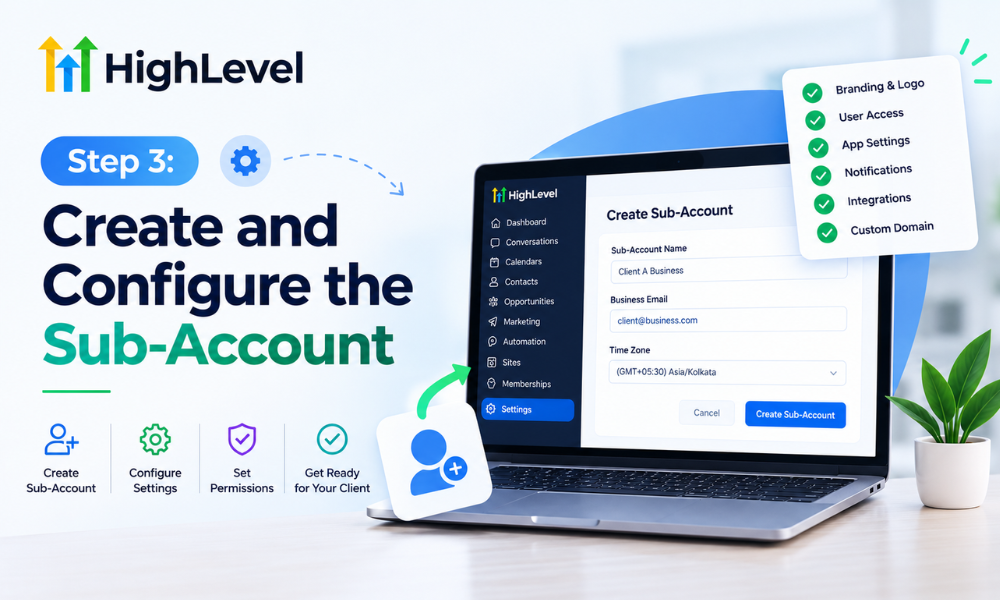
Step 3: Create and Configure the Sub-Account
After the intake information has been reviewed, the next stage is preparing the client’s sub-account. The exact provisioning process depends on the agency’s GoHighLevel plan, permissions, available integrations, and current platform capabilities.
The account should be created using a consistent naming convention and assigned to the correct client record. The team should confirm that the account belongs to the intended business and that the appropriate users have been invited with suitable permissions.
Configuration may include business details, time zone, currency, branding, custom fields, contact settings, and the basic structure needed for the client’s operations. These settings should reflect the information collected during intake rather than relying on generic defaults that may not fit the business.
For agencies selling White-Label SaaS, branding is an important part of the experience. Where supported by the agency’s plan, the setup may include branded login experiences, customized client-facing assets, and relevant domain configuration. The agency should verify which features are available before promising them as part of a subscription.
A well-documented setup checklist helps team members complete these tasks consistently. Automation can assign the work and track its status, while account creation and sensitive configuration steps should use supported methods and appropriate verification.
Step 4: Use Snapshots and Templates to Standardize Setup
Snapshots and reusable templates can reduce repetitive configuration when an agency serves clients with similar needs. Instead of building every funnel, workflow, pipeline, or form from scratch, the team can prepare a standard starting point and adapt it for each business.
For example, an agency serving home service companies might maintain a reusable configuration containing lead capture forms, appointment booking, follow-up workflows, and a basic sales pipeline. A different template may be more appropriate for consultants or professional service businesses.
The important distinction is between reusable structure and client-specific information. Templates should provide the foundation, while business names, contact details, calendars, domains, offers, and other unique settings must be reviewed before launch.
Agencies should also test snapshots before using them across multiple accounts. An incorrect trigger or outdated message can spread the same problem to many clients if the template is copied without validation.
An experienced Automation Specialist can help maintain reusable assets, document dependencies, and establish a controlled process for updates. This allows the agency to improve its standard setup without introducing inconsistent configurations across existing accounts.
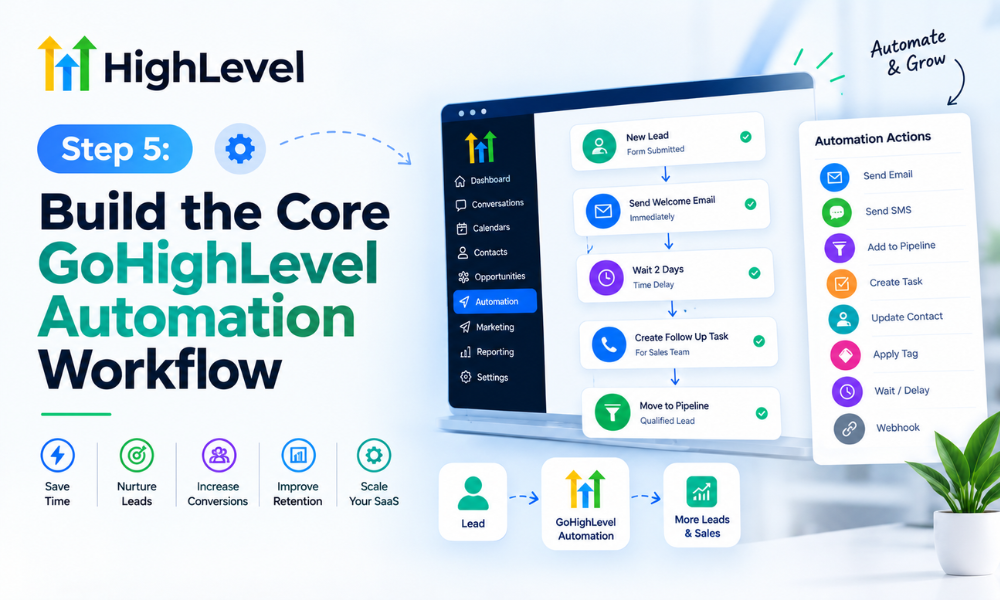
Step 5: Build the Core GoHighLevel Automation Workflow
Once the onboarding stages and reusable assets are defined, the agency can connect them through GoHighLevel automation. The workflow should coordinate the process rather than attempt to perform every task without supervision.
A typical workflow begins when the client’s purchase or approved onboarding event is recorded. It checks that the necessary conditions are satisfied, sends the welcome message, creates the intake task, and notifies the responsible team member.
When the intake form is completed, another event can move the client to the account setup stage and create the relevant configuration tasks. When those tasks are completed, the workflow can notify the quality assurance team and schedule a client training session.
Conditions are essential. A client who has not submitted required information should not receive a message saying the account is ready. Similarly, a failed integration should create an exception or review task rather than trigger the standard launch communication.
Depending on the platform configuration, these processes may require separate workflows, custom fields, opportunity updates, or integration events. Splitting complex processes into manageable components can make them easier to troubleshoot and maintain.
The objective is reliable coordination. A smaller workflow with clearly defined conditions is usually more useful than an elaborate automation that nobody can confidently maintain.
Step 6: Connect Integrations and Verify Essential Features
A sub-account may look complete while important functionality remains untested. Email delivery, telephone configuration, calendars, domains, forms, and third-party integrations can all affect whether the client can use the system successfully.
The onboarding checklist should identify the integrations required for each subscription package. Not every client needs every feature, so testing should follow the agreed scope rather than a generic checklist that assumes all services are included.
For communication channels, verify that the relevant configuration is complete and that messages can be delivered through the intended method. Check the sender information, domain settings where applicable, consent requirements, and opt-out handling.
Calendar testing should confirm that appointments can be booked correctly, time zones are accurate, and the expected notifications are triggered. Forms should be submitted using test information to confirm that contact records are created or updated as intended.
This stage is also an opportunity to verify that workflow conditions behave correctly. A test lead should move through the expected process without generating duplicate messages or incorrect pipeline changes.
Automation should not mark a technical task as successful simply because a workflow reached its final step. Where possible, use a real test result or a confirmed integration status to establish completion.
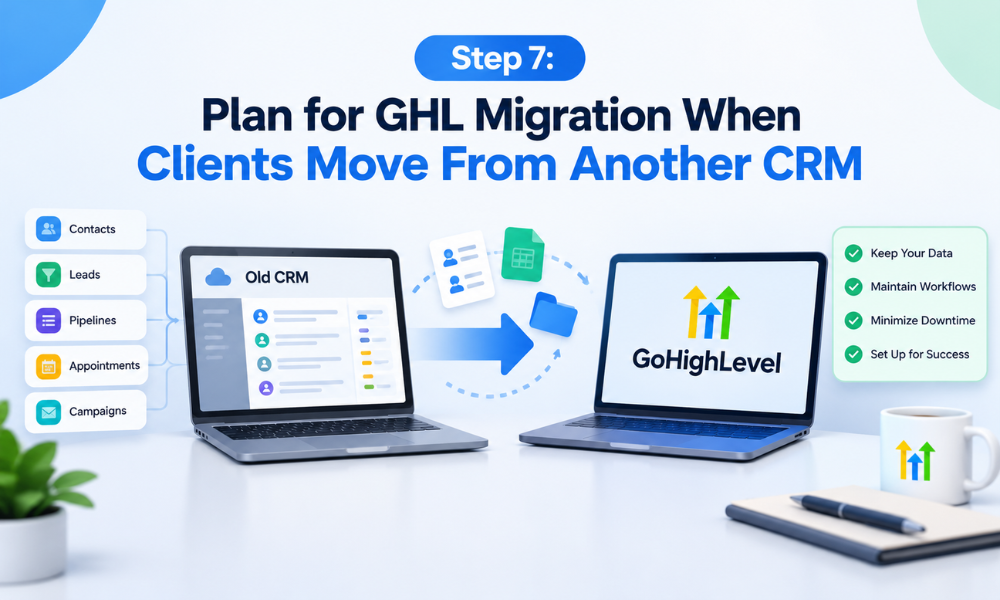
Step 7: Plan for GHL Migration When Clients Move From Another CRM
Some SaaS clients already use another CRM, marketing platform, or collection of disconnected tools. Moving their operations into GoHighLevel requires additional planning because the agency must preserve useful information while avoiding duplicate records and broken processes.
A controlled GHL Migration should begin with an inventory of existing contacts, tags, custom fields, pipelines, communication history, forms, calendars, and automations. The team should identify which information must be retained, which assets can be recreated, and which integrations need replacement.
Data mapping is especially important. A field called “lead status” in the previous system may not correspond directly to a GoHighLevel pipeline stage. The team should define how each important field will be transferred and verify that the resulting records remain meaningful.
Before importing a large dataset, perform a test migration with a representative sample. Check field mapping, duplicate handling, formatting, and record accuracy. Preserve appropriate backups and obtain authorization before transferring client data.
A migration may also require rebuilding workflows because automation logic does not necessarily transfer directly between platforms. Each recreated workflow should be tested before the client begins relying on it.
The migration stage should have its own approval and completion criteria. This prevents the standard onboarding workflow from treating a partially transferred CRM as ready for everyday use.
Step 8: Create a Quality Assurance and Approval Stage
Quality assurance is the checkpoint that separates technical setup from client launch. Before marking an account ready, the team should confirm that the required configuration matches the agreed service package and that the essential customer journeys work as expected.
Review the account’s business details, branding, permissions, pipeline stages, forms, calendars, and workflows. Submit test leads, verify notifications, and confirm that contacts move through the intended sequence. Where applicable, check domain configuration and email deliverability.
A checklist should distinguish between mandatory launch requirements and optional enhancements. If a feature is outside the client’s package, it should not block launch unnecessarily. However, any issue affecting core functionality must be resolved or explicitly communicated before the account is handed over.
The approval stage should also identify who is authorized to sign off on the setup. Automated tasks can collect status updates and notify reviewers, but a person should confirm complex or business-critical configurations where automated verification is insufficient.
For agencies managing White-Label SaaS clients at scale, this process protects consistency. Every customer receives the same baseline of quality while still benefiting from a setup adapted to their business.
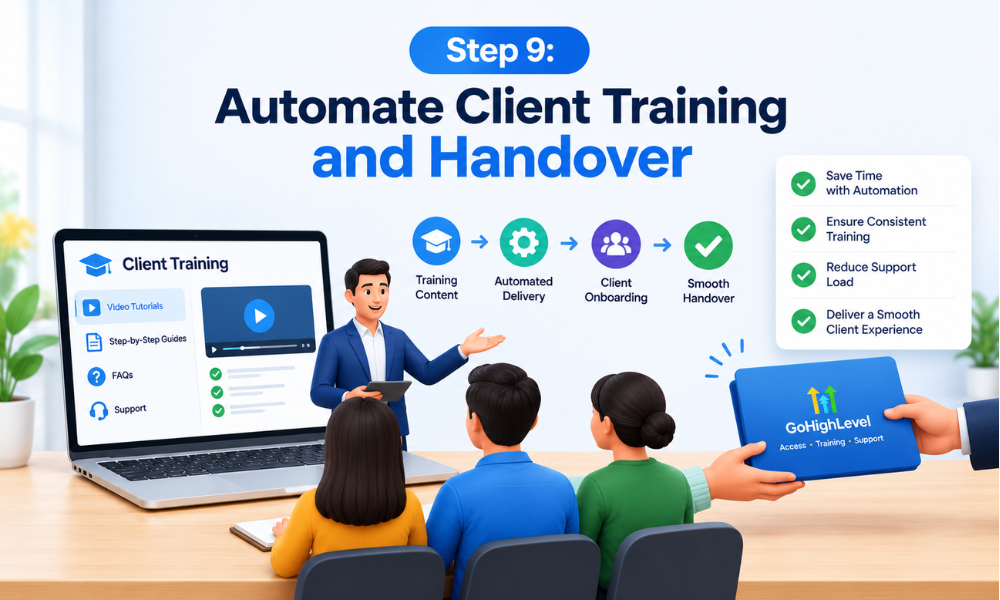
Step 9: Automate Client Training and Handover
A configured account only creates value when the client understands how to use it. Training should focus on the activities the customer will perform regularly, rather than overwhelming them with every available GoHighLevel Marketing.
For example, a service business may need to learn how to view incoming leads, update opportunity stages, manage appointments, and respond to customer inquiries. A marketing agency may require additional guidance on campaign workflows, forms, and reporting.
The onboarding workflow can schedule a training session, send a calendar invitation, and provide relevant documentation or tutorial links. It can also create an internal task to prepare a client-specific demonstration using the features included in the subscription.
After training, send a concise handover message explaining where to find key tools, how to request support, and which tasks remain the client’s responsibility. If the service includes ongoing optimization, explain how requests will be prioritized and managed.
A short feedback survey can reveal whether the client understands the system and whether any essential questions remain unresolved. The onboarding process should be considered complete only when the agreed launch requirements have been met, and the client has received the necessary handover.
Step 10: Measure Onboarding Performance and Improve the Workflow
An effective onboarding system should be measured and refined over time. Without clear metrics, an agency may know that accounts are being created but have little understanding of where delays occur or why some clients struggle to activate.
Useful measurements include time from purchase to account creation, time spent waiting for client information, configuration completion time, integration failure rates, training attendance, and time to first successful use of an important feature.
For example, if most delays occur because clients submit incomplete intake forms, the agency can simplify the form or improve its instructions. If accounts repeatedly fail calendar testing, the team may need a more detailed configuration checklist.
Track exceptions as well as successful completions. Duplicate contacts, incorrect permissions, failed notifications, and migration errors can reveal weaknesses that are not visible in average completion times.
An Automation Specialist can use these findings to refine triggers, simplify conditions, remove redundant tasks, and improve exception handling. The goal is to make onboarding more predictable without removing the human oversight required for important decisions.