
The Complete GoHighLevel Setup Guide for 2026
This is the complete, no-fluff guide to setting up GoHighLevel correctly in 2026. Whether you’re an agency onboarding your first client or a business replacing five tools with one platform, this guide covers every step — from account architecture to your first automated campaign.
Chapter 1: Account Architecture — Get This Right First
The single most common GoHighLevel mistake is skipping architecture planning. Before touching any settings, decide: Is this an agency account with client sub-accounts, or a single business account? Agency accounts (starting at $297/month) let you create unlimited sub-accounts — each client gets their own isolated workspace with separate contacts, pipelines, and automations. Single-location accounts ($97/month) suit individual businesses.
For agencies: create a master “template” sub-account where you build and test everything, then save it as a snapshot. Every new client gets deployed from that snapshot in minutes instead of days. This one practice separates profitable GHL agencies from ones drowning in setup work.
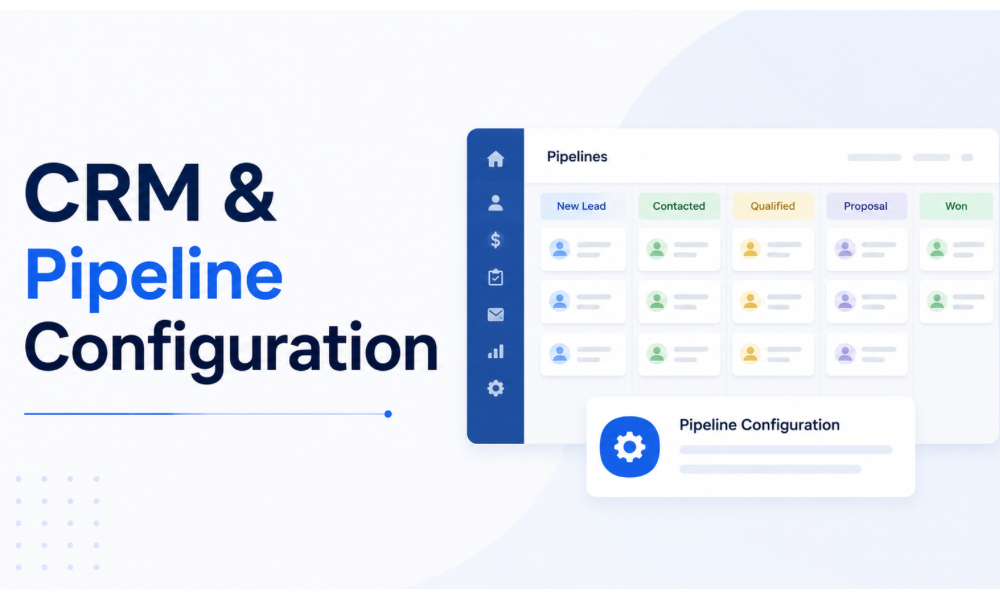
Chapter 2: CRM & Pipeline Configuration
Your pipeline is the spine of the system. Start with the buyer journey, not the software: map the actual stages a prospect moves through — for most service businesses that’s New Lead → Contacted → Qualified → Proposal Sent → Negotiation → Won/Lost. Resist creating 12-stage pipelines; more than 7 stages means stages get skipped and your data turns to noise.
Custom fields come next. Create fields only for data you’ll actually use in automations or reporting: lead source, service interest, budget range, and timeline cover 90% of use cases. Every field you add is a field someone has to fill — keep the friction low.
Set up lead scoring if your volume justifies it: +10 for form submission, +5 for email open, +15 for pricing page visit, -10 for 30 days of silence. Route anything above 50 points to a human immediately.
Chapter 3: Communication Channels Setup
GoHighLevel consolidates email, SMS, voice, and social messaging into one conversation view. Each channel needs proper configuration:
Email: Set up a dedicated sending domain (never send from your main domain). Configure SPF, DKIM, and DMARC records — without these, your emails land in spam regardless of content quality. Warm up new domains gradually: 50 emails/day week one, doubling weekly until you reach target volume.
SMS: Register for A2P 10DLC compliance immediately (required for US texting). This takes 1-3 weeks for approval, so start before you need it. Non-compliant numbers get carrier-filtered — your texts simply won’t arrive.
Phone: Purchase a tracking number through GHL for each major lead source. Enable missed-call text-back — this single feature recovers 15-30% of missed opportunities for most local businesses.
Chapter 4: The Five Automations Every Account Needs
1. Speed-to-Lead: New lead → instant SMS + email within 60 seconds → notify sales team → create task if no response in 1 hour. This automation alone justifies the platform cost.
2. Missed-Call Text-Back: Missed call → automatic SMS “Sorry we missed you! How can we help?” → route reply to team inbox.
3. Appointment Reminders: Booking confirmed → confirmation email → 24-hour reminder SMS → 1-hour reminder → post-appointment follow-up. Cuts no-shows by half.
4. Lead Nurture: Lead goes cold → enter 30-day nurture sequence → value content weekly → re-engagement offer at day 21 → move to long-term list if no response.
5. Review Generation: Job completed/deal won → wait 2 days → review request SMS with direct Google link → thank-you message on completion.
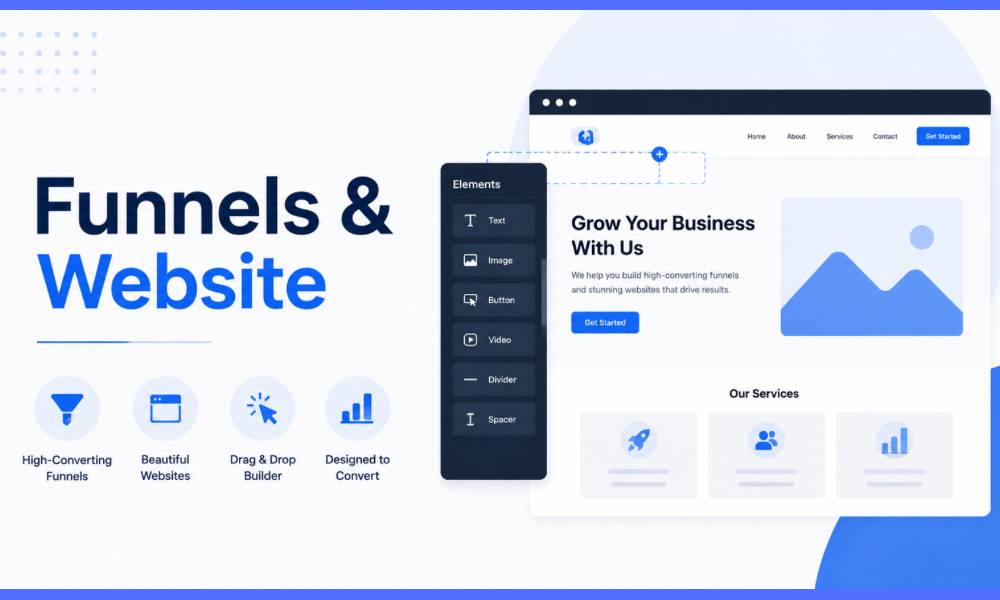
Chapter 5: Funnels & Website
GHL’s funnel builder replaces ClickFunnels for most use cases. Structure every funnel as: traffic source → landing page (one goal, one CTA) → form or calendar → thank-you page with next step. Connect each funnel step to pipeline automation so form fills instantly become pipeline opportunities with follow-up running.
Track everything: enable Facebook Pixel and Google Analytics on every funnel. GHL’s attribution reporting shows which sources produce customers, not just leads.
Chapter 6: Calendar & Booking Setup
Create separate calendars for each appointment type (discovery call, demo, service appointment) with appropriate durations and buffers. Enable round-robin distribution for teams. Always require phone number at booking — it enables SMS reminders which dramatically reduce no-shows.
Chapter 7: Testing & Launch Checklist
Before going live: submit a test lead through every form and verify it appears in the right pipeline with automations firing. Send test emails to Gmail, Outlook, and Yahoo accounts checking spam placement. Book a test appointment and confirm all reminders arrive. Call your tracking numbers and verify routing. Only then connect live traffic.
Want This Set Up For You?
Our certified team has done 200+ GoHighLevel setups. Get yours done right in 5-10 days.
Book Free Consultation →When to Get Expert Help
A proper GHL setup takes 20-40 hours for someone who knows the platform — considerably longer while learning it. If your time is better spent on clients and revenue, our team has built 1,000+ GHL workflows across 200+ agencies. We offer complete CRM setup from $1,500 or dedicated GHL specialists from $12/hr.
Related guides: Pipeline setup deep-dive · 10 essential automations · Onboarding checklist