
GoHighLevel Opt-Outs, DND and Consent: Staying Compliant
Suppression is the least interesting part of a CRM and the most expensive to get wrong. A missed opt-out is not a tidy-up task for next quarter — it is a complaint, and in some jurisdictions a fine.
GoHighLevel handles this well enough, provided you understand what the controls actually do. Most of the failures we see are not the platform ignoring an opt-out; they are somebody re-importing a list that wiped one, or sending from a second channel the suppression never covered.
What DND actually means here
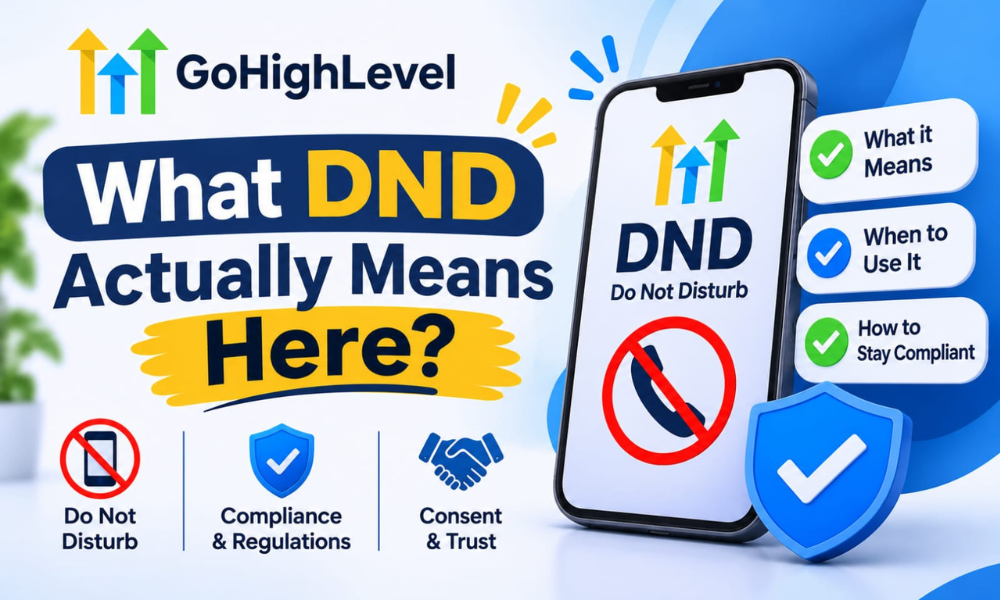
Do Not Disturb sits on the contact record and can apply per channel. That per-channel detail is the thing to internalise: a contact who replied STOP to a text may still be fair game for email, and a contact who unsubscribed from email may not have opted out of calls.
So “are they opted out?” is not a yes or no question. It is a question per channel, and your workflows need to respect the right one. A workflow that checks a general DND flag before sending an email will behave differently from one that checks the email-specific flag, and both are reasonable depending on what you intend.
- SMS — STOP, UNSUBSCRIBE, QUIT and similar keywords are handled by the carriers and the platform. The reply sets DND automatically and you should never override it.
- Email — the unsubscribe link sets the email preference. Removing that link from a marketing email is the compliance failure people make most often.
- Calls and voicemail — governed by separate rules and separate registries in most countries. A CRM flag is not a substitute for checking a national do-not-call list where one applies.
- WhatsApp — has its own opt-in expectations that are stricter than SMS in several respects.
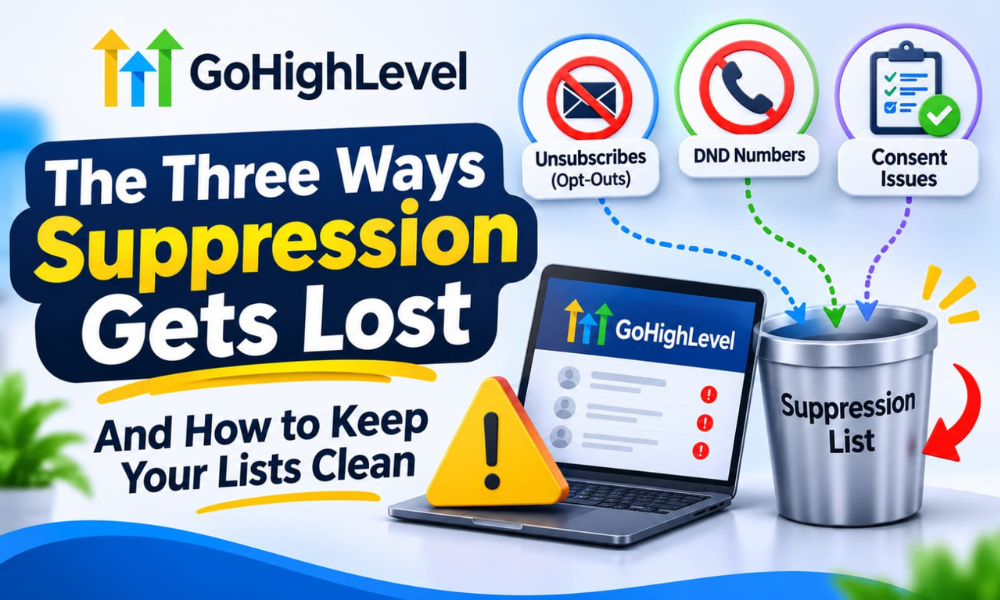
The three ways suppression gets lost
Imports
Re-importing a list that does not carry the DND column will quietly resurrect contacts you were not allowed to message. This is the single most common route to an accidental breach, and it usually happens months after the opt-out, when nobody connects the two events.
The fix is a rule, not a feature: every import must include the suppression column, and every import must be set to update rather than create. If the spreadsheet you were given does not have that column, do not import it until it does.
Migrations
Moving from another platform is the same risk at ten times the scale. Suppression lists are the one thing worth verifying record by record on a sample before you send anything. Our piece on deliverability goes through the mechanics, and the opt-out column is the line item to insist on in any migration scope.
Duplicates
One record opted out, the other did not. The automation finds the one that did not and sends. This is why merging must always inherit the most restrictive status — and why a duplicate problem is also a compliance problem.
Consent, not just suppression
Opting out is the back door. Consent is the front, and it is the part that matters legally in most places you are likely to be operating.
A defensible consent record answers four questions:
- Who consented? The contact, identified.
- To what? The specific channels and the kind of message, not “marketing” in general.
- When, and from where? A timestamp and the source — which form, which page.
- What did they actually see? The wording next to the checkbox at the moment they ticked it.
Capture those as fields on the contact record at the point of signup. It costs nothing at the time and it is the only thing that helps when somebody disputes it a year later. Keeping a dated copy of the form wording matters too, because the page will have changed by then.
If you send SMS to US numbers, this same evidence is what the carrier registration process asks for — our A2P 10DLC guide covers that submission in detail.
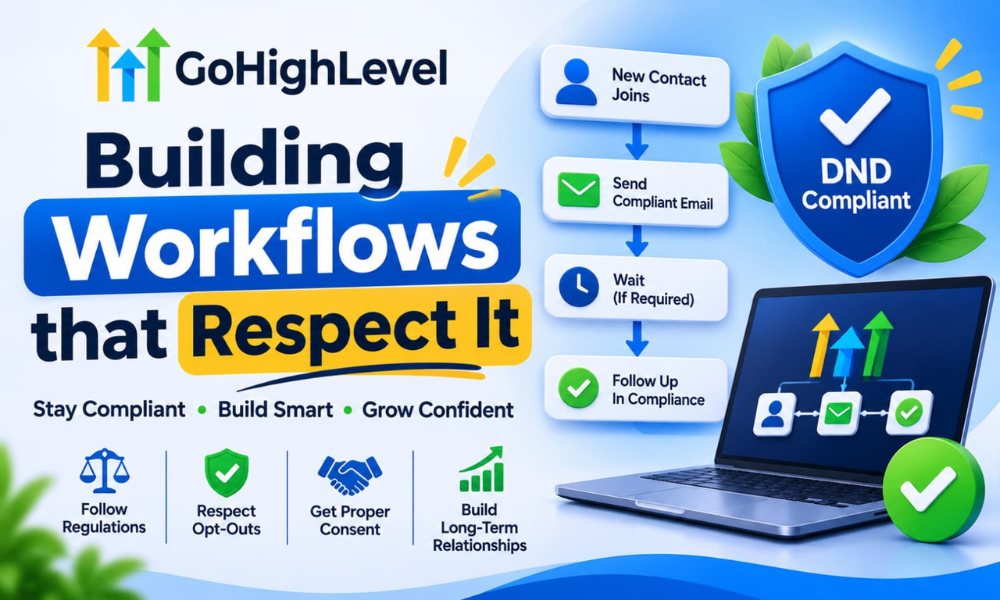
Building workflows that respect it
- Check the relevant channel’s DND at the top of any sending workflow, not just at the trigger. Status can change mid-sequence.
- Add an exit condition on opt-out to every multi-step sequence. A contact who unsubscribes at step two should not receive steps three through seven.
- Keep transactional and marketing messages in separate workflows. An order confirmation and a promotion are different things and should obey different rules.
- Put the opt-out instruction in the message itself, not only in a footer nobody reads on mobile.
- Honour an opt-out immediately. A queued message that goes out an hour after someone said stop is still a message after they said stop.
A quarterly check worth doing
- Count contacts with DND set per channel. A number that drops between quarters means something is clearing it.
- Pick five opted-out contacts and confirm no workflow has messaged them since.
- Check every marketing email template still contains a working unsubscribe link.
- Review the last three imports for the suppression column.
- Confirm your opt-in form wording still matches what you are actually sending.
Twenty minutes. The alternative is finding out from a complaint.

Frequently asked questions
Does replying STOP work automatically in GoHighLevel?
Yes, for standard keywords on SMS. The platform and the carriers both act on it and DND is set on the contact. You should never build anything that re-enables messaging for that contact without a fresh, documented opt-in from them.
Can I message someone who opted out of email but not SMS?
Technically the platform will let you, because the preferences are per channel. Whether you should depends on what they consented to and where they are. Treating a clear opt-out from one channel as permission to try another is how complaints start, even when it is permitted.
What happens to opt-outs when I import a list?
If the import file has no suppression column and is set to create or overwrite, you can clear existing DND flags. Always include the column, always set the import to update on a match key, and always test with twenty rows before running the whole file.
Do I need consent records if I bought the list?
Buying a list does not transfer consent, and in most jurisdictions that matters a great deal. If you cannot answer who consented, to what, and when, you do not have consent — whatever the seller told you. This is also exactly the evidence carrier registration asks for.
Where to start
Open your last import file and check whether it had a suppression column. If it did not, that import is where to look for contacts who should not be receiving anything.
Then open one marketing email template and confirm the unsubscribe link works. Those two checks take five minutes and cover the two most common failures. If you want the whole consent layer built properly — capture, storage, and workflow conditions that actually respect it — a GoHighLevel automation specialist can set it up, or book a free GoHighLevel consultation and our GoHighLevel team will review what you have. None of this is legal advice — for anything contested, talk to someone qualified in your jurisdiction.