
GoHighLevel Calendars: Round-Robin, Team and Service Setups
Calendars look like the simple part of GoHighLevel until the day two reps get booked into the same slot, or a client books a 90-minute consultation into a 30-minute gap. Both are configuration problems, and both are avoidable if you pick the right calendar type at the start.
There are a few distinct calendar types in the platform and they behave quite differently. Choosing wrongly is not fatal, but rebuilding a calendar that already has bookings on it is tedious, so it is worth ten minutes of thought first.
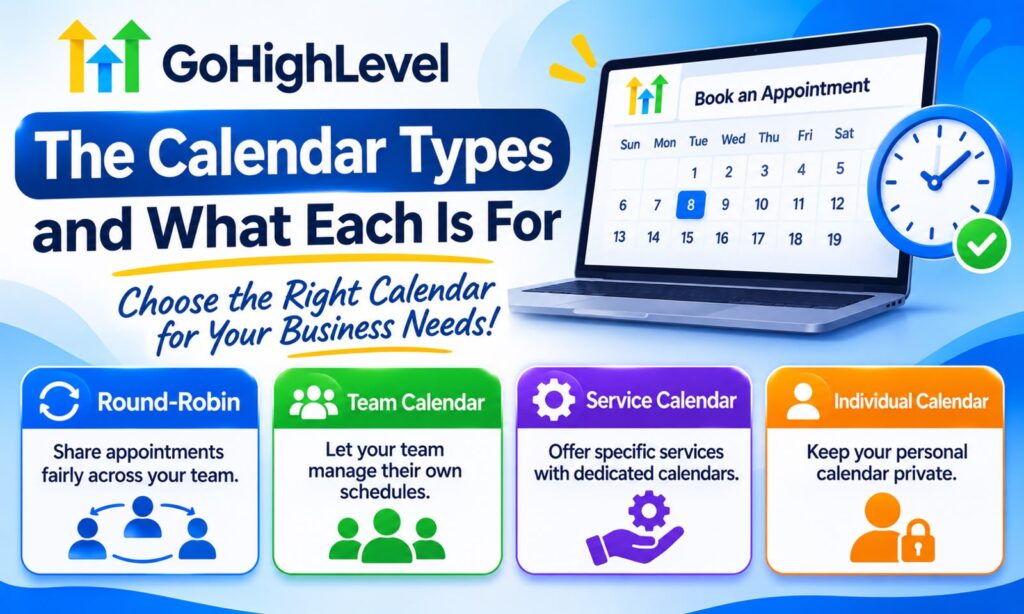
The calendar types and what each is for
Simple calendar
One person, one availability pattern, one service. This is the right answer far more often than people expect. If you are a consultant booking your own calls, stop reading and use this one.
Round-robin
Several team members sharing one booking link, with the platform distributing bookings between them. The distribution logic matters more than people realise — optimising for availability fills whoever is free soonest, which is good for the customer and terrible for fairness if one rep keeps a wide-open calendar.
Use it for sales teams where any rep can take any call. Do not use it where customers need a specific person, because they will book whoever comes up and then ring to complain.
Collective or team calendar
Requires more than one person to be free at the same time. Useful for a discovery call that needs a salesperson and a technical lead together. It also means your availability is the intersection of two diaries, which is a much smaller window than anyone expects — check what it actually produces before you publish the link.
Service and class calendars
Service calendars attach a specific service, duration and often a price to the booking, which is what you want for a treatment, a valuation or anything where the length depends on what was booked. Class calendars handle one slot with many attendees — a webinar, a group session, a class.
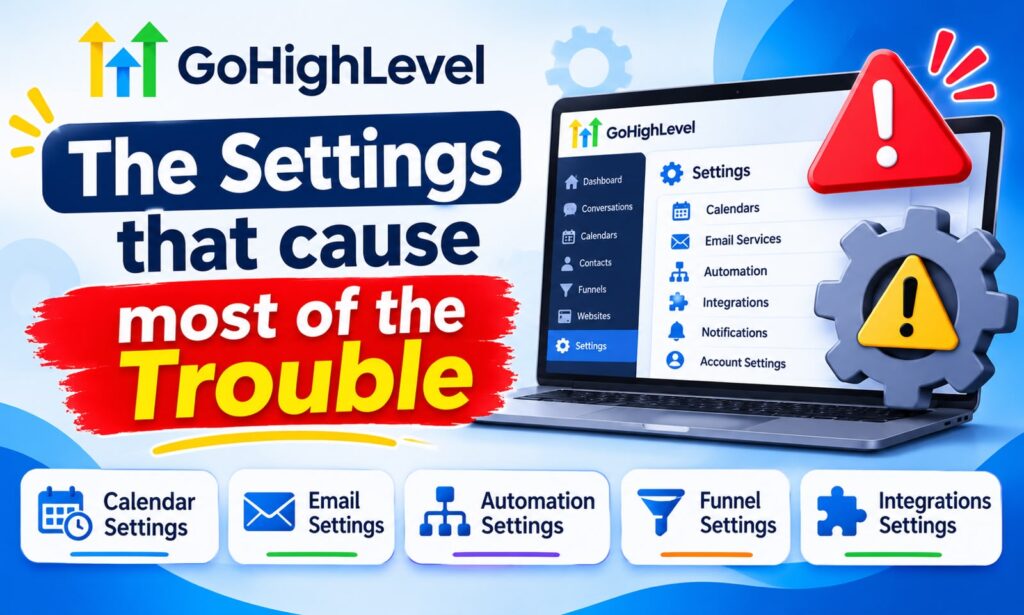
The settings that cause most of the trouble
Six fields do most of the damage when they are left at defaults.
- Slot duration versus slot interval. Duration is how long the appointment runs; interval is how often a start time is offered. Setting a 60-minute duration with a 15-minute interval offers overlapping starts and will double-book you.
- Buffer time. Travel, notes, a breath. Without it, back-to-back bookings run late by mid-morning and never recover.
- Minimum scheduling notice. Zero means someone can book you for four minutes from now. An hour is a sensible floor; same-day trades often want more.
- Booking window. How far ahead people can book. Leave it wide and you will get bookings for March that nobody honours.
- Maximum bookings per day and per slot. The per-slot setting is what stops a round-robin stacking two people into the same time.
- Timezone handling. Decide whether slots display in the visitor’s timezone or the business’s. Getting this wrong is invisible to you and obvious to the customer who turns up five hours early.
Most double-booking complaints come down to duration and interval disagreeing with each other. Check those two first, every time.
Connecting real diaries
A GoHighLevel calendar that does not read the team’s actual diaries will book over their dentist appointments. Two-way sync matters: reading external events to block availability, and writing bookings back so the rep sees them where they already look.
Three things to verify after connecting:
- Create a private event in the external calendar and confirm the GoHighLevel slot disappears.
- Make a test booking and confirm it appears in the external calendar with the right timezone.
- Cancel the test booking and confirm it clears from both sides.
Run that check again whenever somebody changes their email password, because that is when a sync quietly dies and nobody notices for a fortnight.
Reminders, confirmations and no-shows
A calendar that books is half the job. A calendar that gets people to turn up is the other half, and it lives in the workflow attached to it rather than in the calendar settings.
A sensible default sequence:
- Immediate confirmation with the date, time, duration, location or join link, and a reschedule link.
- A reminder 24 hours before, by whichever channel the person gave you.
- A short reminder an hour before for in-person appointments.
- A follow-up on no-show that offers rebooking rather than scolding.
Include the reschedule link in every message. The alternative to an easy reschedule is not attendance, it is a no-show. If you want the booking side of this built properly end to end, our guide to building an appointment booking funnel covers the funnel that feeds the calendar.

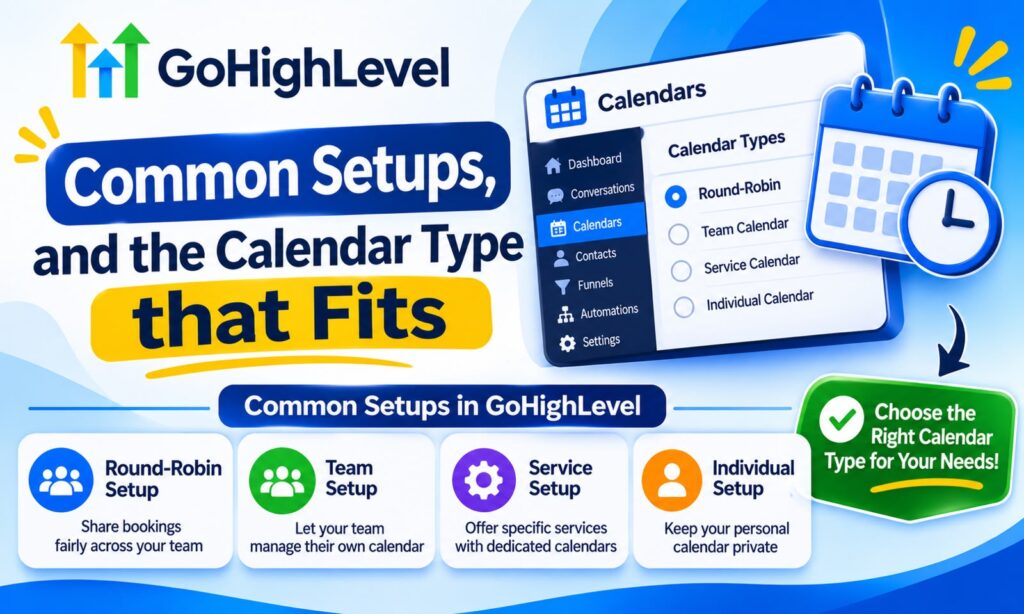
Common setups, and the calendar type that fits
- Solo consultant — simple calendar, 45-minute duration, 15-minute buffer, two hours’ notice.
- Sales team, any rep — round-robin with equal distribution and one booking per slot.
- Discovery call needing two people — collective calendar, and sanity-check the resulting availability.
- Clinic or salon with varied treatments — service calendars, one per treatment, each with its real duration.
- Group class or webinar — class calendar with a capacity limit.
- Multi-branch business — one calendar per location, never one shared calendar with a location field.
Frequently asked questions
Why is my GoHighLevel calendar double-booking?
Almost always slot interval being shorter than slot duration, or maximum bookings per slot being set above one on a round-robin. Check those two before anything else. A failed external calendar sync is the third candidate — re-authorise it and run the three-step test above.
Can one calendar serve several team members?
Yes, through round-robin for “any of us” or a collective calendar for “all of us”. What you cannot sensibly do is run one shared calendar and sort out who owns each booking afterwards — that falls apart the first busy week.
How do I stop people booking at the last minute?
Minimum scheduling notice. Set it to the shortest time in which you could realistically prepare and travel. For most service businesses that is between two and twenty-four hours, and it is the single most effective no-show control there is.
Should each location have its own calendar?
Yes. One calendar per location, with its own availability and its own staff. Trying to run several branches through one calendar with a location field creates routing problems that only get worse as you add sites — our piece on appointment automation goes through the structure.
Where to start
Open your busiest calendar and compare slot duration against slot interval. If the interval is smaller, you have a double-booking waiting to happen, and fixing it takes ten seconds.
Then run the three-step sync test on one team member’s diary. A calendar that is not reading real availability is worse than no calendar, because it promises time that does not exist. If you would rather have the whole booking layer set up properly first time, a GoHighLevel CRM setup service is usually a day’s work — you can book a free GoHighLevel strategy call and our GoHighLevel setup experts will tell you which calendar type your business actually needs.