
How Long Does a GoHighLevel CRM Setup Take? (Realistic Timeline)
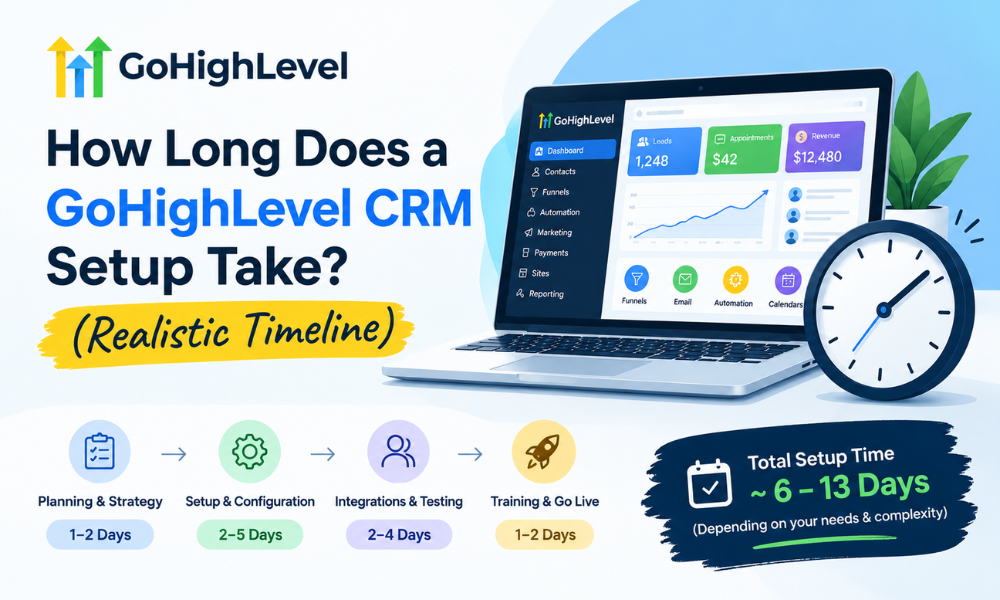
A GoHighLevel CRM setup can take anywhere from a few days to several weeks, depending on the business’s complexity, the number of workflows, integrations, sales pipelines, and migration requirements. A basic configuration may be ready within three to five business days, while a more comprehensive implementation involving multiple funnels, advanced automation, and extensive testing can take two to six weeks or longer.
The timeline depends less on the platform itself and more on how much customization your business requires. A company that needs contact management and appointment booking will generally need less implementation time than an agency building a complete client acquisition system with automated follow-ups, sales pipelines, reporting, and third-party integrations.
A well-planned GHL CRM setup starts with clear business requirements, organized data, and a defined workflow strategy. With the right GoHighLevel automation, a properly configured Funnel Builder, and support from experienced implementation professionals, businesses can avoid unnecessary delays and launch a CRM that supports their operations.
What Determines the GoHighLevel CRM Setup Timeline?
There is no single timeline that applies to every GoHighLevel implementation. The amount of work depends on the features being configured, the condition of existing business data, and the number of people involved in the project.
A small service business might need a contact database, a sales pipeline, appointment scheduling, and a few follow-up workflows. A marketing agency offering white-label services may require separate sub-accounts, customized snapshots, branded funnels, advanced reporting, and more extensive testing.
Existing systems also influence the schedule. Businesses migrating contacts from spreadsheets may finish relatively quickly, whereas companies transferring data from multiple CRMs may need additional time to clean records, map fields, preserve important information, and verify the results.
The availability of decision-makers matters too. Delayed approvals, incomplete content, missing login credentials, and unclear requirements can extend a project even when the technical configuration is straightforward.
Before beginning a GHL CRM setup, identify the essential features, integrations, and launch requirements. A clearly defined scope makes it easier to estimate the work, allocate resources, and avoid unexpected additions that delay completion.
Basic setup: Three to five business days
A basic implementation is suitable for a small business that wants to centralize contacts and manage sales opportunities without building a complicated automation system.
The work typically includes account configuration, contact fields, a single sales pipeline, calendar setup, and a small number of communication workflows. The team may also configure a basic lead capture form and test appointment notifications.
This timeline assumes that the business already knows its sales process, has its contact information ready, and can provide the required account access promptly.
A basic setup should still include testing. Sending a test enquiry, confirming that the contact record is created correctly, and verifying appointment notifications can prevent avoidable problems after launch.
Standard setup: One to two weeks
A standard implementation suits businesses that want a more complete lead management process. It may include multiple pipeline stages, lead segmentation, automated appointment reminders, missed-call follow-ups where supported, and email or SMS nurturing sequences.
The team also needs to confirm messaging permissions, configure relevant integrations, and test how workflows behave when a prospect replies, books an appointment, or becomes a customer.
This stage requires more planning because different workflows must operate together. A booking confirmation should not conflict with a lead nurturing sequence, and a converted customer should not continue receiving messages intended for an unqualified prospect.
For many small and medium-sized businesses, this level of configuration provides a useful balance between implementation speed and operational functionality.
Advanced setup: Two to four weeks
Advanced projects typically involve several connected parts of the customer journey. A business may need multiple landing pages, customized forms, different sales pipelines, conditional workflows, reporting dashboards, and integrations with external platforms.
A GoHighLevel funnel builder may be used to create dedicated landing pages for different services or campaigns. Each funnel must connect correctly to the CRM so that enquiries are recorded, leads are assigned appropriately, and the right follow-up sequence begins.
Advanced GoHighLevel automation also requires more testing. The team must verify trigger conditions, delays, communication rules, duplicate prevention, and workflow exit criteria.
Two to four weeks can be a reasonable planning range when requirements are clear, and integrations are supported. Projects involving custom development, unusual data structures, or external approval processes may take longer.
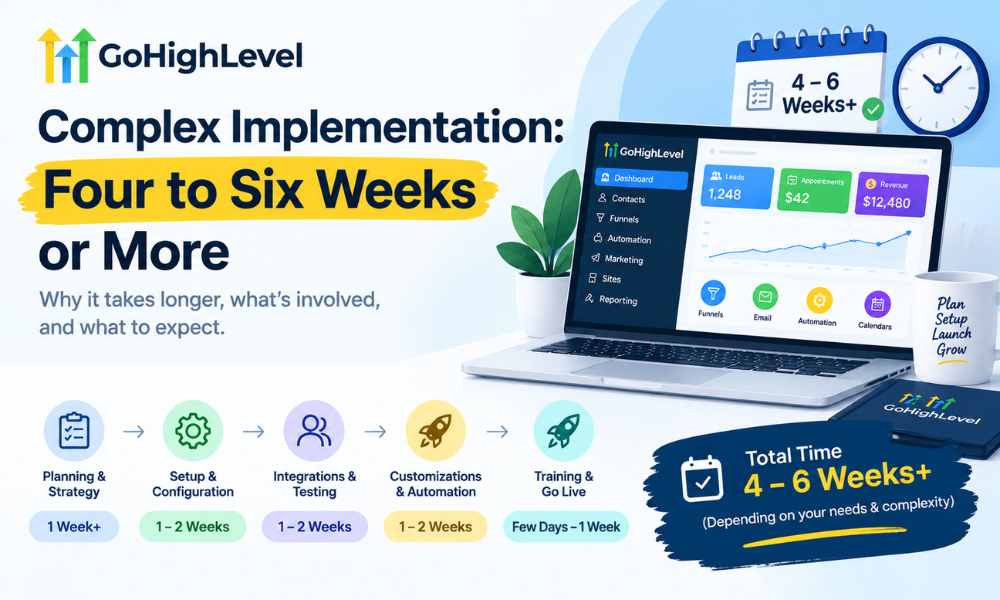
Complex implementation: Four to six weeks or more
Complex projects may involve migrating from several existing systems, configuring multiple business locations or sub-accounts, creating reusable snapshots, and supporting distinct sales processes for different services.
Data migration can become a major task if records contain inconsistent fields, duplicates, outdated contact details, or incomplete communication histories. Integrations may also require coordination with external vendors or technical teams.
For agencies, the timeline can increase when each client account needs separate branding, permissions, workflows, calendars, and reporting. The goal is to create a reliable, repeatable system rather than simply copy the same configuration into every account.
In these situations, allowing four to six weeks or longer provides room for implementation, validation, revisions, and user training.
Step-by-Step GoHighLevel CRM Setup Timeline
Understanding the individual implementation stages makes the overall schedule easier to manage. A typical project moves through discovery, configuration, automation, integration, testing, and launch.
Step 1: Requirements and planning — Days 1–2
The first stage defines what the CRM must accomplish. The team identifies the target audience, lead sources, sales stages, communication channels, reporting requirements, and essential integrations.
It should also document which processes need automation and which require human approval. For example, an appointment reminder can usually be automated, while a customized proposal may require a salesperson’s review.
Clear planning reduces rework later. If the business changes its pipeline structure after workflows have been built, the implementation team may need to revise several connected components.
Step 2: Account and pipeline configuration — Days 2–4
The next stage involves configuring the account, organizing contact fields, creating pipeline stages, and setting permissions. Calendars, team assignments, and basic communication settings may also be established.
For a straightforward business, this stage can be completed relatively quickly. Larger organizations may need additional time to agree on ownership rules, reporting requirements, and differences between departments or locations.
A well-structured GHL CRM setup should reflect the real sales process. Pipeline stages should have clear definitions so team members understand when an opportunity should move forward.
Step 3: Forms, funnels, and workflows — Days 4–8
The team builds lead capture forms, landing pages, appointment journeys, and the first set of automation workflows. The actual duration depends on how many assets are required and whether copy, images, and branding are ready.
A Funnel Builder can support campaigns that move visitors from a landing page to a form submission or appointment booking. The CRM should capture the information and initiate the appropriate next step.
For example, a new enquiry could trigger a confirmation email, create a sales opportunity, and notify the responsible team member. If the prospect books a meeting, the workflow can switch to appointment reminders.
These stages may overlap with account configuration in smaller projects, but the connected journey must be tested before launch.
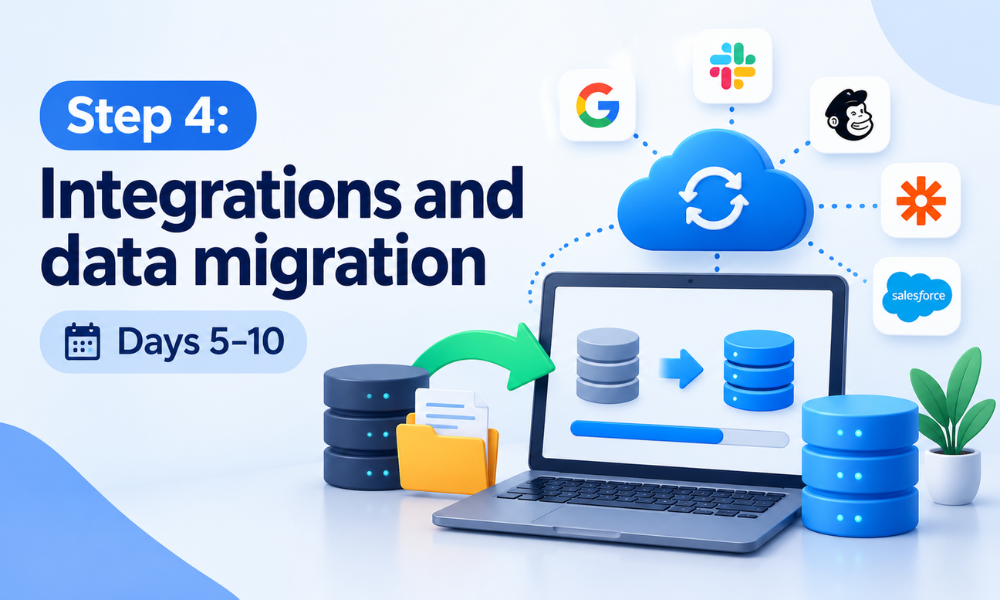
Step 4: Integrations and data migration — Days 5–10
This stage may overlap with workflow development. The team connects supported services, imports contact records, maps data fields, and checks whether information has transferred accurately.
A small spreadsheet import may take only a few hours, while migration from multiple CRMs can require several days of preparation and verification.
The team should check record counts, custom fields, tags, ownership, and duplicate handling. It should also verify that connected calendars, forms, and communication channels work as intended.
Migration should not be considered complete merely because the import process reports success. The data must be usable and accurate enough for the business to operate reliably.
Step 5: Testing and revisions — Days 8–12
Testing confirms that the entire process works from the prospect’s perspective. Submit test forms, book appointments, trigger workflows, and verify notifications, pipeline updates, and follow-up messages.
Check both successful and unsuccessful journeys. What happens when a prospect does not book? Does the workflow stop when someone replies? Is a converted lead removed from promotional follow-ups where appropriate?
The team should also check mobile layouts, form validation, email formatting, permissions, and integration failures.
Testing often reveals issues that were not obvious during configuration. Allow time to correct these problems instead of treating testing as a final administrative task.
Step 6: Training and launch — Days 10–15
Before launch, users should understand how to manage contacts, update opportunities, review conversations, and handle workflow exceptions.
A short training session, documented procedures, and a clear escalation process can help prevent mistakes. The team should also identify who is responsible for monitoring failed automations and updating the CRM when business processes change.
The system can then be launched in stages or made available to the full team, depending on project risk. Monitor the first few days closely to identify problems with live leads, message delivery, or reporting.
How a Funnel Builder Affects the Timeline
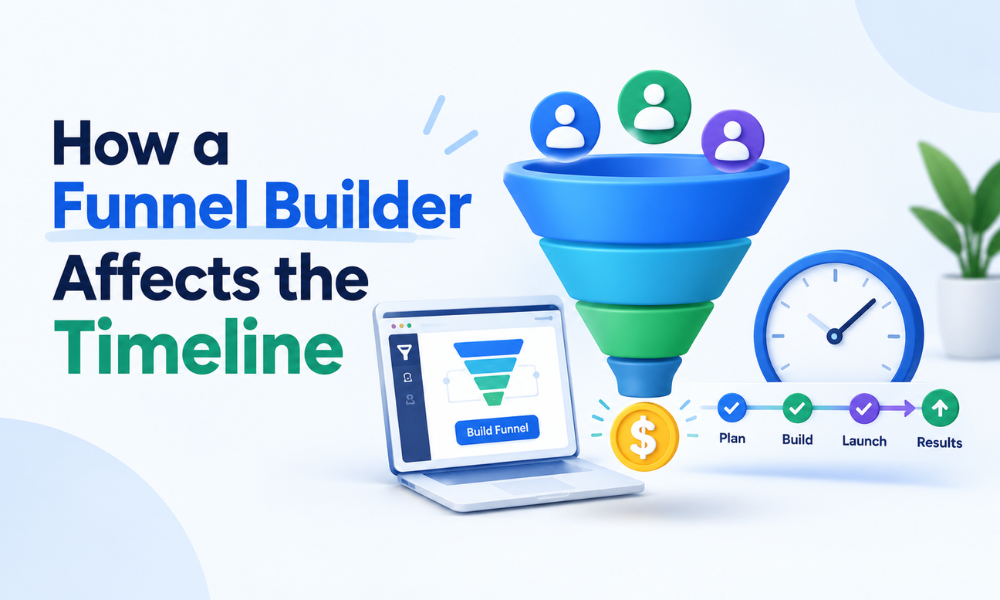
A Funnel Builder can help create landing pages, lead capture forms, and conversion-focused journeys within the broader CRM process. However, the time required depends on whether the business needs one simple page or an entire campaign structure.
A single landing page with approved copy and existing branding may be ready quickly. Multiple funnels with separate offers, audience segments, forms, tracking requirements, and follow-up sequences will take longer.
Content readiness is particularly important. If the team is still deciding on headlines, offers, testimonials, images, and calls to action, design and implementation can stall.
Prepare the content and define the desired customer journey before development begins. This allows the team to build the pages and workflows around a consistent objective.
Can a GHL Virtual Assistant Speed Up CRM Setup?
A GHL Virtual Assistant can help reduce administrative delays by organizing contact data, preparing imports, checking records, documenting processes, and supporting routine configuration tasks.
During implementation, the assistant may help verify contact fields, maintain a testing checklist, prepare workflow content, and record issues that require technical attention. After launch, the assistant can monitor assigned tasks, review pipeline hygiene, and flag contacts that need human follow-up.
However, a virtual assistant does not automatically replace the need for technical planning. Complex integrations, workflow architecture, migration decisions, and troubleshooting may require a specialist with relevant implementation experience.
A GHL Virtual Assistant is most useful when responsibilities are clearly defined, and access permissions are appropriate. Delegating repetitive tasks can free technical specialists to focus on configuration and quality assurance.
What Commonly Delays a GoHighLevel CRM Setup?
Even a well-planned implementation can run late when essential information or decisions are missing. Common causes include unclear requirements, incomplete contact data, delayed account access, unavailable email or domain settings, and slow approval of landing-page content.
Unexpected scope changes can also extend the schedule. Adding another pipeline, rebuilding a funnel, or introducing a new integration midway through development may affect several connected workflows.
Another common issue is underestimating testing. A workflow that works for one sample contact may fail when a contact already has a tag, belongs to another pipeline, or has booked an appointment earlier.
To reduce delays, appoint one decision-maker, prepare content in advance, document requirements, and agree on what is included in the initial launch. Additional features can be prioritized for a later phase instead of holding up essential functionality.
When Should You Hire GoHighLevel Expert Services?
Some businesses can configure a basic CRM internally, especially when requirements are simple and someone on the team understands the platform. More complicated projects may benefit from GoHighLevel expert services that cover workflow architecture, integrations, data migration, funnel development, and quality assurance.
External specialists can help identify dependencies, avoid conflicting automation, and build a system that is easier to maintain. They may also provide implementation documentation and training so the business is not dependent on one individual for every future change.
Before engaging a provider, ask for a clear scope, realistic timeline, testing plan, and list of client responsibilities. Confirm whether the estimate includes migration, revisions, integrations, training, and post-launch support.
A provider offering GoHighLevel expert services should be able to explain the reasoning behind the proposed setup, not just promise a fast delivery date. The best implementation is one that works reliably after launch and supports future growth.

Conclusion: Plan for a Reliable Launch, Not Just a Fast Setup
A GoHighLevel CRM setup can take three to five business days for basic requirements, one to two weeks for a standard implementation, and two to six weeks or longer for advanced or complex projects. The realistic timeline depends on the scope, data quality, integrations, testing requirements, and speed of decision-making.
Businesses can shorten the process by defining requirements early, preparing content and contact data, prioritizing essential workflows, and reserving enough time for testing. A structured GHL CRM setup, carefully planned GoHighLevel automation, and a properly configured Funnel Builder can create a reliable foundation for lead management and customer communication.
A GHL Virtual Assistant can help with administrative preparation and ongoing CRM maintenance, while GoHighLevel expert services can support more complex technical requirements.