
A2P 10DLC Registration for GoHighLevel: Getting Approved
Your workflows are built, your templates are written, and your first campaign goes out to silence. No bounce, no error, no delivery. Nine times in ten the cause is the same: the brand or campaign registration was never completed, or it was completed badly and the carriers quietly binned the traffic.
A2P 10DLC is the registration system US carriers use for business texting on standard ten-digit numbers. It is not optional, it is not a GoHighLevel invention, and no amount of retrying will get around it. Here is what the process actually asks for, where submissions get rejected, and what to do when yours is.
What A2P 10DLC is, in one paragraph
Carriers got tired of businesses blasting consumers from ordinary mobile numbers, so they built a register. You declare who you are (the brand), what you intend to send and why someone agreed to receive it (the campaign), and the carriers assign you throughput based on how convincing that is. Register well and your messages arrive. Register badly, or not at all, and they are filtered before anyone sees them — silently, which is the cruel part.
It applies to US destinations on local ten-digit numbers. Toll-free numbers use a separate verification process with its own form, and short codes are a different thing entirely.
The two stages, and what each one wants
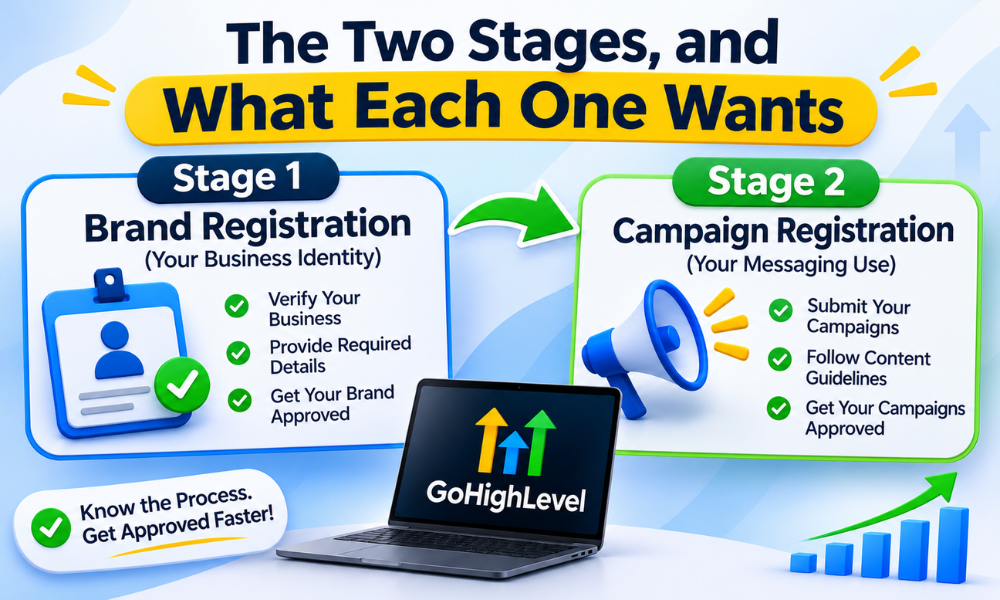
Brand registration
This is identity. The carriers check your submission against public business records, so it has to match them exactly rather than approximately.
- Legal business name — exactly as registered, not your trading name. “Northgate Dental Ltd” and “Northgate Dental” are different strings to an automated checker.
- EIN or tax ID — digits only, matching the name above. A transposed digit is the single most common rejection.
- Registered address — the one on the tax record, not the office you work from.
- Website — live, resolving, and plainly belonging to the business. A parked domain or a coming-soon page will fail.
- A contact person — a real email on the business domain. Free webmail addresses weaken a submission.
Brand registration carries a one-off fee and is usually decided within a day or two. Sole traders and businesses without a tax ID can register, but expect lower throughput and more scrutiny.
Campaign registration
This is intent, and it is where most submissions actually fail. You are describing one use case — appointment reminders, say, or lead follow-up — and proving people consented to it.
Three things decide the outcome:
- Your campaign description. Specific beats clever. “Appointment reminders and confirmations for patients who booked through our website” passes. “Marketing messages to our customers” invites questions.
- Your sample messages. They must look like what you will actually send, include your business name, and carry opt-out language. Submit two or three that differ from each other.
- Your opt-in evidence. A public URL showing the form where consent is collected, with a visible consent checkbox and the wording next to it. This is the one people skip and the one reviewers check first.
There is a one-off campaign fee and a small monthly fee per campaign on top. Both are wallet charges rather than part of your plan — along with every other metered cost, they are set out in the GoHighLevel costs that are not in the plan price.
Where submissions get rejected
In rough order of how often we see each one:
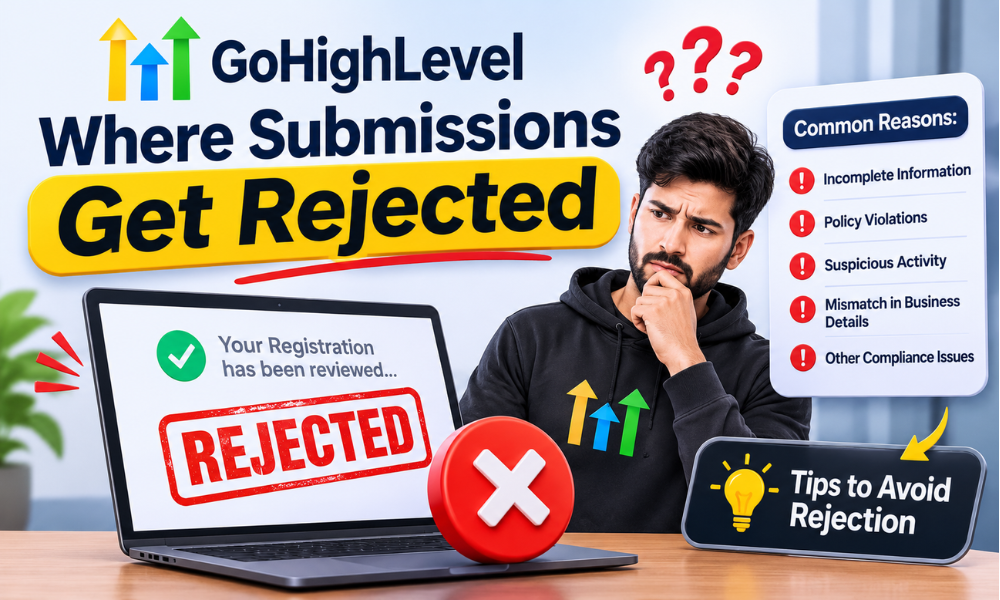
- Business name does not match the tax record. Check the registration document, not your letterhead.
- Opt-in URL does not show consent being collected. Linking your homepage is not evidence. Link the actual form, and make sure the checkbox and its wording are visible without scrolling past a cookie banner.
- Sample messages have no opt-out. Every sample should end with “Reply STOP to opt out” or equivalent.
- Sample messages do not identify the sender. A recipient must be able to tell who is texting them from the message alone.
- The use case is too broad. One campaign, one purpose. If you genuinely send both reminders and promotions, register two.
- Prohibited content. Lending, debt relief, cannabis, gambling and a handful of other categories are restricted or banned outright. Check before you build the funnel, not after.
Getting your consent language right
This is the part worth spending twenty minutes on, because it is also what keeps you out of trouble later. Next to the phone-number field on your form you want a checkbox, unticked by default, with text that names your business, says what kind of messages will be sent, states that consent is not a condition of purchase, mentions that message and data rates may apply, and explains how to stop.
Keep the form live at a stable URL. Reviewers re-check, and a page that has moved since submission is treated as no evidence at all. If your opt-in happens somewhere a reviewer cannot reach — inside an app, or over the phone — you will need to document that process instead, and expect a longer review.
After approval: what still goes wrong
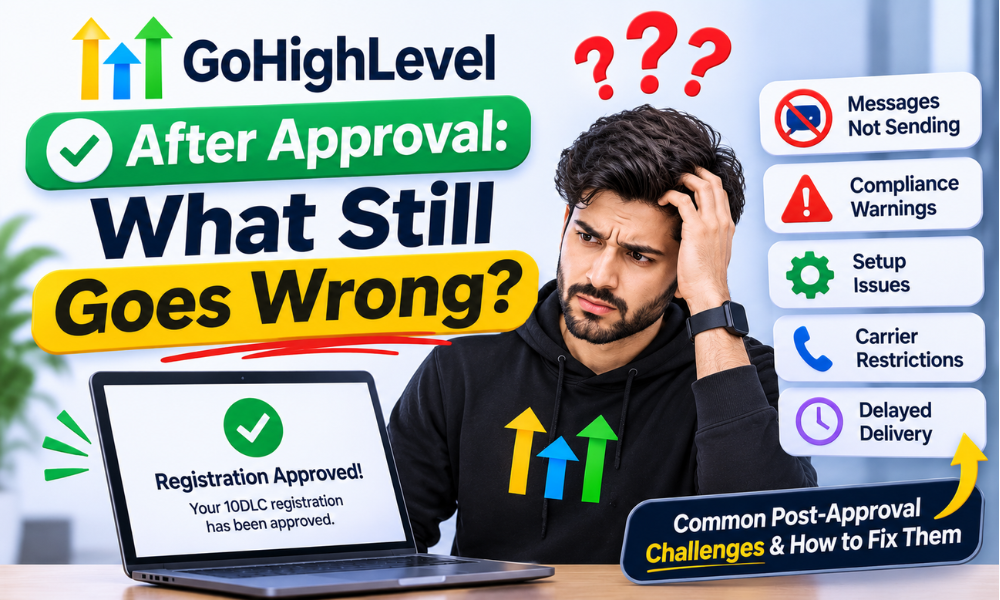
Approval is permission, not delivery. Two things catch people out in the first month.
Throughput limits
Your campaign gets a sending rate. Push a list of 10,000 through a number rated for a trickle and the queue backs up for hours, which turns a lunchtime promotion into a 9pm text. Stagger large sends, or spread them across more numbers.
Filtering that has nothing to do with registration
Registered traffic still gets filtered for content. Link shorteners on shared domains, all-caps, excessive punctuation, and the words you would expect in a payday-loan advert all raise flags. The practical fix is to write plainly and use a branded link domain. The wider set of habits that quietly kill delivery is covered in our guide to getting 40%+ SMS reply rates.
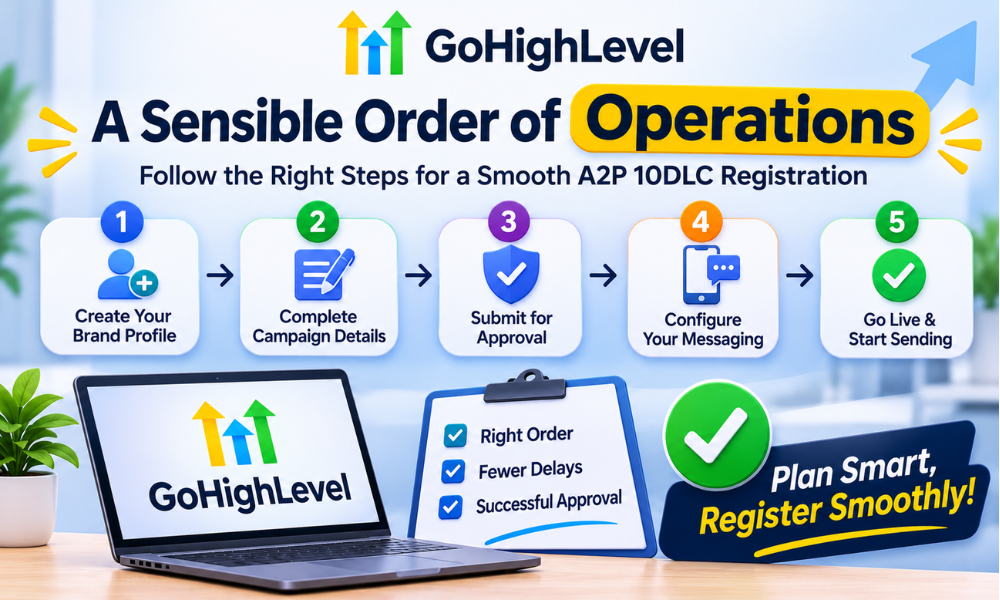
A sensible order of operations
- Register the brand first and wait for approval before anything else.
- Build or fix the opt-in form, publish it at a permanent URL, and check it on a phone.
- Write three sample messages that match what you will really send, each with sender name and opt-out.
- Submit one campaign for one use case.
- While you wait, build the workflow but leave it switched off.
- On approval, send to a small internal list first and confirm delivery on at least two carriers.
- Only then turn on the automation.
Done in that order the whole thing takes a few days of waiting and about an hour of work. Done in the wrong order it takes three weeks, because every rejection restarts the clock.
Frequently asked questions
How long does A2P 10DLC approval take in GoHighLevel?
Brand registration is often same-day to two days. Campaign registration usually lands within a few business days, though restricted use cases take longer and a rejection resets the clock. Assume a week end to end for planning, and do not book a launch date against an unapproved campaign.
Do I need to register if I only send a few texts?
Yes. There is no volume floor — the requirement is about the type of number and the destination, not how much you send. Low-volume brands exist as a registration category precisely so small senders can comply cheaply.
What happens if I skip registration?
Messages to US numbers get filtered by the carriers. You will usually see them marked as sent inside the platform while nothing arrives, which is why people waste days debugging workflows that were never the problem. Check registration status before you debug anything else.
Can I use a toll-free number instead?
You can, and toll-free verification is a separate and often quicker process with good throughput. It is a reasonable choice for national senders. For a local business, a local number still gets better answer rates, so the registration work is usually worth doing properly.
Where to start
Open your brand record and compare the business name and tax ID against the registration document, character by character. That one check prevents the most common rejection there is.
Then go and look at your opt-in form on a phone. If you cannot see a consent checkbox and its wording without hunting, a reviewer will not either. If the whole thing has already been rejected twice and you would rather hand it over, a GoHighLevel automation specialist does these submissions regularly and knows what the reviewers look for — or you can book a free GoHighLevel consultation and we will look at your rejection notice with you. Our GoHighLevel experts can usually tell from the notice alone which field caused it.