
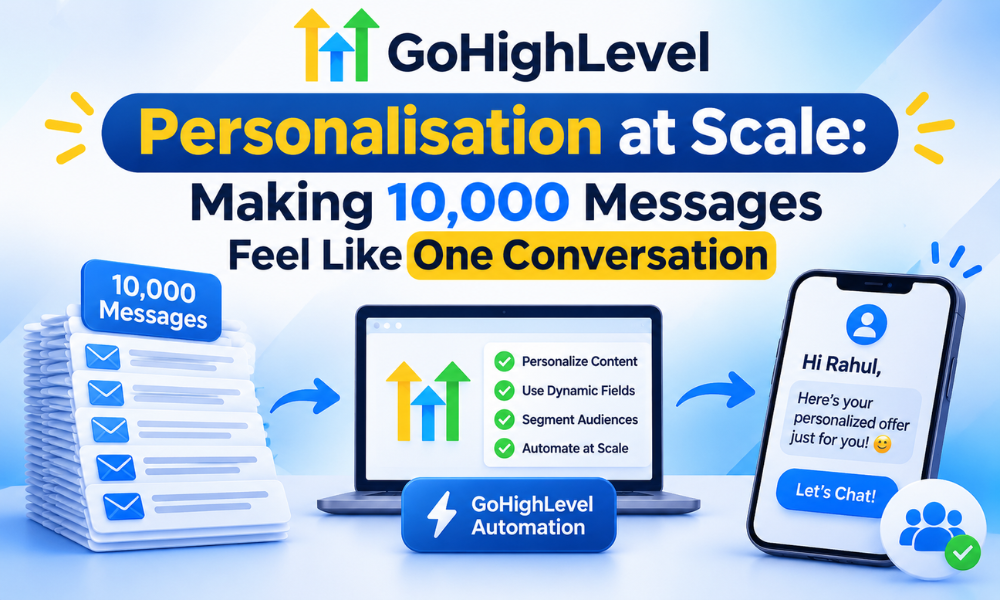
GoHighLevel Personalisation at Scale: Making 10,000 Messages Feel Like One Conversation
There is a particular kind of email everybody recognises. It opens with your first name, and then every single word after that was written for somebody else. You can feel the gear change in the second sentence. Most people delete it without deciding to.
That email was personalised. It just was not relevant. And the gap between those two words is where most GoHighLevel campaigns quietly lose their reply rate — not in the sending, not in the deliverability, but in the decision to treat a merge tag as if it were a conversation.
Doing this properly at volume is not harder than doing it badly. It is mostly a data problem wearing a copywriting costume. Get three or four facts into the right place at the right moment and the same workflow that sends a generic blast will send ten thousand messages that each read like somebody looked at the record first. Here is how that is actually built.
A merge tag is not personalisation
Open the last broadcast you sent and strip out the first name. If what remains would read identically to a cold lead and to a client who bought from you in March, you did not personalise it. You addressed it.
The distinction is not pedantic. A first name tells the reader you have a database. The second sentence tells them whether you have been paying attention. When somebody filled in a form about pricing for a dental practice and your email opens with a paragraph about generic lead generation, the name at the top makes it worse, not better — it proves you had the record open and still said nothing specific.
Real personalisation changes what the message is about. The subject line, the opening line, the proof you offer, the call to action and sometimes the entire middle section move depending on what you know. The name is the least interesting variable you have.
Build the data before you build the message
Almost every personalisation project that stalls, stalls because somebody started writing copy before anybody had decided what the system would know. The order matters. Data first, segments second, copy third.
Ask for less, and mean it
The instinct when you want more personalisation is to add more form fields. It backfires. Every extra field costs you completed forms, and most of what you collect never changes a single word you send.
The test for any field is brutal and simple: what would I say differently if I knew this? If you cannot answer in one sentence, do not ask for it. A form that asks three questions and gets answered beats a form that asks nine and gets abandoned halfway. If you are rebuilding capture pages anyway, this is the moment to do it — a GoHighLevel funnel builder should be designing the form around the fields that earn their place, not around everything the client can imagine wanting one day.
One fact, one field
The single most common mess inside a GoHighLevel account is the notes box doing the work of twelve fields. Someone types “wants pricing for 3 locations, decision in Q2, currently on HubSpot” into free text. All three of those facts are useful. None of them can trigger anything, filter anything or appear in a message, because nothing can read a sentence.
Split them. Interest, timeline, current platform. Three fields, three dropdowns where possible, each one queryable. Dropdowns beat free text every time, because “dental”, “Dental” and “dentist” are three different segments to a filter and one segment to a human. This is standard work in any serious GoHighLevel CRM setup, and it is also the thing most accounts skip.
Write the fallback before you write the message
Every dynamic element needs a version that reads naturally when the data is missing, and you should write that version first. If the fallback is awkward, the variable is wrong.
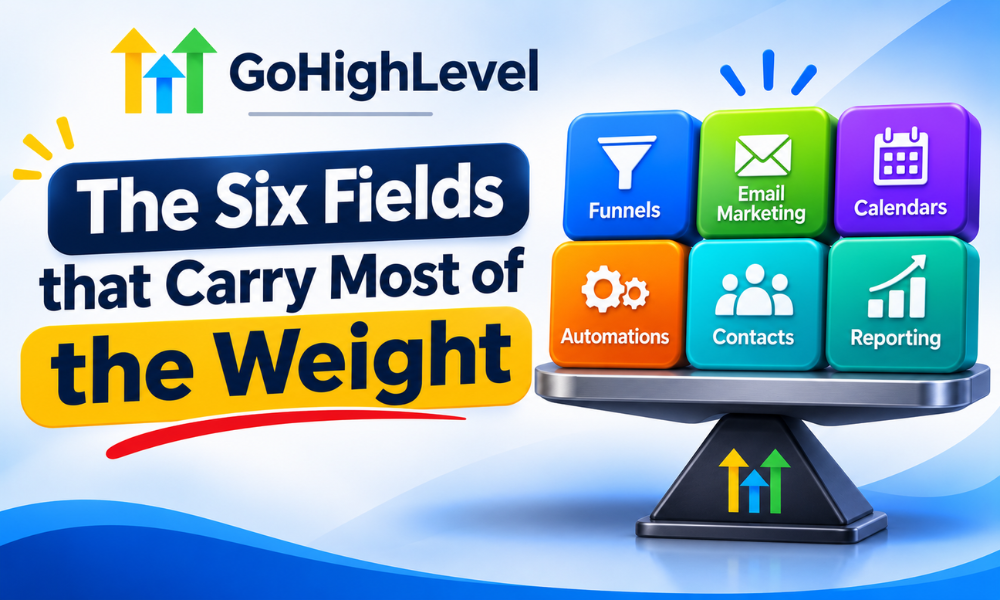
The six fields that carry most of the weight
Across most service businesses running on GoHighLevel, the same small set does the heavy lifting. You can add more later; these are the ones that earn their keep immediately.
- Source — where they came from, written at capture, never guessed later. This is the same field that makes attribution possible, which is why it belongs in your GoHighLevel conversion tracking setup as much as in your campaigns.
- Interest — the specific thing they asked about, not the category. “Pricing” is not an interest. “Pricing for multi-location” is.
- Stage — where they are in the relationship: new enquiry, in conversation, quoted, client, lapsed. One field, mutually exclusive values.
- Industry — because the proof you show a plumber and the proof you show a clinic are not the same proof.
- Size — locations, seats, headcount, whatever the unit is. It changes the offer and usually the price.
- Last meaningful action — the last thing they did that mattered: booked, attended, replied, quoted, went quiet. Stored as a date so it can trigger something.
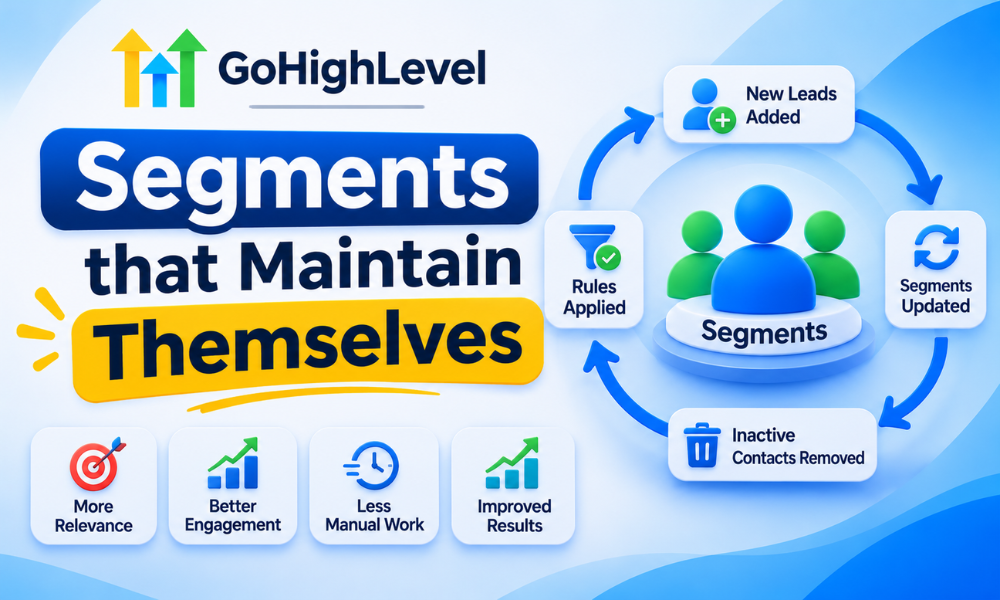
Segments that maintain themselves
A tag that somebody has to remember to apply is a tag that will be wrong within a month. This is the second place personalisation projects die: the data is fine, but the lists are stale, because membership depends on a human doing something consistently forever.
Smart lists over static tags
Build segments as saved filters over the fields, not as tags you apply by hand. “Dental, multi-location, quoted, no reply in 14 days” is a query. The moment someone replies, they leave the segment on their own. Nobody has to notice. Nobody has to tidy up.
Stage is the backbone
If you only get one field clean, make it stage. Almost every embarrassing send — the cold-lead pitch to an existing client, the “still interested?” nudge to somebody who paid you last week — traces back to a stage field that nothing updates.
Stage should be written by automation at the moments it changes: form submitted, call booked, quote sent, payment received, no contact in ninety days. If a human has to remember to move it, it will be wrong, and the campaign that reads from it will be wrong with great confidence. Wiring those transitions reliably is the bread and butter of a GoHighLevel automation specialist.
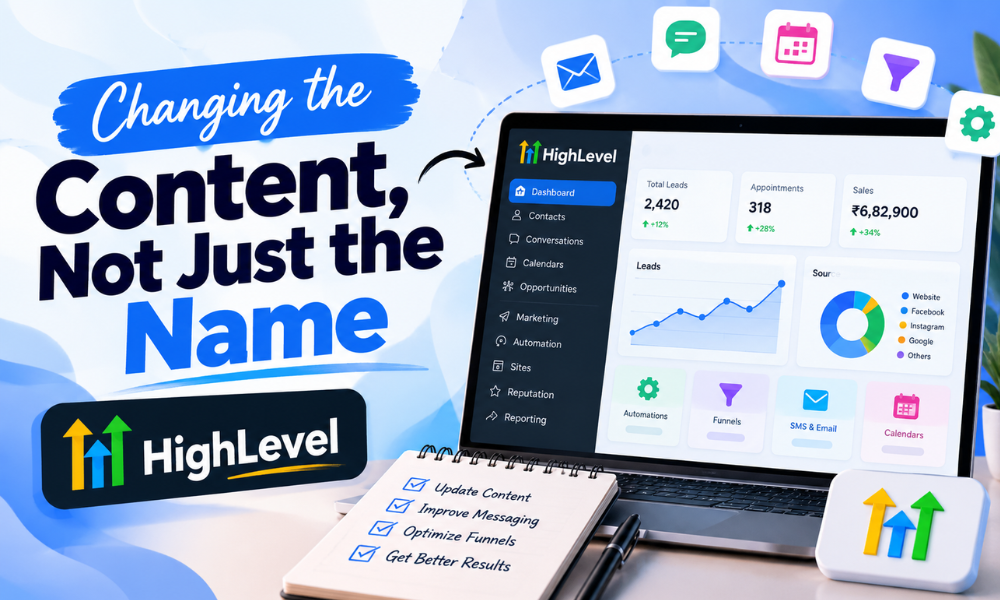
Changing the content, not just the name
Now the copy. The principle: swap blocks, not words. Sprinkling three merge tags through a paragraph written for everybody produces a paragraph written for everybody with three merge tags in it.
Write one message per segment, then find the shared middle
Counterintuitively, the fastest route is to write four complete messages for your four biggest segments, properly, as if each were the only one. Then look at what is identical across all four. That shared part becomes the template. The parts that differ become the conditional blocks.
SMS plays by different rules
In email you can afford a dynamic paragraph. In SMS you have one sentence before the reader decides, and a merge tag that misfires is far more visible. Personalise SMS through which message gets sent rather than through variables inside one message. Three short, hand-written variants aimed at three segments will outperform one clever templated message every time.
Timing is part of the message
The most under-used personalisation variable is not in the copy at all. Sending relative to the contact’s own action — two hours after they downloaded, the morning after they missed the call — makes a generic message feel attentive. Sending everyone at 9am on Tuesday makes a personalised message feel like a batch job, because it arrives next to forty others.
What this looks like with real numbers
A worked example from a recent build, with the shape intact and the client anonymised. An agency with roughly 4,800 contacts was sending one weekly email to the whole list. Open rate sat around 19%, replies were a handful a week, and unsubscribes ran at about 3% per send — which was quietly costing them the list.
We did not write better copy first. We spent the first fortnight on data: six fields defined, capture forms rebuilt to write source and interest on submit, stage automated at four transition points, and about 1,900 contacts back-filled from existing records where the information already existed in old notes.
Then four segments, four versions of the message, same send schedule. The result after six weeks was not dramatic in any single metric and was dramatic in combination: open rate moved to the high twenties, replies went from roughly four a week to between fifteen and twenty, and unsubscribes dropped under 1%. Nothing about the offer changed. The list simply stopped receiving mail that was obviously not for them.
The audit that keeps it clean
Custom fields rot. Someone adds “Industry2” because they could not find “Industry”. A contractor creates four fields for a campaign that ran once in 2024. Within a year nobody can tell which field is authoritative, and personalisation starts reading from whichever one happens to be populated.
Run the checklist above quarterly. It takes under an hour once the account is tidy, and it is the difference between a system that still works in eighteen months and one that silently degrades until somebody notices an email addressed to “Hi ,”. If you have just completed a GoHighLevel migration, run it immediately — imported data is where duplicate fields breed fastest, because two systems rarely name the same thing the same way.
How to tell whether it is working
Measure per segment or do not bother. A blended reply rate across four segments tells you nothing useful: it hides the segment that is working brilliantly behind the one that is dead, and it averages them into a number that describes no actual group of people.
- Reply rate by segment — the honest measure of relevance. Opens measure subject lines and inbox placement; replies measure whether the message was for them.
- Unsubscribe rate by segment — a spike in one segment is a copy problem in that segment, not a list problem.
- Field completeness — what percentage of contacts have each of the six fields populated. Below about 70% on a field, any segment built on it is a guess.
- Time from capture to first relevant message — if a lead waits four hours for a message that could have gone in four minutes, relevance is not your bottleneck.
All four of these want to live on one screen you actually look at, which is a reporting problem rather than a campaign problem — covered properly in our piece on GHL reporting and analytics.
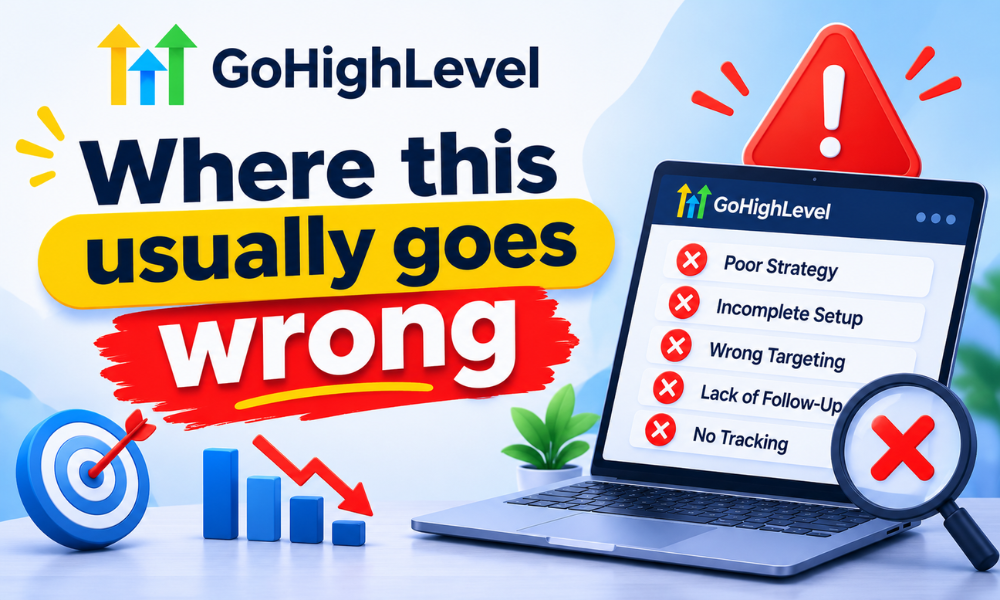
Where this usually goes wrong
Three failure patterns account for most of it, and all three are predictable enough to design around.
Over-segmentation. Eleven segments of forty people each means eleven messages to write every week and no segment large enough to tell you anything statistically. Four segments you maintain beats eleven you abandon in March. Start with three.
Personalising facts the reader did not give you. Referencing something they never told you — pulled from enrichment, inferred from a domain, scraped from somewhere — reads as surveillance rather than attentiveness. Stick to what they handed you directly.
Nobody owning the fields. The build finishes, the contractor leaves, and six months later three people have added fields with overlapping meanings. Someone needs to own the schema. For most agencies that is a trained GoHighLevel virtual assistant doing a weekly pass, which costs very little and prevents the slow rot entirely.
Frequently asked questions
How many custom fields is too many?
The limit is not technical, it is human. If nobody on the team can name what every field is for, you have too many. Most accounts function better on eight to twelve well-defined fields than on sixty where four are trusted. Delete anything no workflow, filter or message currently reads.
Can I personalise contacts I imported with almost no data?
Partly, and the honest answer is that you should spend the effort elsewhere first. Build a short re-engagement sequence whose job is to collect one or two facts — a single-question email, a preference link — and personalise properly from the point they answer. Guessing at the missing data produces worse results than a clean generic message.
Does personalisation hurt deliverability?
The opposite, usually. Deliverability follows engagement, and relevant mail gets opened and replied to while irrelevant mail gets ignored or marked as spam. The one real risk is heavily templated content with identical structure across thousands of sends, which some filters do notice — varying the actual content helps rather than hurts.
Should the data live in GoHighLevel or in another system?
Whatever sends the message needs the field. If the segmentation data sits in a warehouse or a separate database and GoHighLevel only sees a name and an email, your personalisation ceiling is set by what syncs across, not by what you know. Either sync the fields that drive messaging, or accept the ceiling. A GoHighLevel developer can usually build that sync in days rather than weeks, and it is almost always cheaper than the workarounds people invent to avoid it.
How long before this shows up in the numbers?
Expect two to three weeks of data work before you send anything different, then four to six weeks of sending before the trend is trustworthy. Anyone promising a result in the first fortnight is measuring noise. The data phase feels slow precisely because it is the part that makes everything after it fast.
Starting without rebuilding everything
You do not need the full system to get most of the benefit. Pick your three largest groups of contacts. Define the two or three fields that distinguish them. Fix capture so those fields get written automatically from now on, back-fill what you can, and write three real messages instead of one template. That is a week of work and it will outperform a quarter of copywriting on top of a list nobody has sorted.
If you would rather have the plumbing built properly the first time, that is the work we do every day. Talk to a GoHighLevel expert and we will look at your fields, your capture forms and your current sends, and tell you honestly whether the problem is your copy or your data. It is almost always the data.